
🌐 Introduction to Computer Hardware


Computer hardware refers to the physical components of a computer system—the parts you can see and touch. These components work together to process data, execute instructions, and produce output.
At a high level, hardware includes:
- Processing devices (CPU)
- Memory and storage
- Input and output devices
- Communication components
Hardware is the foundation upon which software operates.
🧠 Importance of Computer Hardware
- Enables data processing and computation
- Provides storage for programs and data
- Facilitates interaction with users
- Supports networking and communication
- Determines system performance and capability
🧩 Major Components of Computer Hardware
⚙️ 1. Central Processing Unit (CPU)


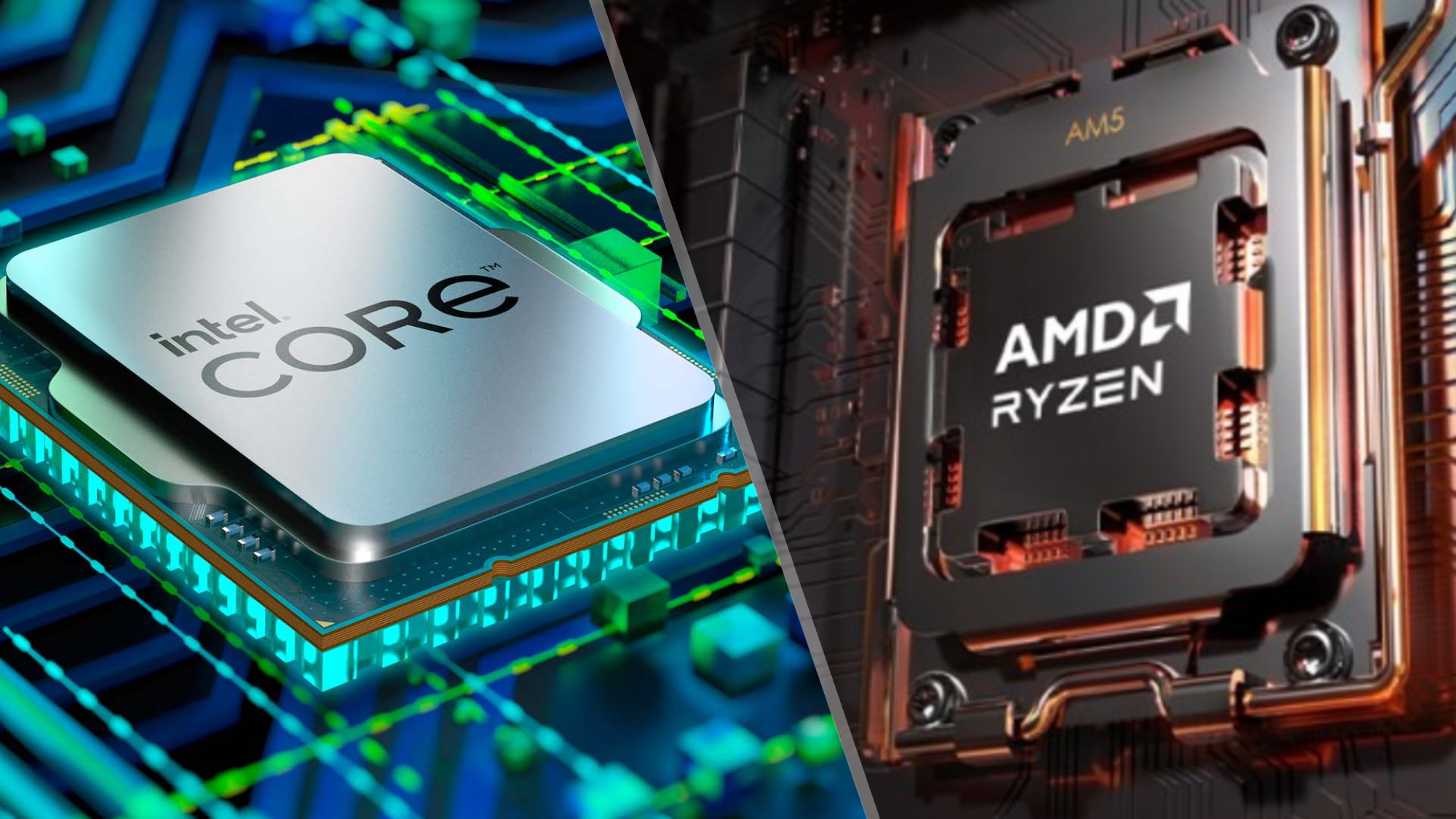
The CPU (Central Processing Unit) is the brain of the computer. It executes instructions and controls all operations.
Key Parts:
🔹 Arithmetic Logic Unit (ALU)
- Performs arithmetic and logical operations
🔹 Control Unit (CU)
- Directs data flow
- Manages instruction execution
🔹 Registers
- Small, high-speed storage locations
⚡ CPU Performance Factors
- Clock speed (GHz)
- Number of cores
- Cache size
- Architecture
🧠 Multi-Core Processors
Modern CPUs have multiple cores to improve multitasking and parallel processing.
🧮 2. Memory (Primary Memory)


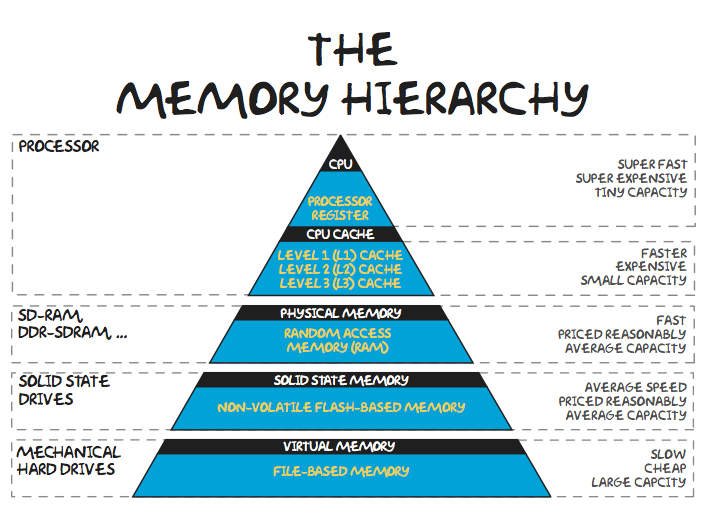

Memory stores data temporarily or permanently.
Types:
🔹 RAM (Random Access Memory)
- Volatile
- Temporary storage
🔹 ROM (Read Only Memory)
- Non-volatile
- Stores firmware
🔹 Cache Memory
- High-speed memory close to CPU
🧠 Memory Hierarchy
- Registers
- Cache
- RAM
- Secondary storage
💾 3. Storage Devices (Secondary Memory)


Storage devices store data permanently.
Types:
🔹 Hard Disk Drive (HDD)
- Magnetic storage
- Large capacity
🔹 Solid State Drive (SSD)
- Faster, no moving parts
🔹 Optical Storage
- CDs, DVDs
⚡ Storage Comparison
| Feature | HDD | SSD |
|---|---|---|
| Speed | Slow | Fast |
| Durability | Low | High |
| Cost | Cheap | Expensive |
🧩 4. Motherboard


The motherboard is the main circuit board connecting all components.
Features:
- CPU socket
- RAM slots
- Expansion slots
- Chipset
🔌 5. Power Supply Unit (PSU)


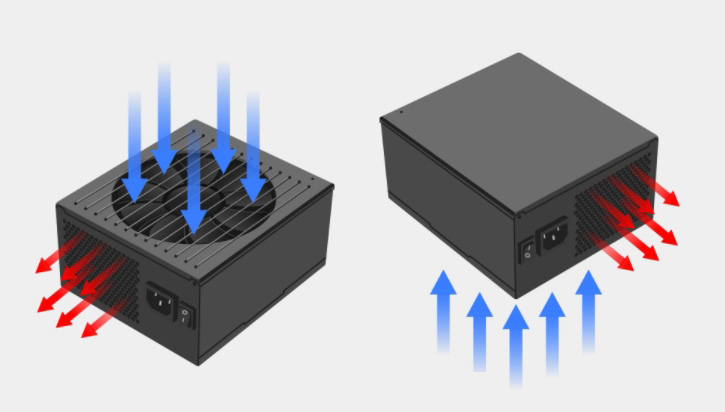

- Converts AC to DC
- Supplies power to components
🎮 6. Graphics Processing Unit (GPU)


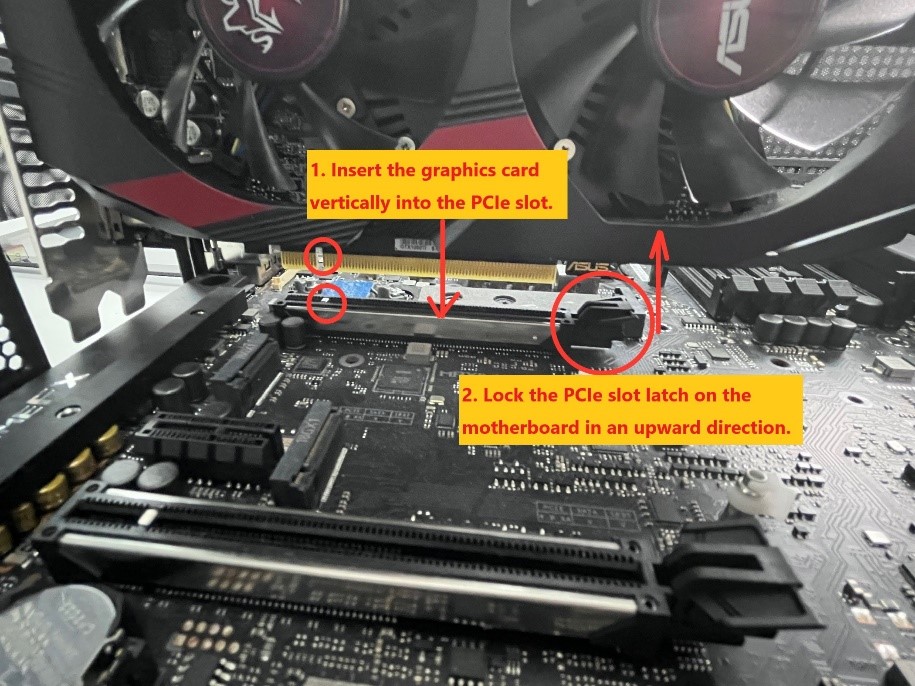

- Handles graphics rendering
- Essential for gaming, AI, video editing
🧠 Types:
- Integrated GPU
- Dedicated GPU
🔊 7. Sound Card
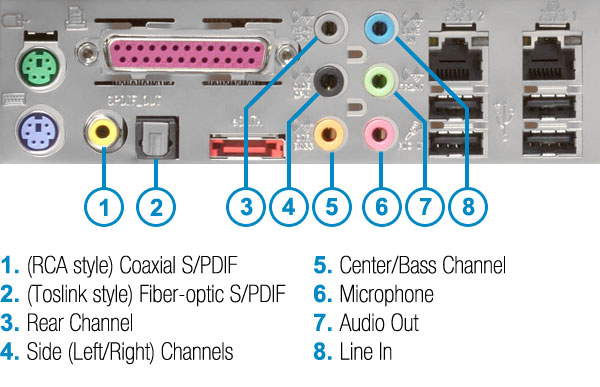

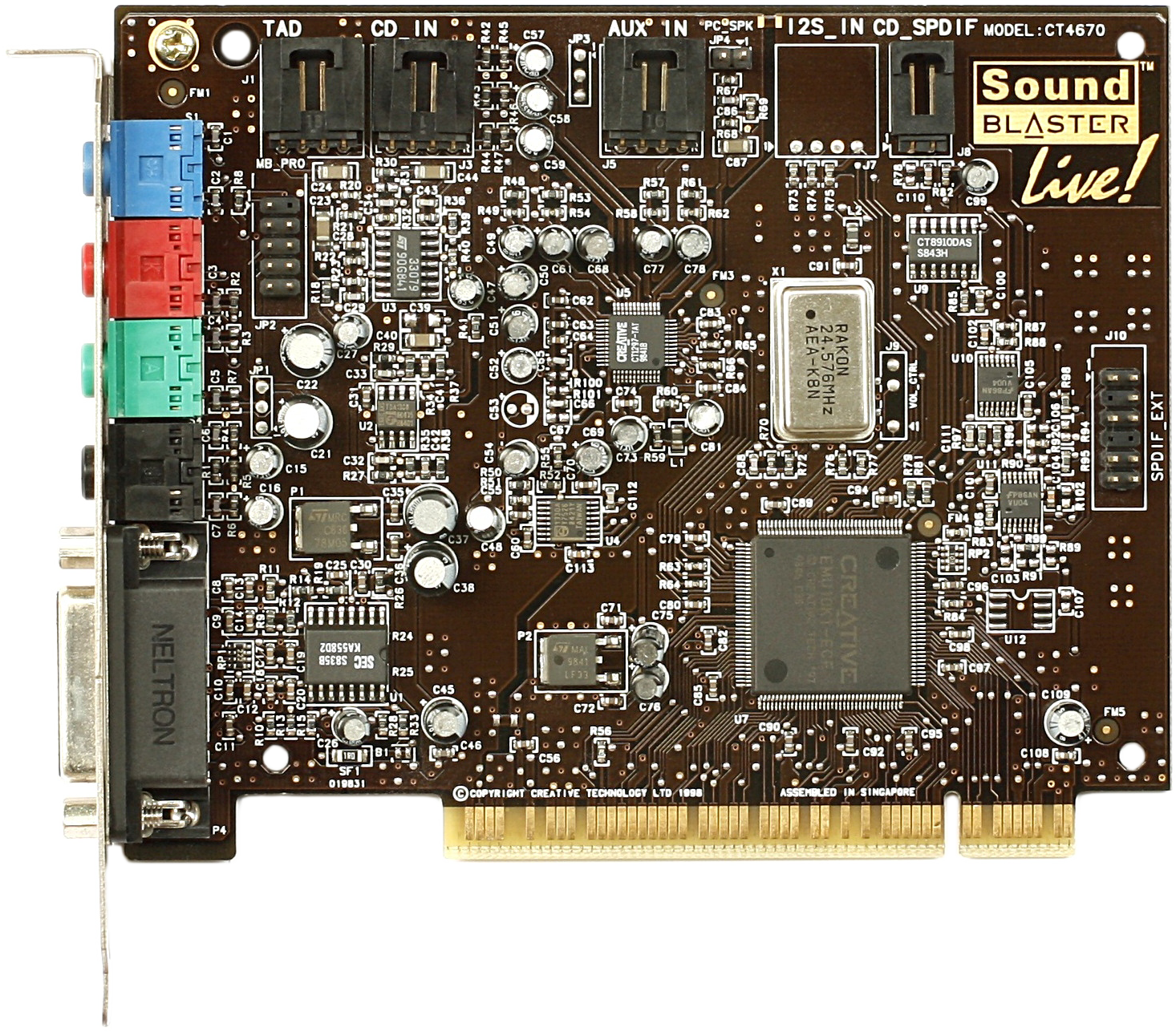
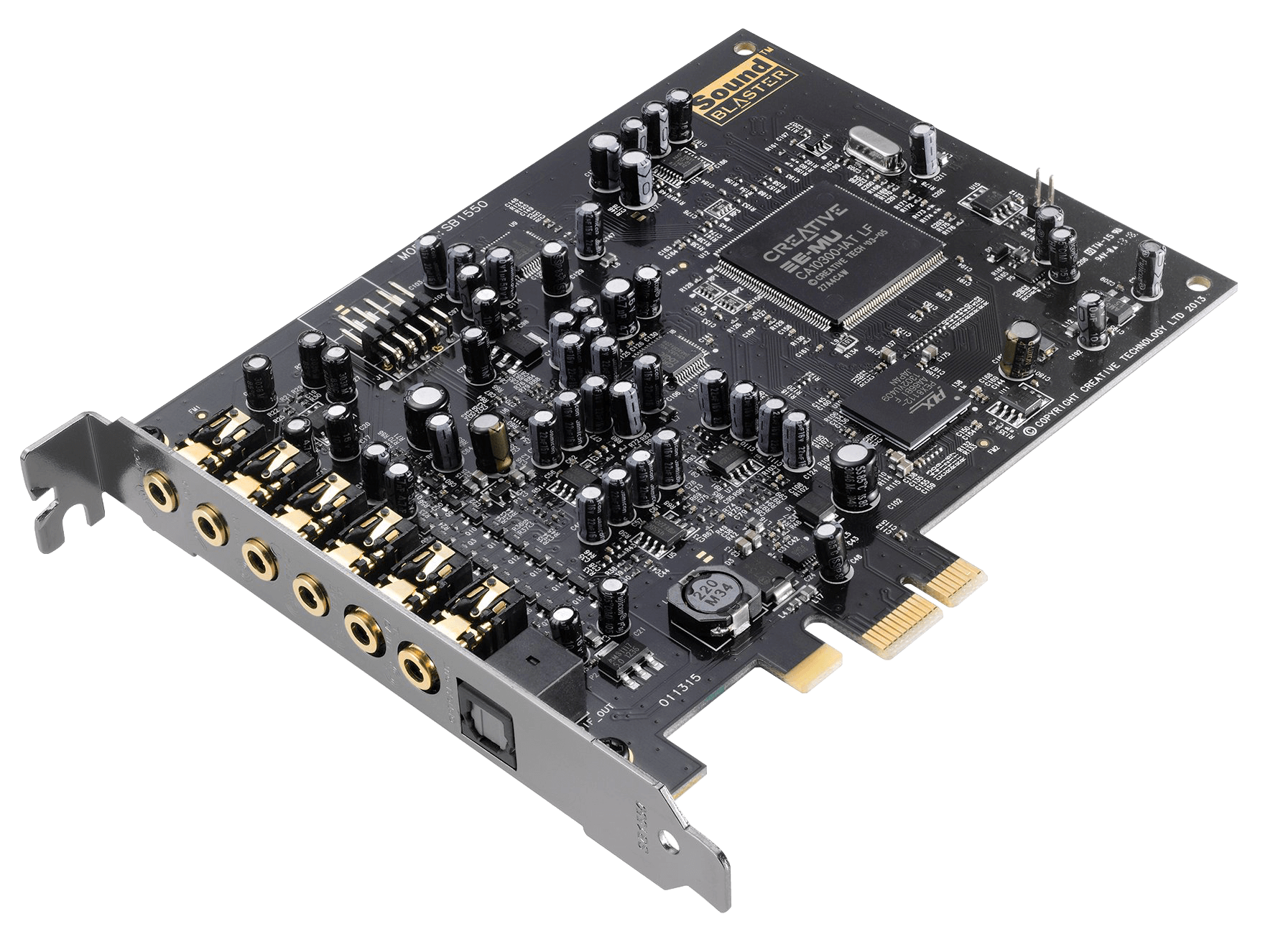
- Processes audio signals
- Enables sound input/output
🌐 8. Network Interface Card (NIC)
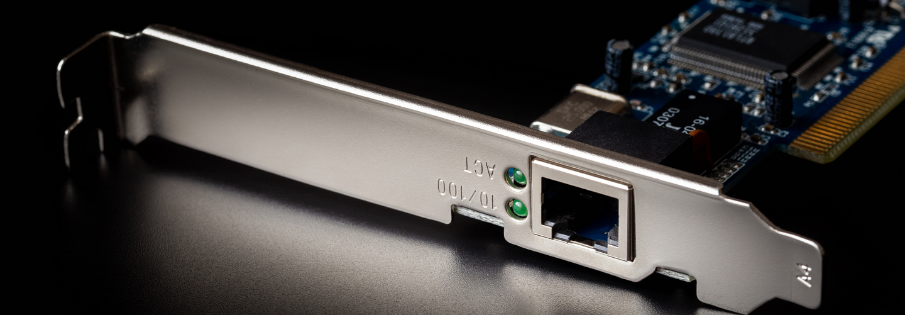


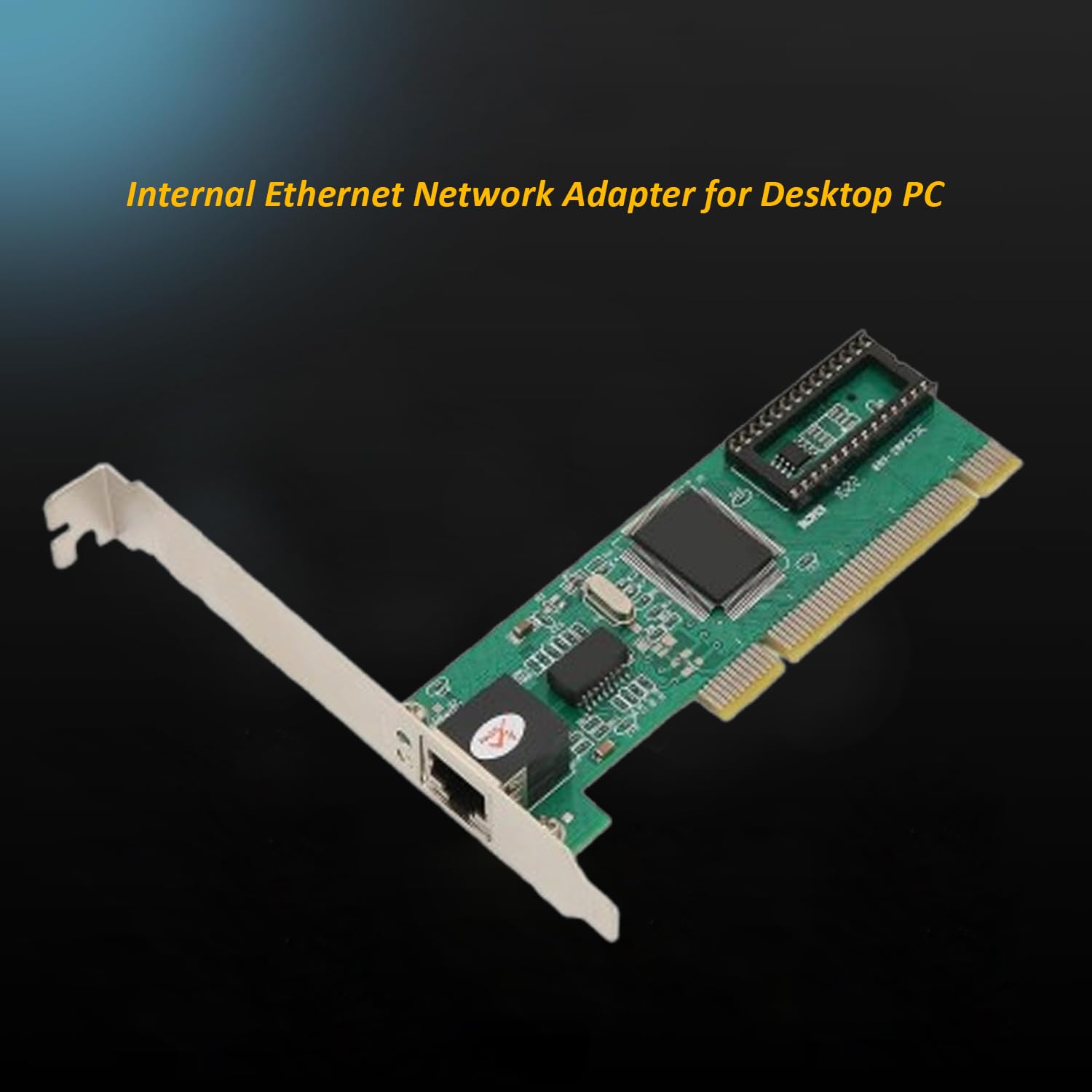
- Connects computer to networks
- Supports wired and wireless communication
⌨️ Input Devices


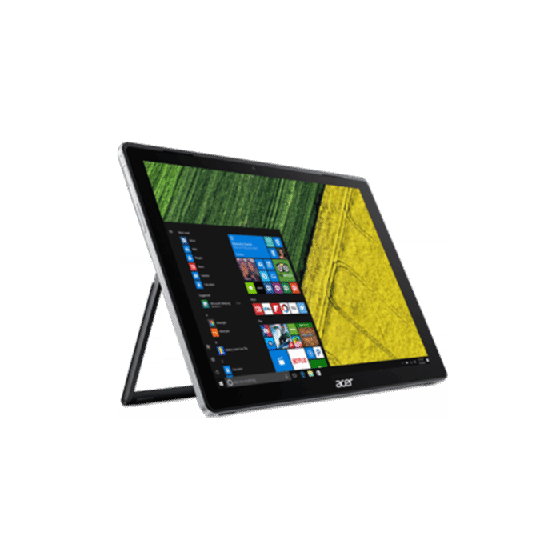

Examples:
- Keyboard
- Mouse
- Scanner
- Microphone
🖥️ Output Devices


Examples:
- Monitor
- Printer
- Speakers
🔌 Ports and Connectivity


Common ports:
- USB
- HDMI
- Ethernet
- Audio jack
🧠 Cooling Systems


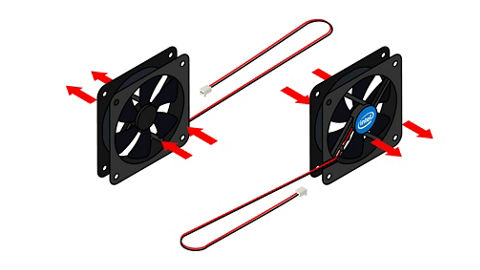

- Prevent overheating
- Types:
- Air cooling
- Liquid cooling
🧩 Expansion Cards
- Graphics cards
- Sound cards
- Network cards
Installed via PCI slots.
🔄 Hardware Interaction
🔁 Data Flow
- Input →
- Processing (CPU) →
- Output
🔗 Bus System
- Data bus
- Address bus
- Control bus
⚙️ Hardware Categories
🧱 Internal Hardware
- CPU
- RAM
- Motherboard
🔌 External Hardware
- Keyboard
- Monitor
- Printer
🧠 Firmware
- Software embedded in hardware
- Example: BIOS/UEFI
⚡ Performance Factors
- CPU speed
- RAM size
- Storage type
- GPU capability
🔐 Hardware Security
- TPM chips
- Biometric devices
- Secure boot
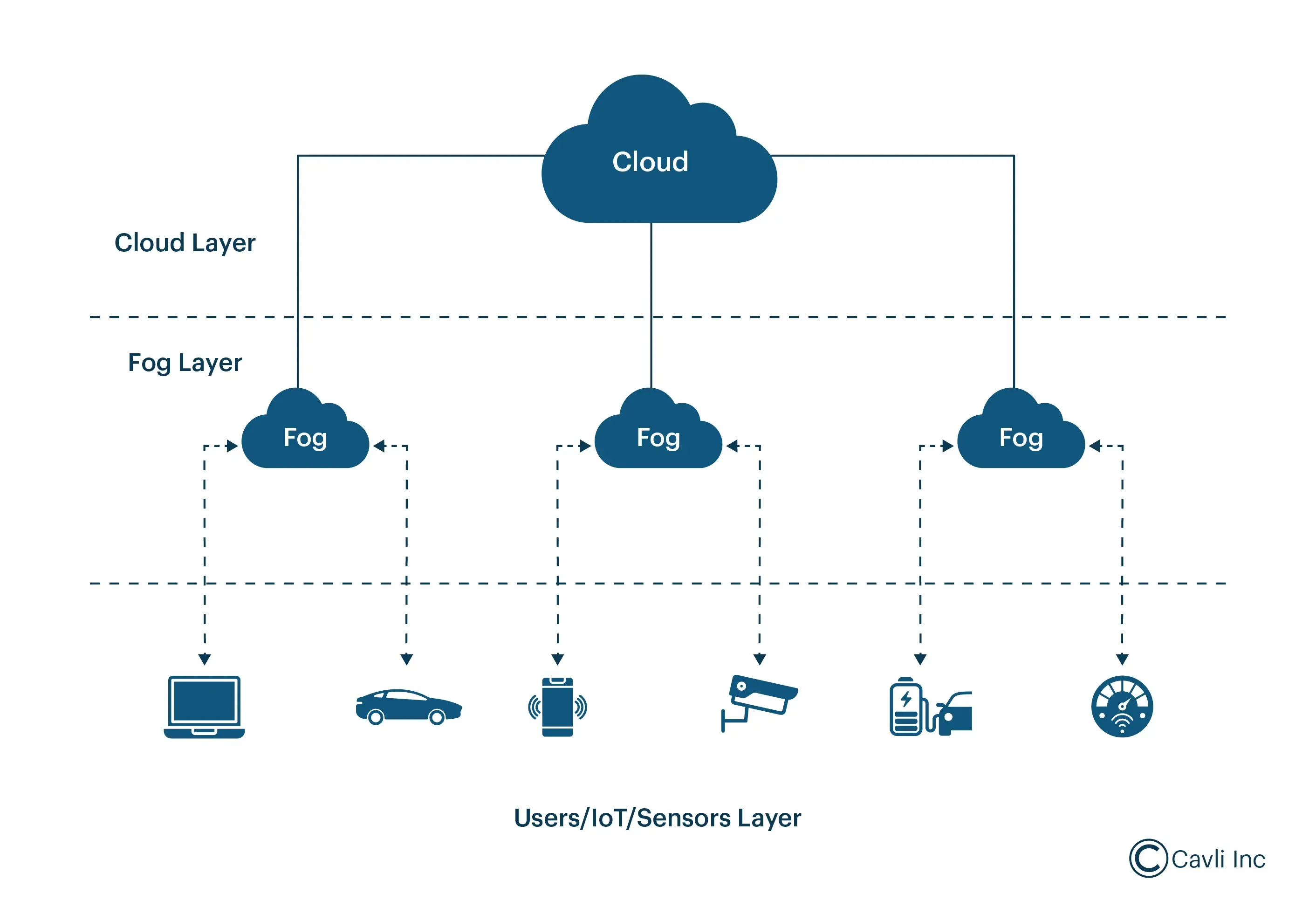
🧩 Emerging Hardware Technologies


- Quantum computing hardware
- AI accelerators (NPUs)
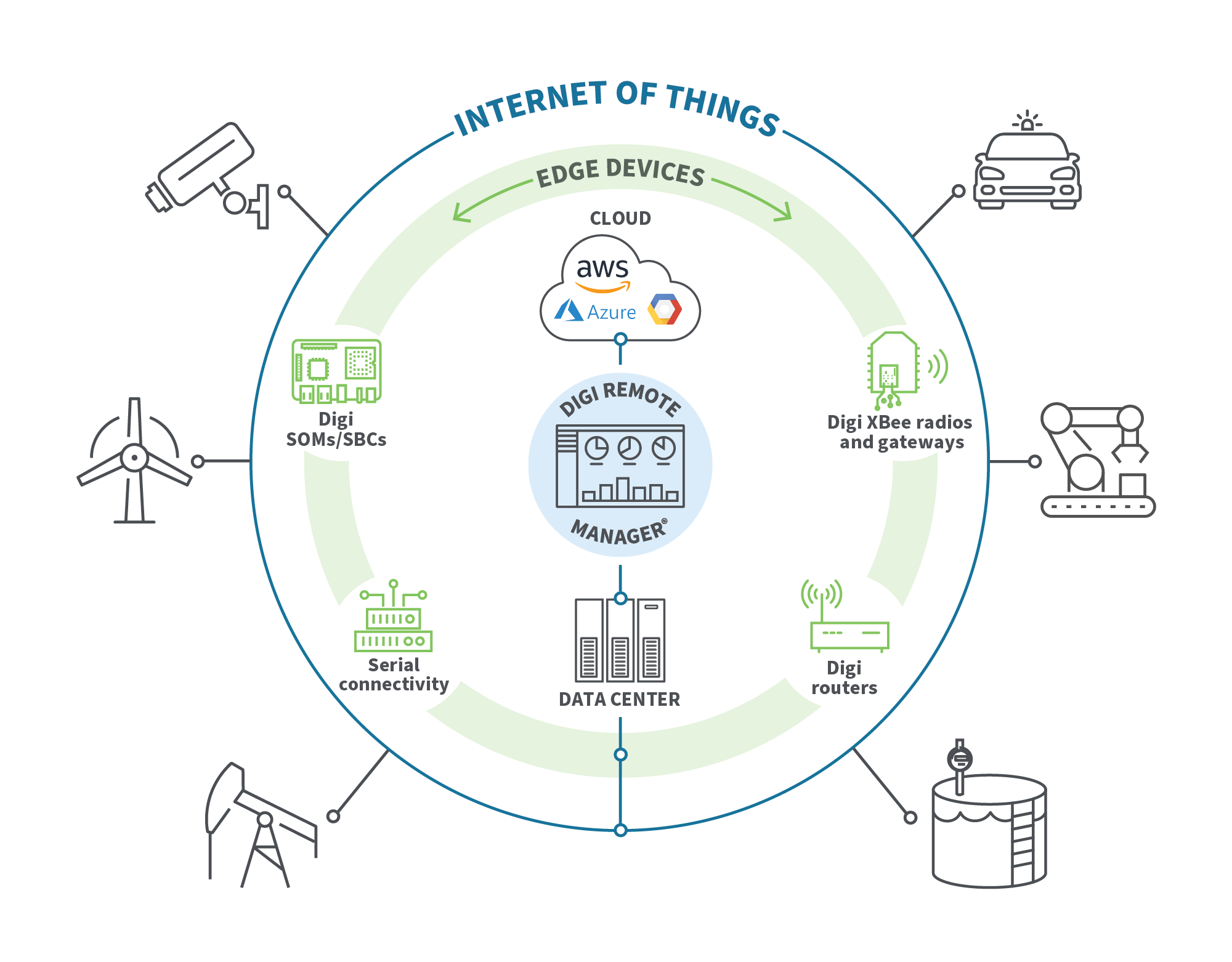
- Edge devices
- Wearables
⚡ Advantages of Computer Hardware
- High-speed processing
- Reliability
- Scalability
- Automation
⚠️ Limitations
- Cost
- Power consumption
- Heat generation
- Obsolescence
🧠 Conclusion
Computer hardware forms the physical backbone of computing systems. Understanding hardware basics helps in:
- Building computers
- Troubleshooting issues
- Optimizing performance
- Learning advanced computing concepts
Hardware continues to evolve rapidly, enabling powerful technologies like AI, cloud computing, and quantum systems.