
🌐 Introduction to Command Line Interfaces

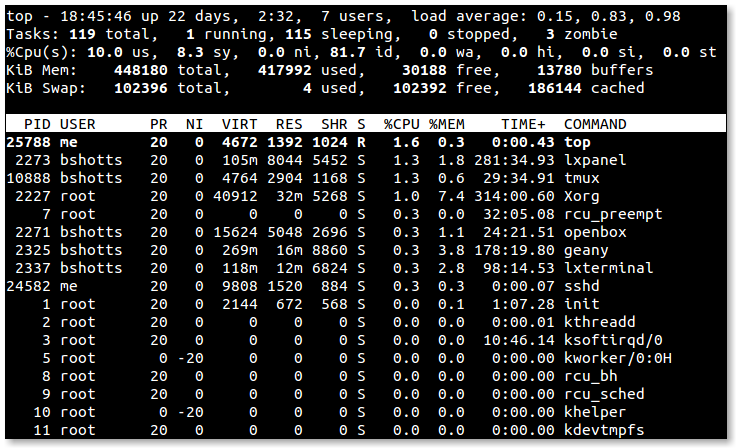
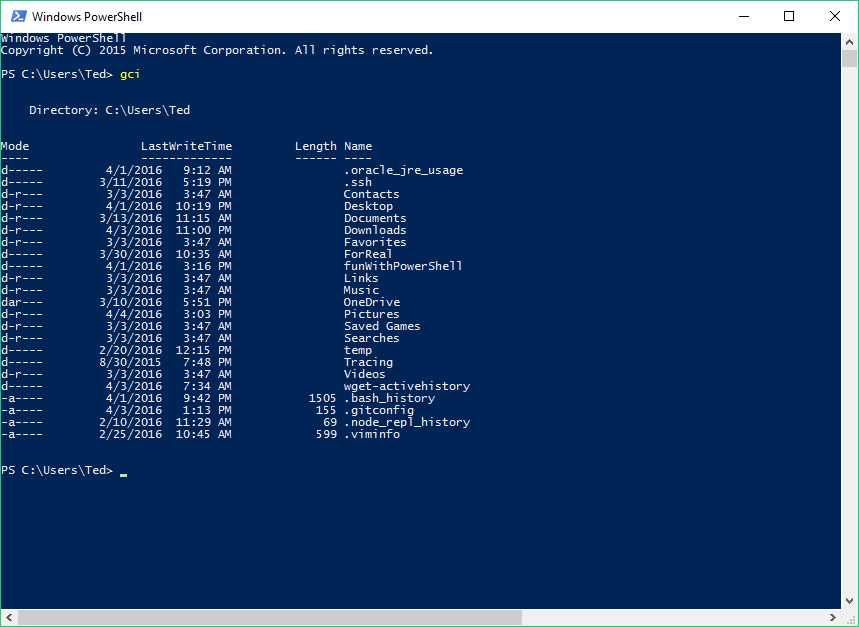
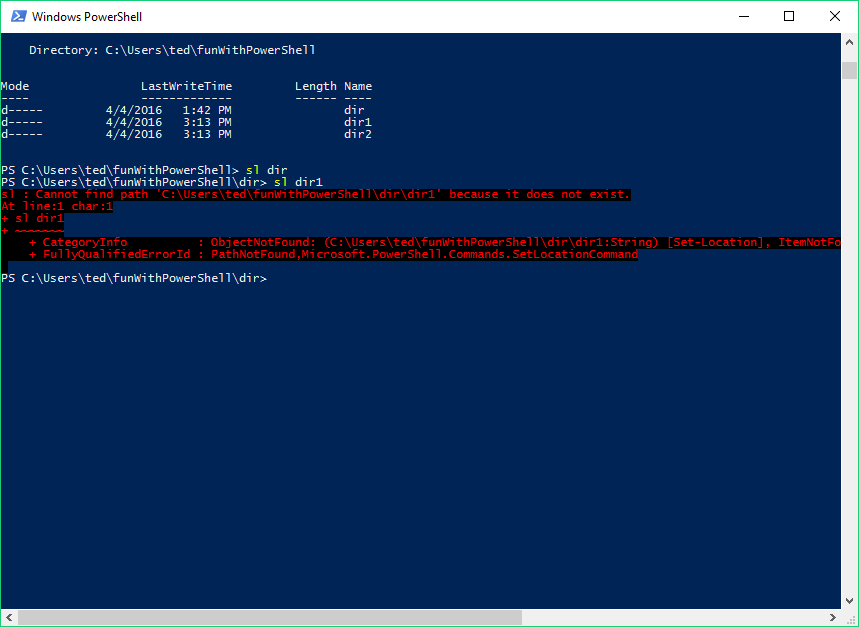
A Command Line Interface (CLI) is a text-based interface that allows users to interact with a computer system by typing commands instead of using graphical elements like buttons or icons.
In simple terms:
CLI = controlling the computer using typed commands
It is widely used in:
- Operating systems (Windows, Linux, macOS)
- Programming and development
- System administration
- Networking and cybersecurity
🧠 Importance of CLI
- Faster execution of tasks
- Greater control over system
- Automation via scripts
- Essential for developers and administrators
- Works efficiently on low-resource systems
🧩 Basic Concepts of CLI
🔤 What is a Command?
A command is an instruction given to the system.
Example:
ls
📁 What is a Shell?

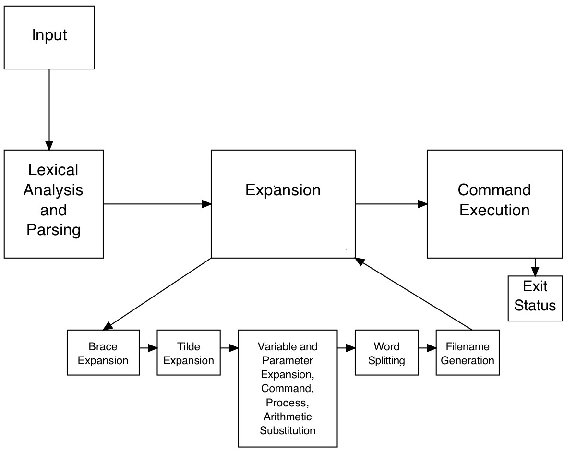
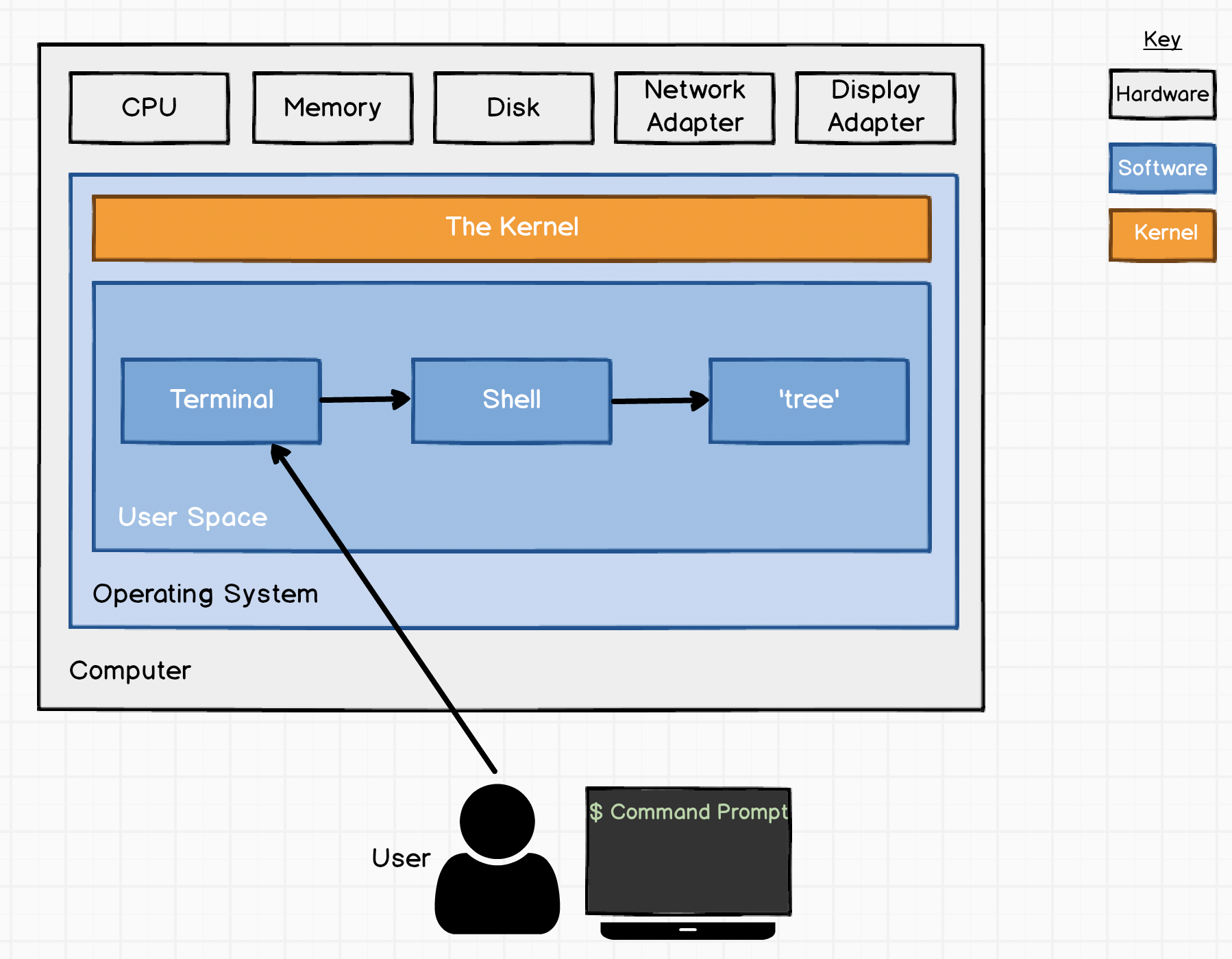
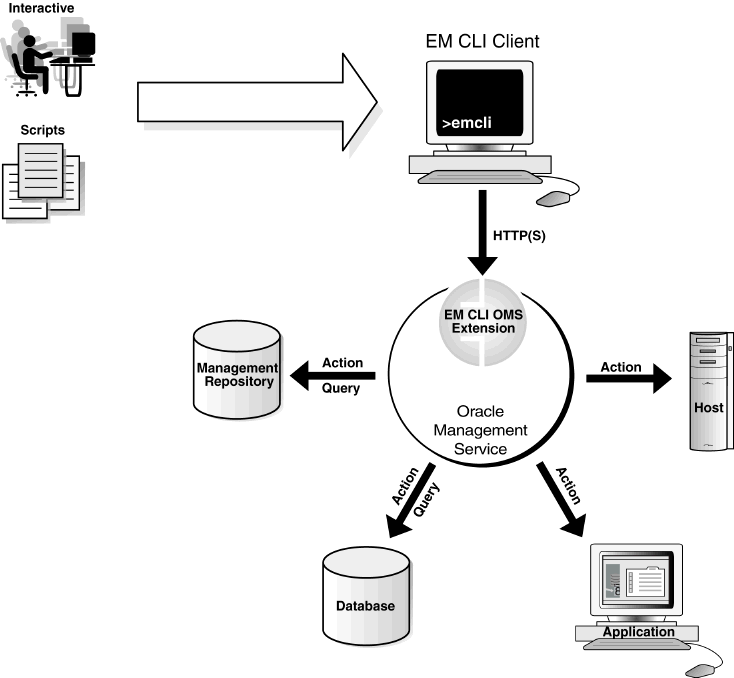
A shell is a program that interprets user commands and communicates with the operating system.
Types of Shells:
- Bash (Linux/macOS)
- PowerShell (Windows)
- Zsh
⚙️ CLI Structure
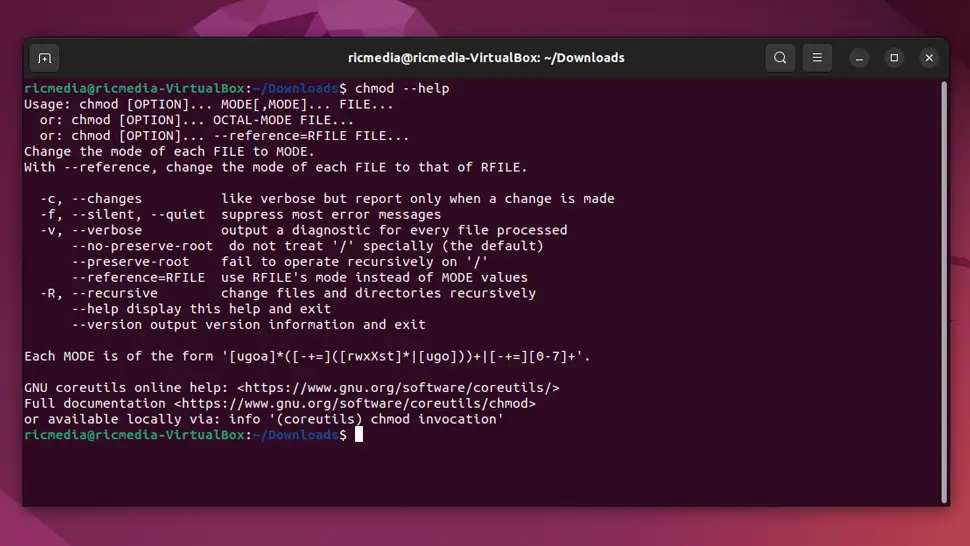
command [options] [arguments]
Example:
ls -l /home
🖥️ CLI in Different Operating Systems
🪟 Windows CLI


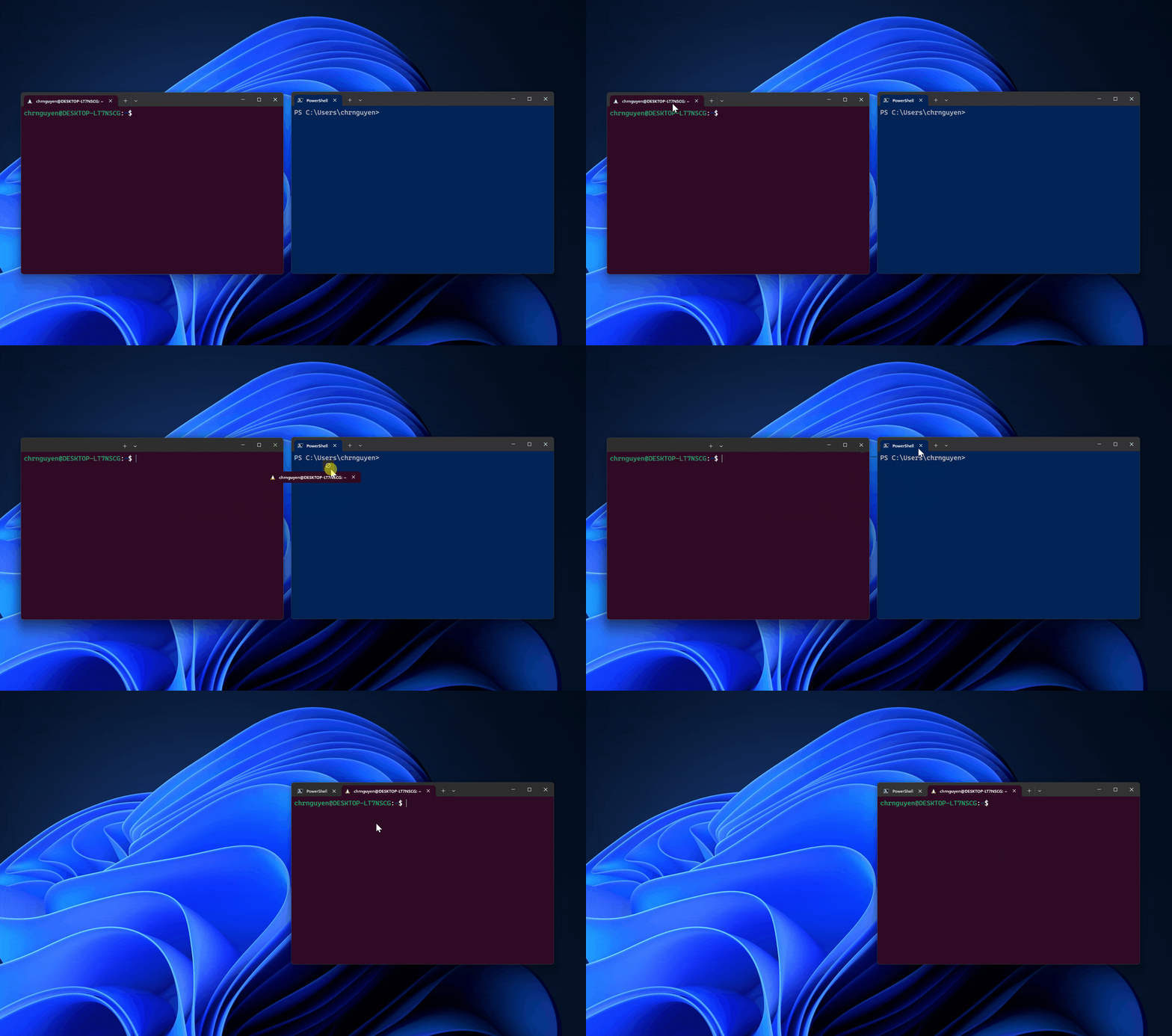
Tools:
- Command Prompt (CMD)
- PowerShell
Common Commands:
dir→ list filescd→ change directorycopy→ copy files
🐧 Linux CLI

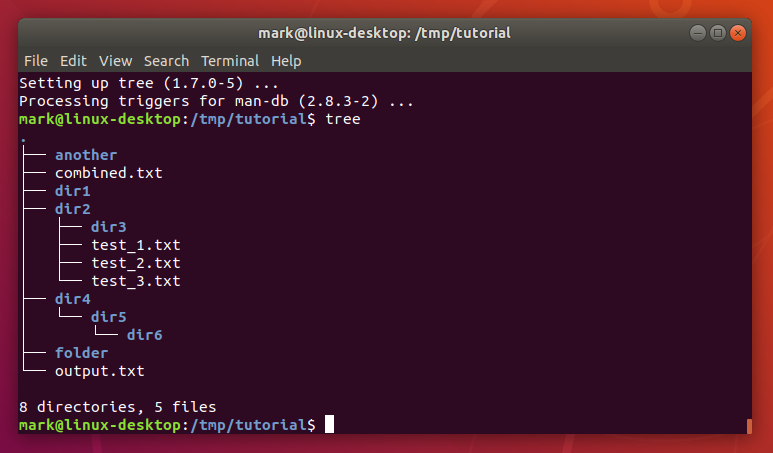
Features:
- Powerful and flexible
- Used by developers and admins
Common Commands:
ls→ list filespwd→ show directorymkdir→ create folder
🍎 macOS CLI
- Based on Unix
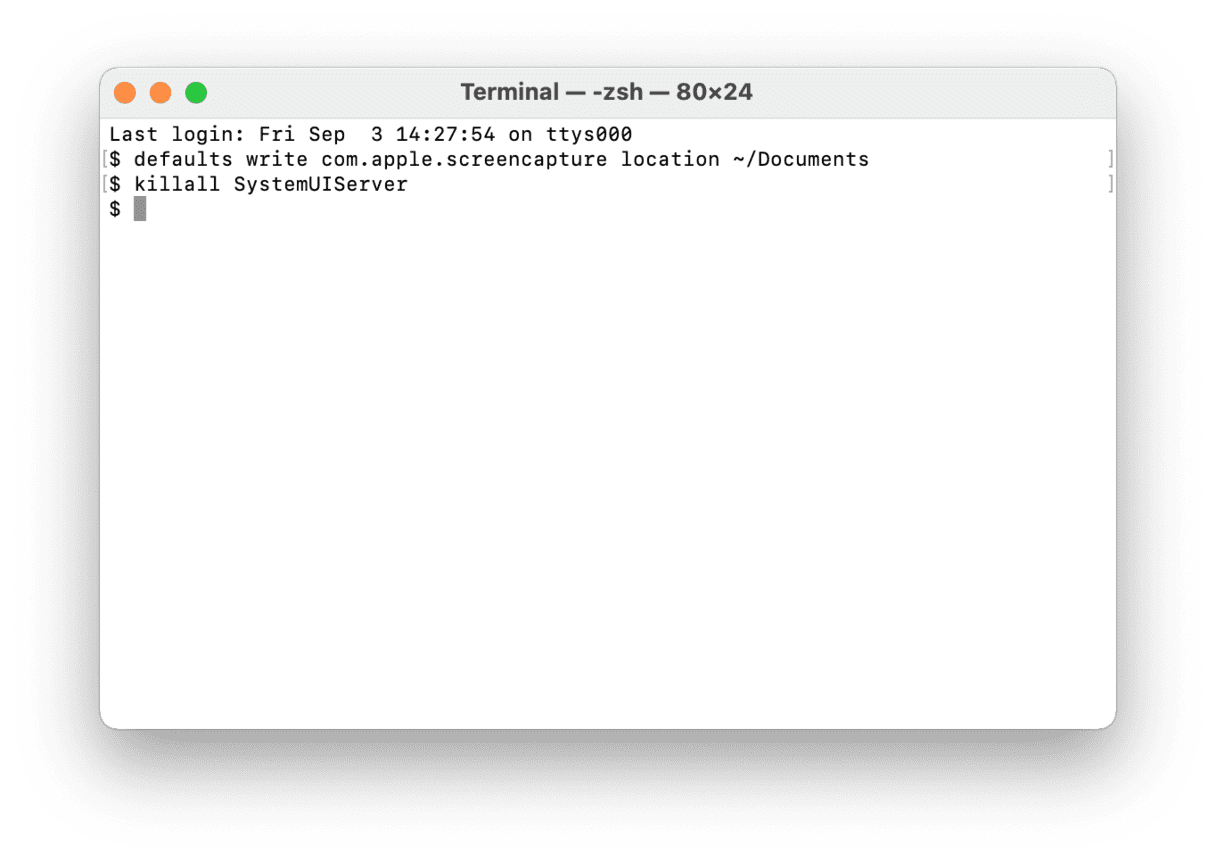
- Uses Bash/Zsh
📂 File and Directory Commands
📁 Navigation
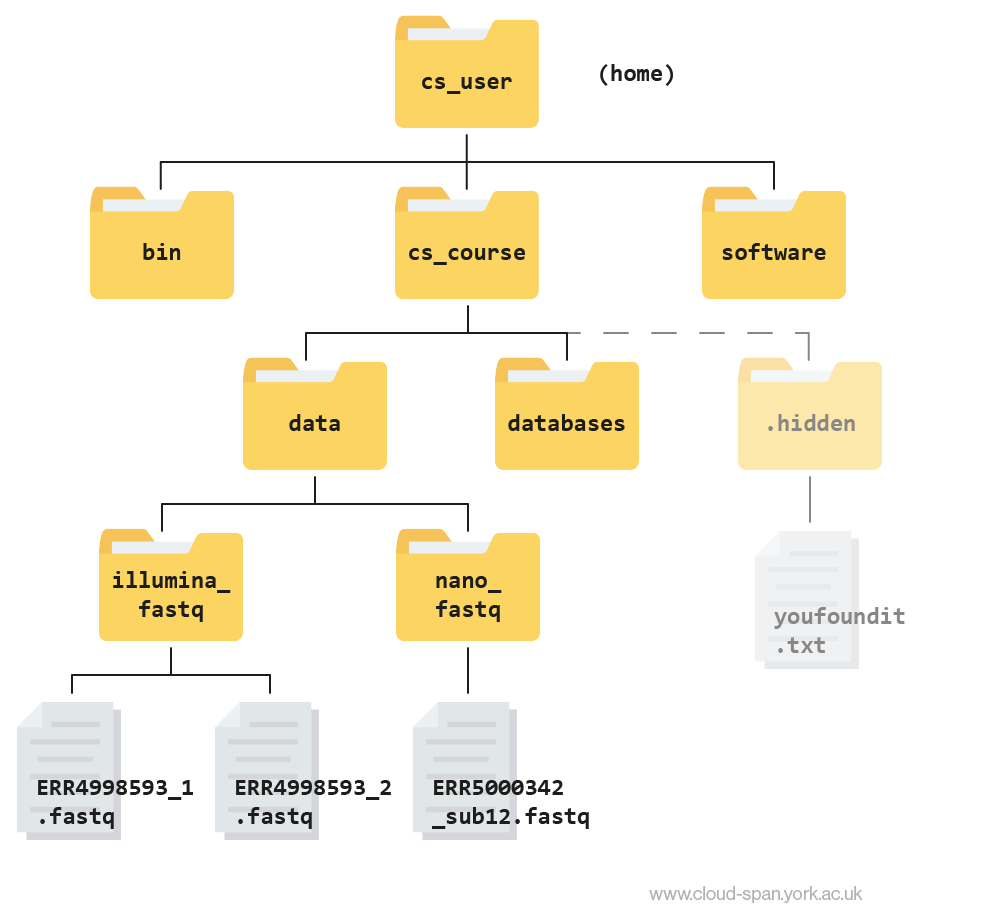
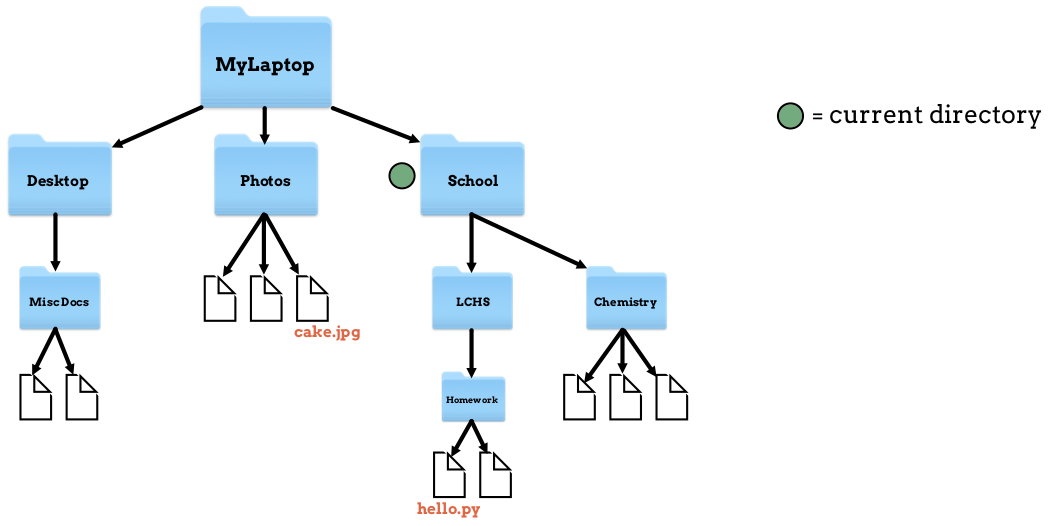
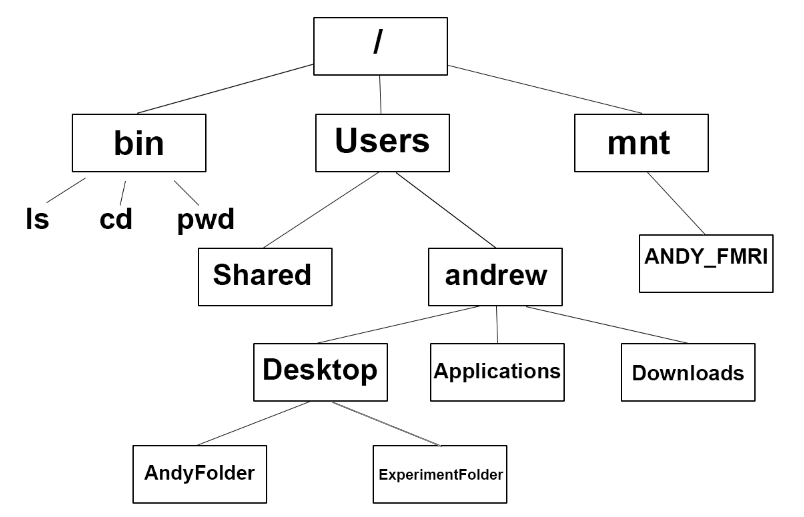
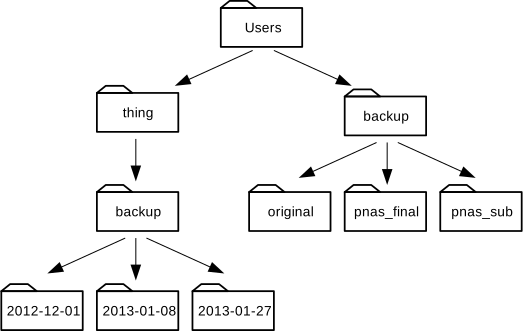
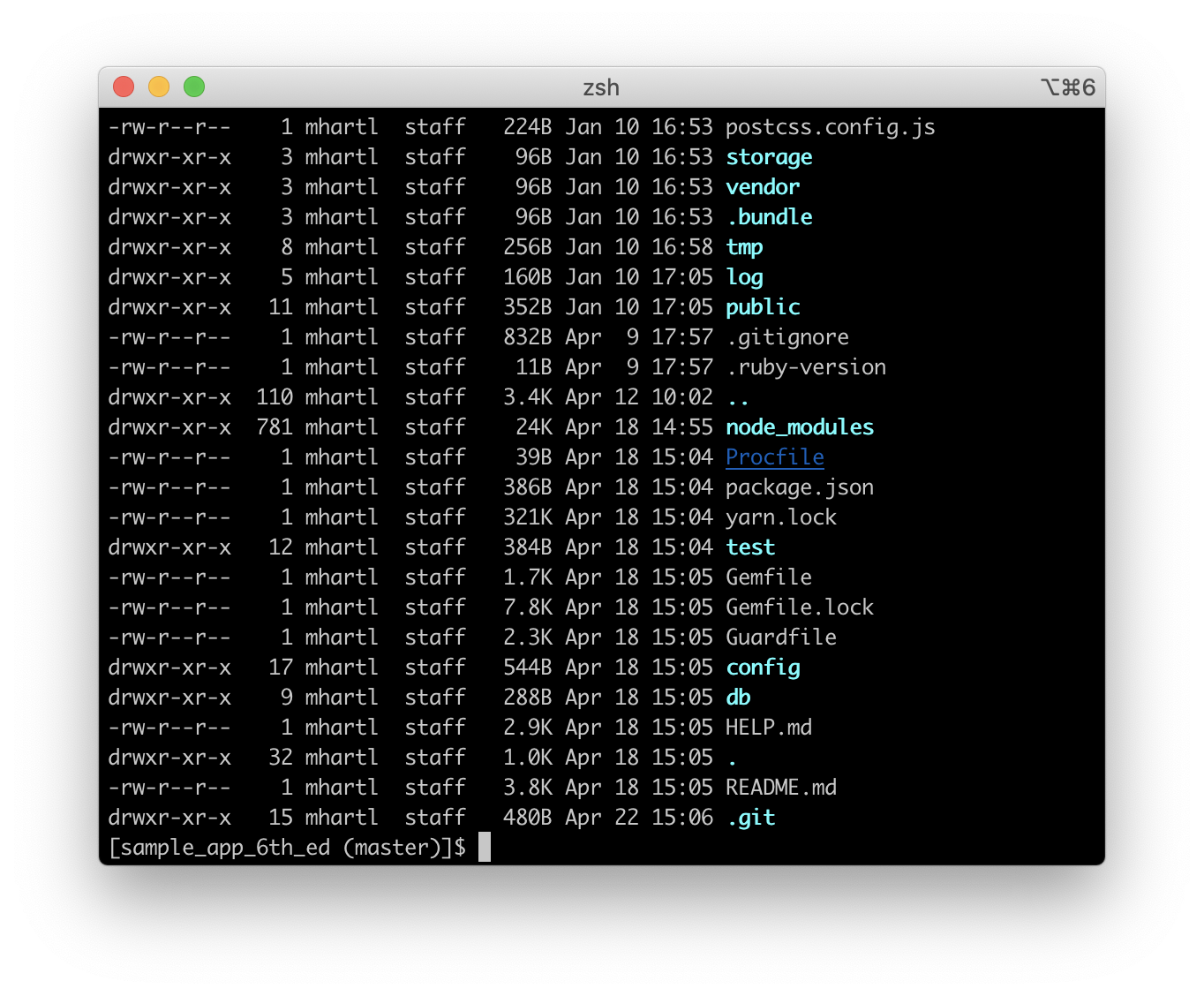
cd→ change directorypwd→ print working directoryls→ list contents
📄 File Management
cp→ copymv→ moverm→ delete
🧠 Advanced CLI Concepts
🔁 Pipes and Redirection
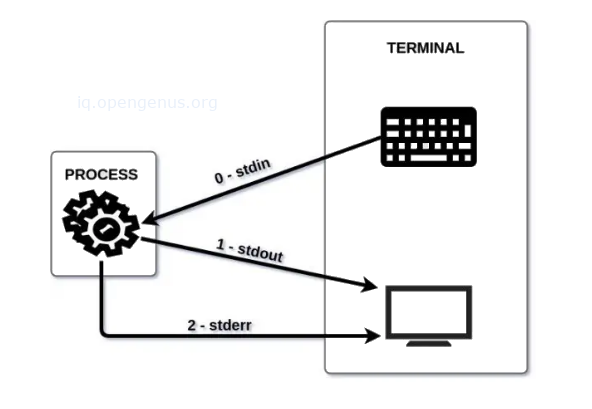

Pipes (|)
- Pass output from one command to another
Redirection:
>output<input
🔍 Filters
grep→ search textsort→ sort datawc→ count words
🧠 Environment Variables
🌐 Concept
Variables that store system information.
Example:
echo $PATH
🧩 Shell Scripting
📜 What is Shell Script?

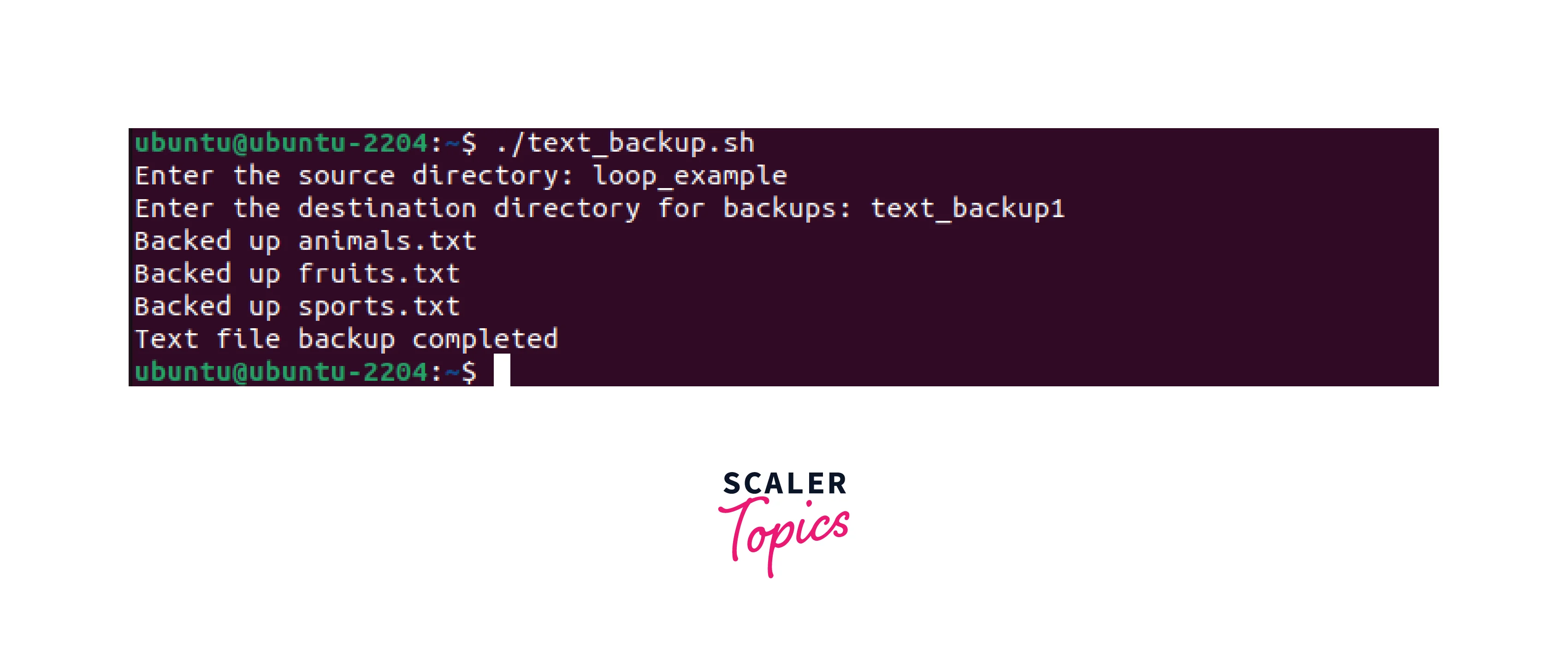
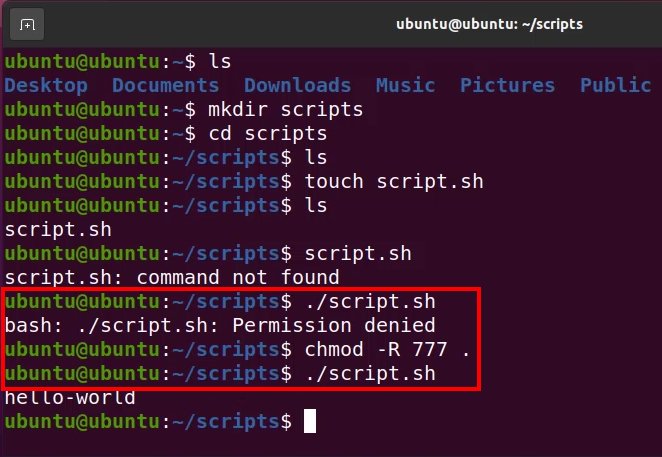
A shell script is a file containing multiple commands.
⚙️ Features:
- Automation
- Conditional statements
- Loops
🔤 Example:
#!/bin/bash
echo "Hello World"
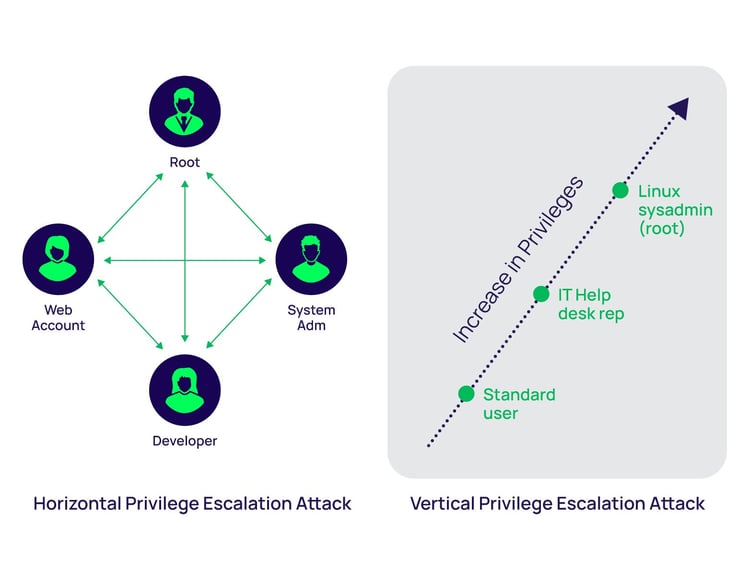
🔐 CLI Security
🛡️ Features:


- Authentication
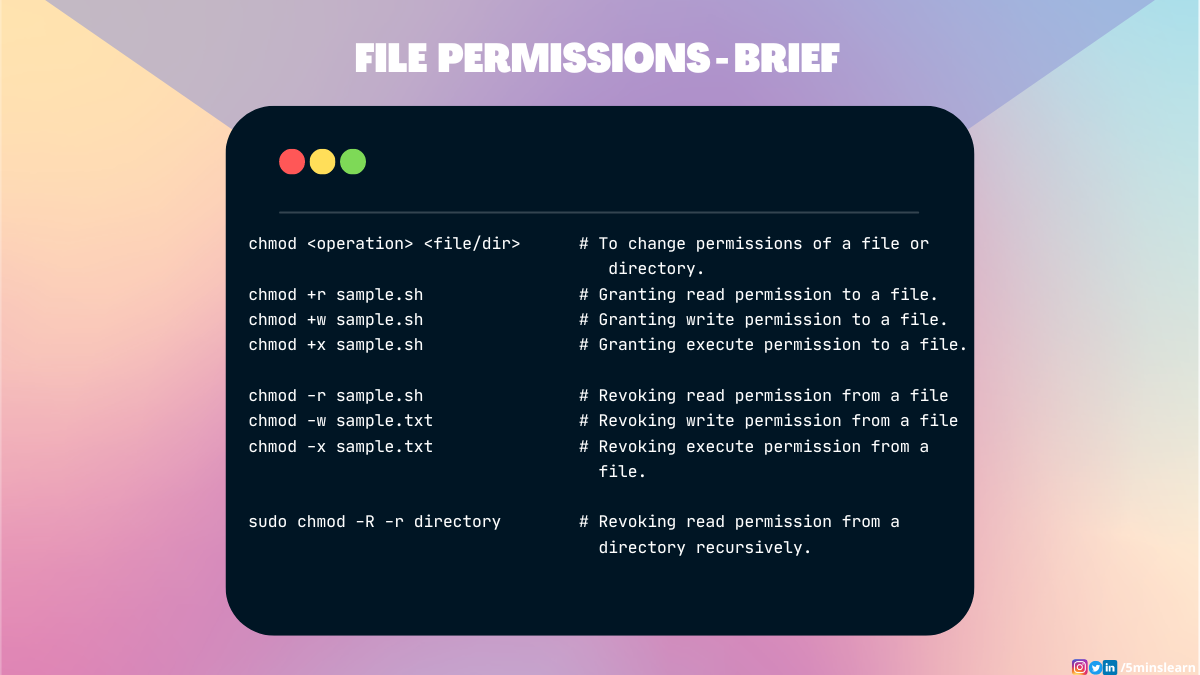
- File permissions
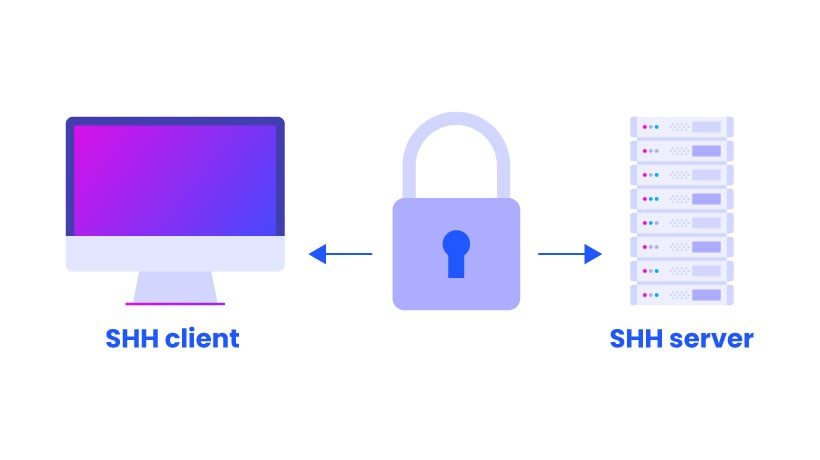
- Secure shell (SSH)
⚙️ Process Management in CLI
🧠 Commands:
ps→ list processestop→ monitor processeskill→ terminate process
🌐 Networking Commands
📡 Examples:
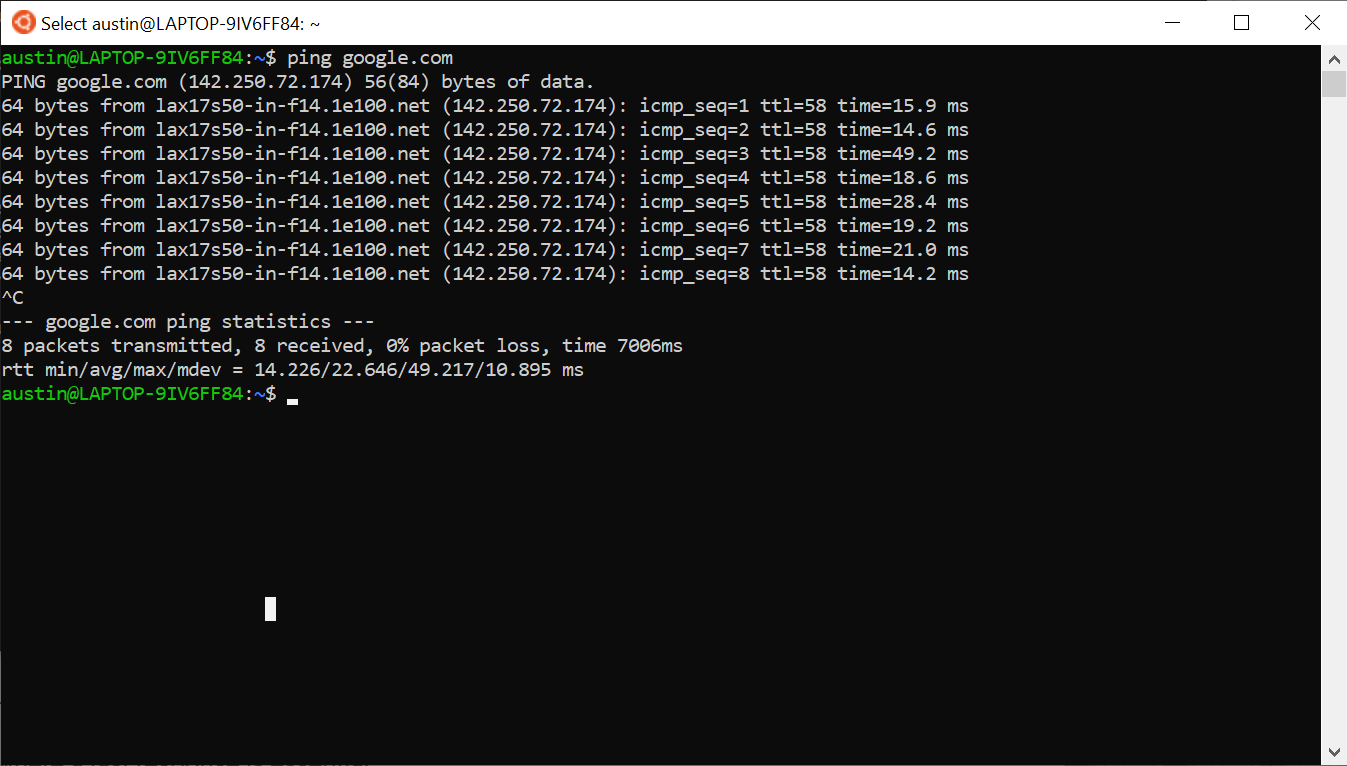
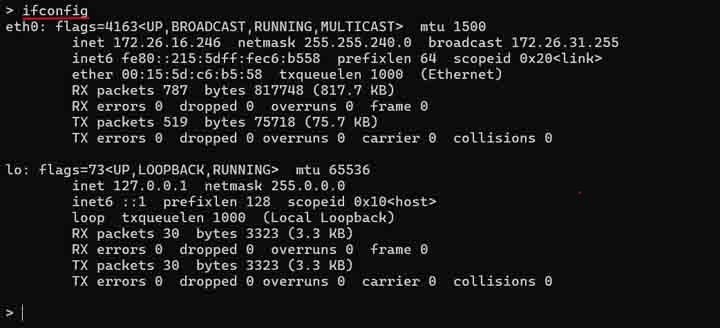
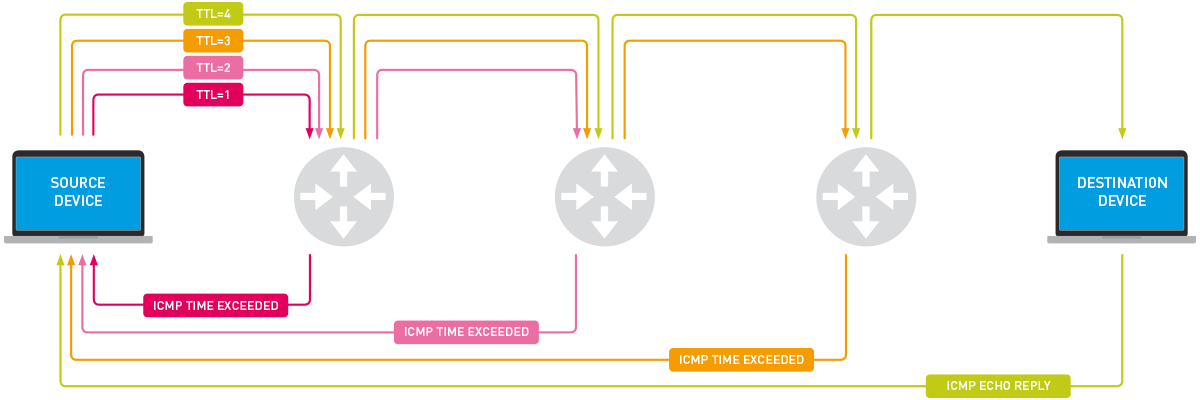
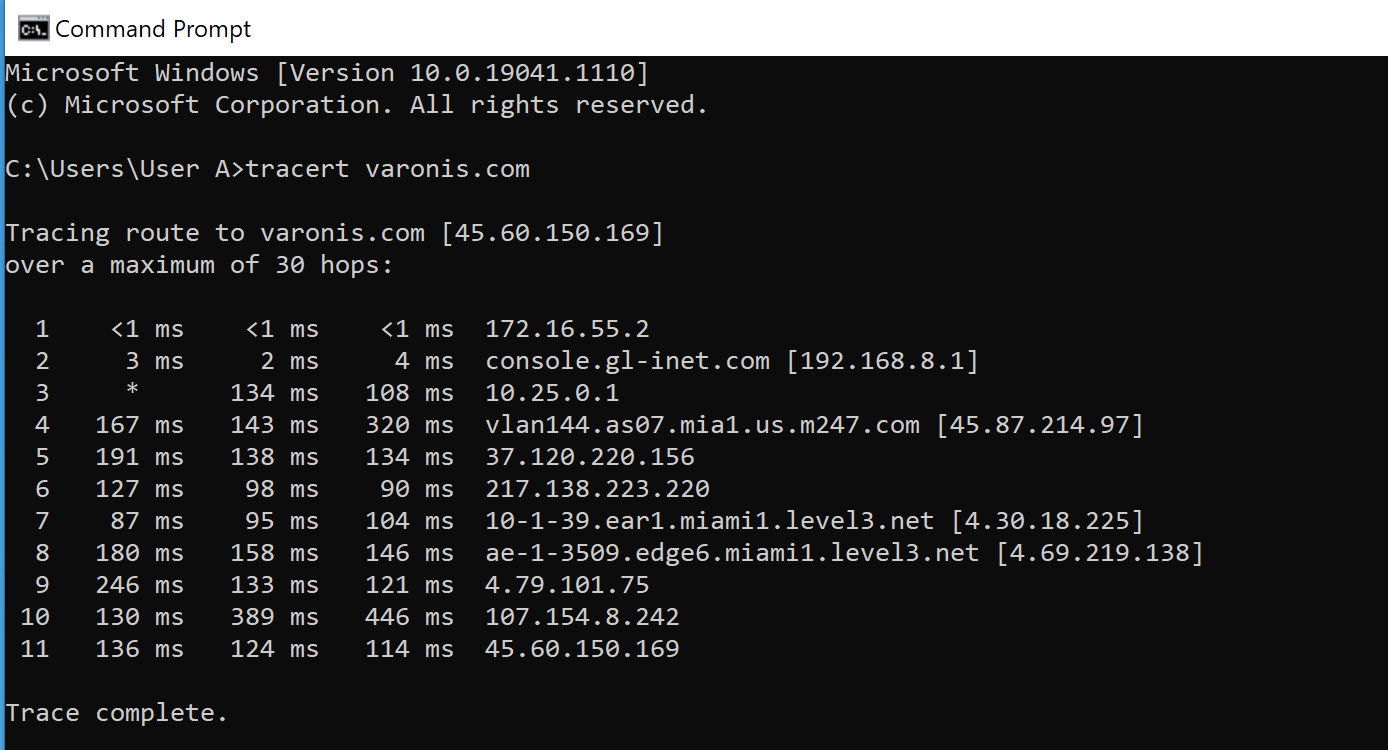
ping→ test connectivityifconfig/ipconfig→ network infonetstat→ connections
🧠 Package Management
📦 Tools:
apt(Ubuntu)yum(CentOS)brew(macOS)
⚡ Advantages of CLI
- Speed and efficiency
- Automation capability
- Low resource usage
- Powerful control
⚠️ Limitations
- Steep learning curve
- Error-prone
- Less user-friendly
🔄 CLI vs GUI
| Feature | CLI | GUI |
|---|---|---|
| Interface | Text | Visual |
| Speed | Fast | Moderate |
| Ease of Use | Difficult | Easy |
🚀 Modern CLI Trends


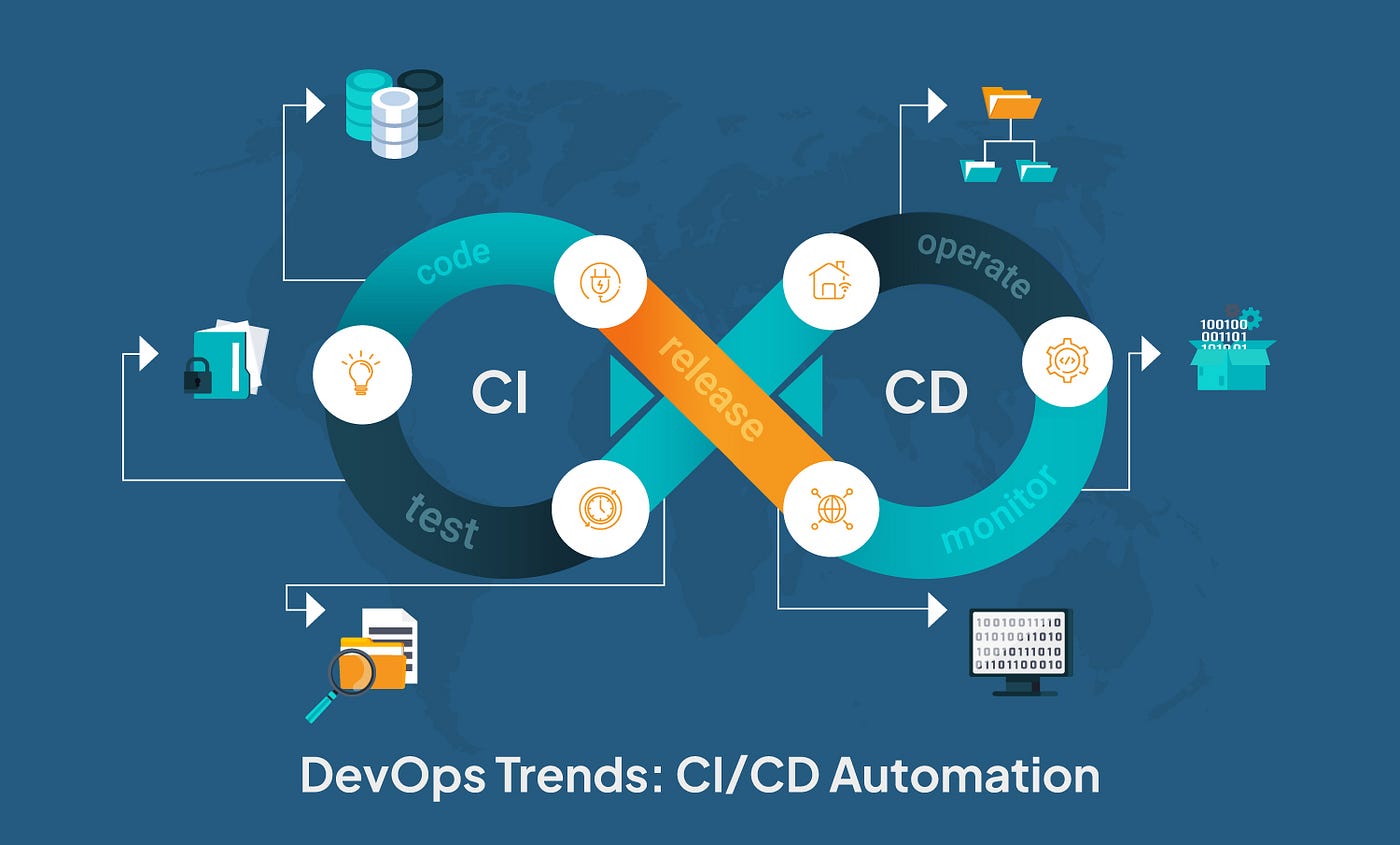
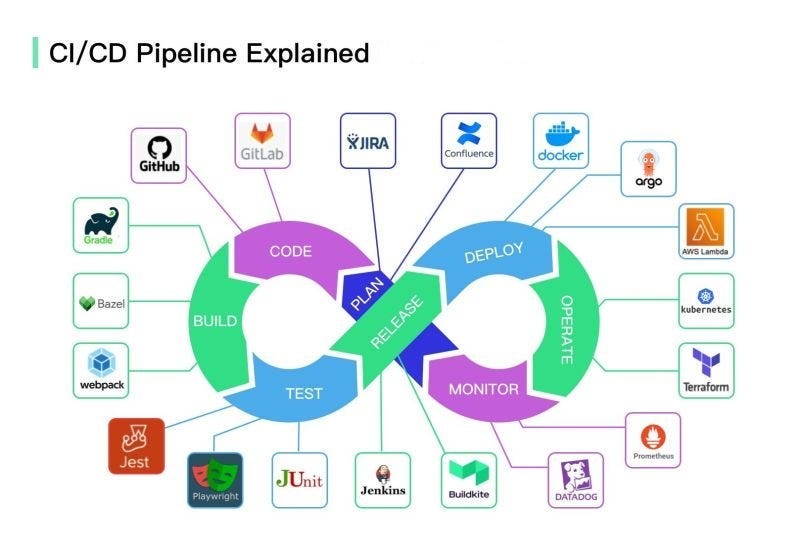
- Cloud CLIs (AWS, Azure)
- DevOps automation
- Container management (Docker)
- Enhanced terminals
🧾 Conclusion
Command Line Interfaces remain a powerful and essential tool in computing. They provide:
- Direct system control
- Efficient automation
- Advanced functionality
Mastering CLI is crucial for:
- Developers
- System administrators
- Cybersecurity professionals