
🌐 Introduction to Computer Software


Computer software refers to the set of instructions, programs, and data that tell a computer how to perform tasks. Unlike hardware, software is intangible—it cannot be touched but can be executed.
In simple terms:
Hardware is the body, software is the brain
Software enables users to interact with hardware and perform useful work such as writing documents, browsing the internet, or running applications.
🧠 Importance of Software
- Controls hardware operations
- Provides user interface
- Enables automation and productivity
- Supports communication and networking
- Drives innovation (AI, cloud, mobile apps)
🧩 Types of Computer Software
⚙️ 1. System Software

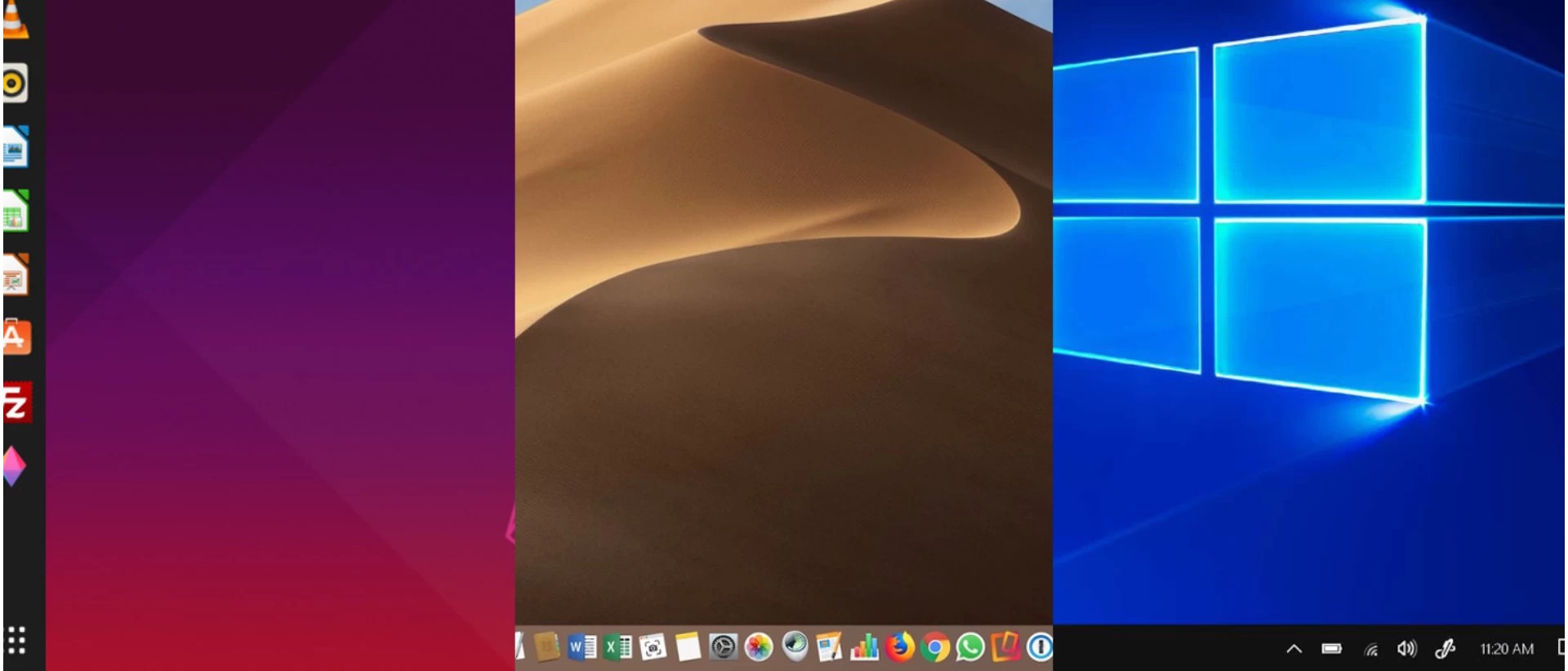


System software acts as a bridge between hardware and user applications.
Examples:
- Operating Systems
- Device Drivers
- Utility Programs
🧠 Operating System (OS)
The OS is the most important system software.
Functions:
- Process management
- Memory management
- File system management
- Device management
- Security
Examples:
- Windows
- Linux
- macOS
- Android
⚙️ 2. Device Drivers
- Enable communication between hardware and OS
- Example: printer driver
🧰 3. Utility Software
- Helps maintain system performance
Examples:
- Antivirus
- Disk cleanup
- Backup tools
🖥️ 4. Application Software
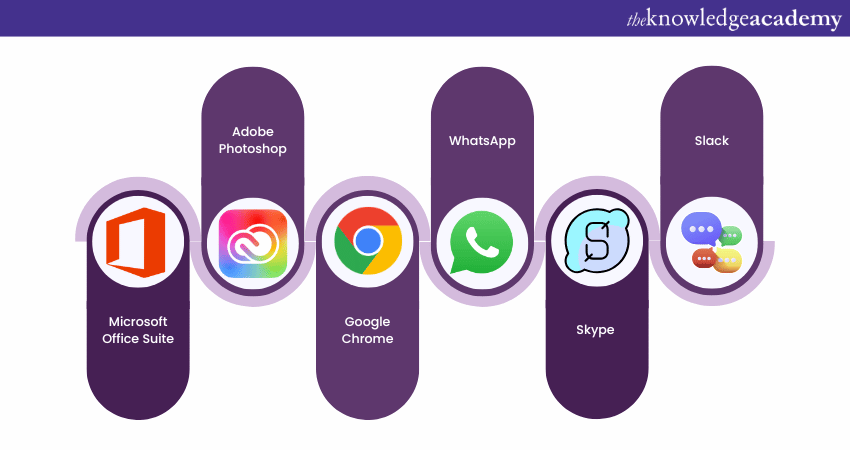

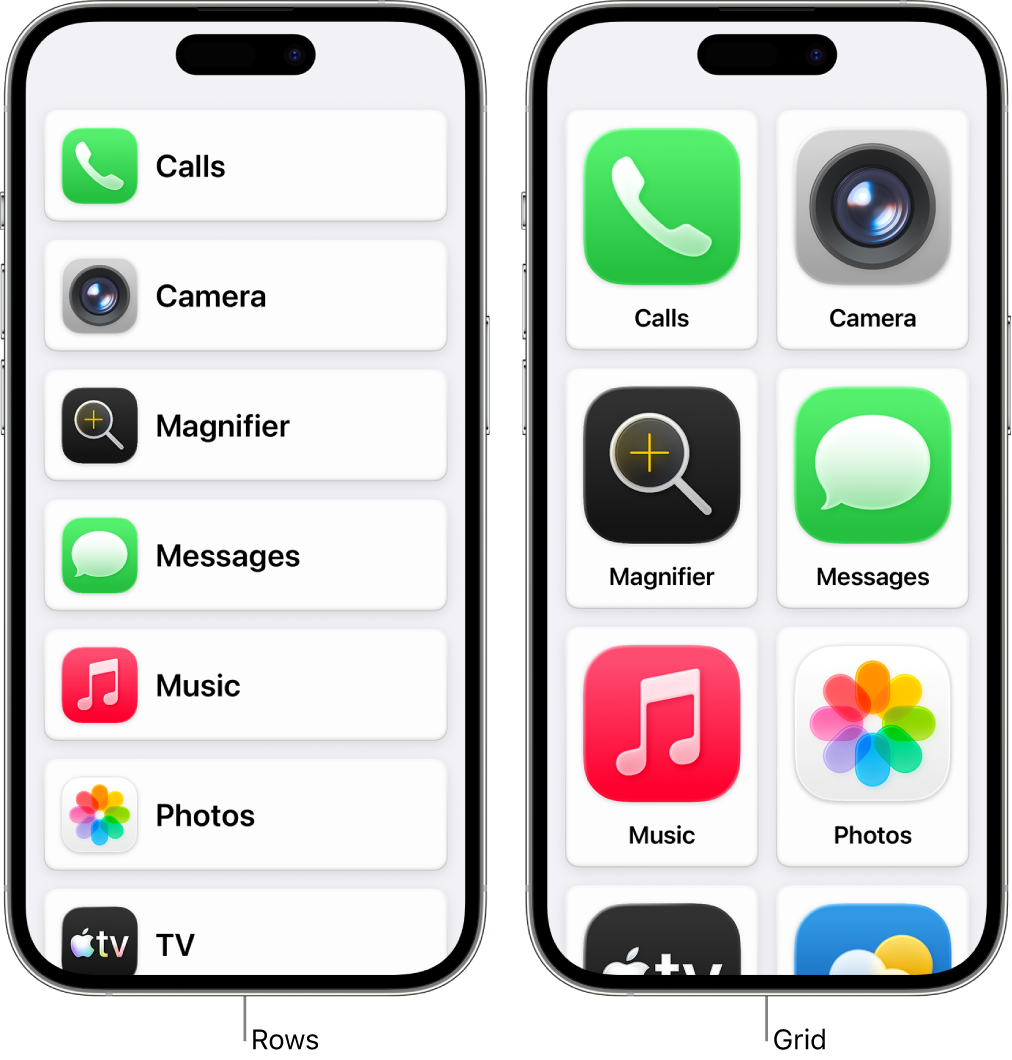

Application software allows users to perform specific tasks.
Types:
📄 General Purpose
- Word processors
- Spreadsheets
🎨 Specialized
- Graphic design
- Video editing
🌐 Web Applications
- Browsers
- Online tools
🧠 5. Programming Software

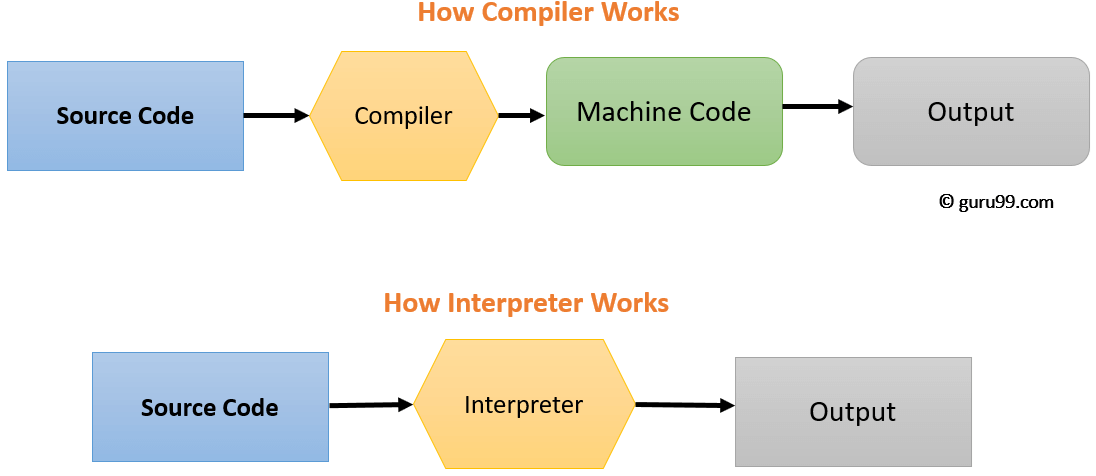
Used to develop software.
Includes:
- Compilers
- Interpreters
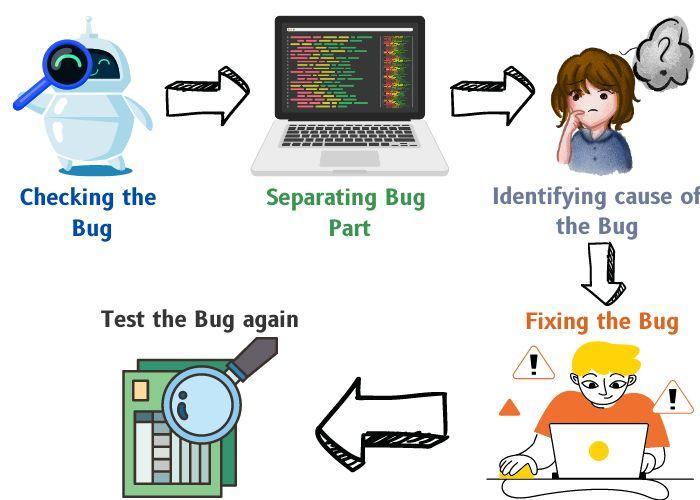
- Debuggers
- IDEs
🧠 Software Development Process
🔄 Software Development Life Cycle (SDLC)


Stages:
- Planning
- Analysis
- Design
- Development
- Testing
- Deployment
- Maintenance
🧩 Programming Languages
🔤 Types:
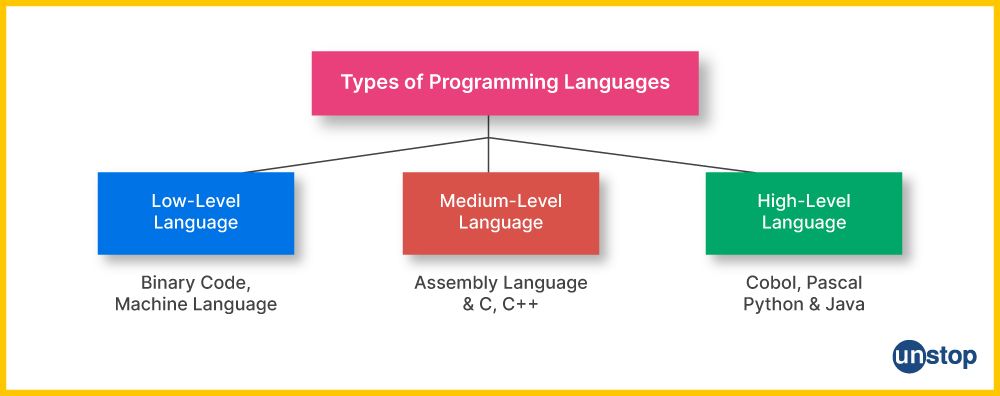


🔹 Low-Level Languages
- Machine language
- Assembly language
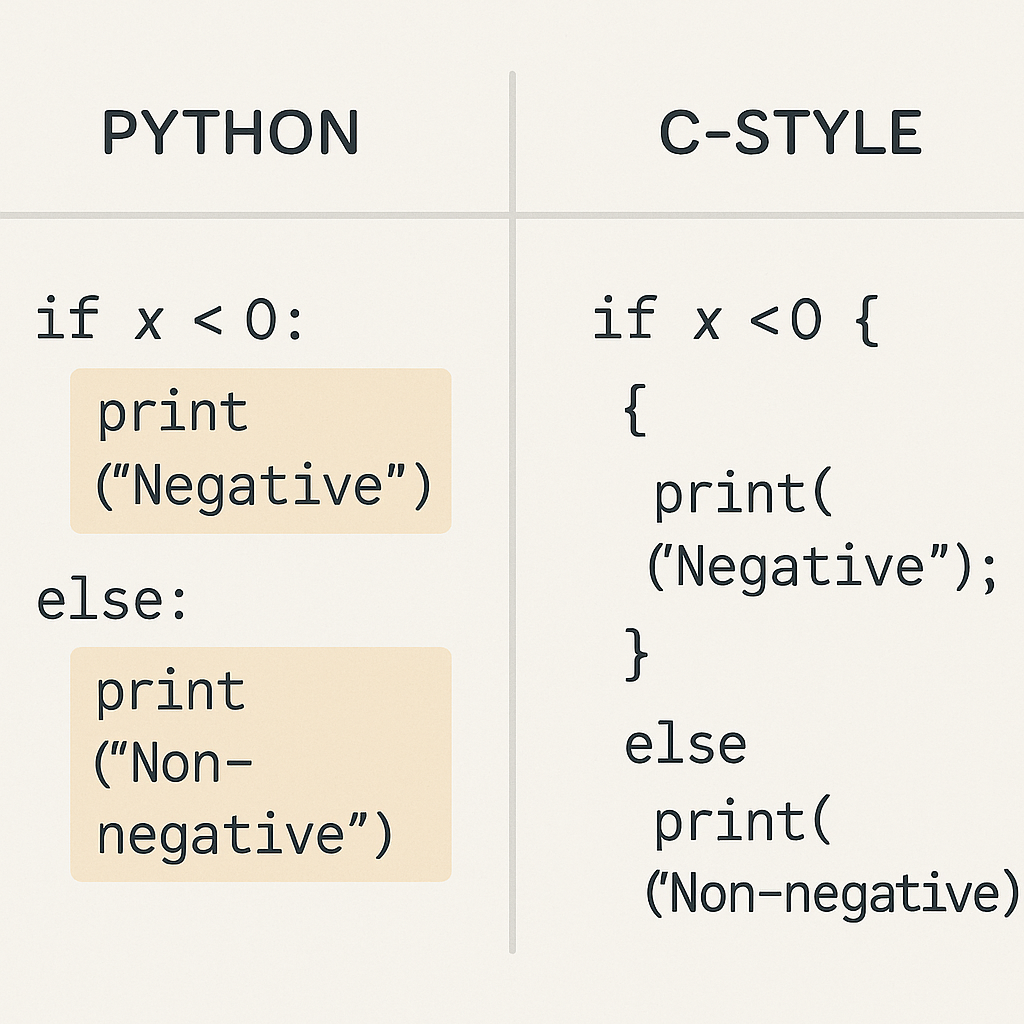
🔹 High-Level Languages
- Python
- Java
- C++
⚙️ Compilation vs Interpretation
- Compiler → Converts entire code at once
- Interpreter → Executes line by line
🧠 Software Components
📦 Modules
- Independent units of software
🔗 Libraries
- Reusable code
🧩 APIs
- Allow communication between programs
🖥️ User Interface (UI)
🧭 Types:


- GUI (Graphical User Interface)
- CLI (Command Line Interface)
- Touch Interface
- Voice Interface
💾 Software Installation and Execution
🔄 Steps:
- Install program
- Load into memory
- Execute via CPU
🔐 Software Security
⚠️ Threats:



- Malware
- Viruses
- Ransomware
🛡️ Protection:
- Antivirus
- Firewalls
- Encryption
🧠 Types of Software Based on Distribution
🌐 Open Source Software
- Free to use and modify
- Example: Linux
🔒 Proprietary Software
- Owned by companies
- Example: Windows
🆓 Freeware
- Free but not modifiable
💰 Shareware
- Trial-based software
⚙️ Software Performance Factors
- Efficiency
- Speed
- Scalability
- Reliability
🔄 Software vs Hardware
| Feature | Software | Hardware |
|---|---|---|
| Nature | Intangible | Physical |
| Function | Instructions | Execution |
| Dependency | Runs on hardware | Needs software |
🧠 Modern Software Trends


- Artificial Intelligence
- Cloud Computing
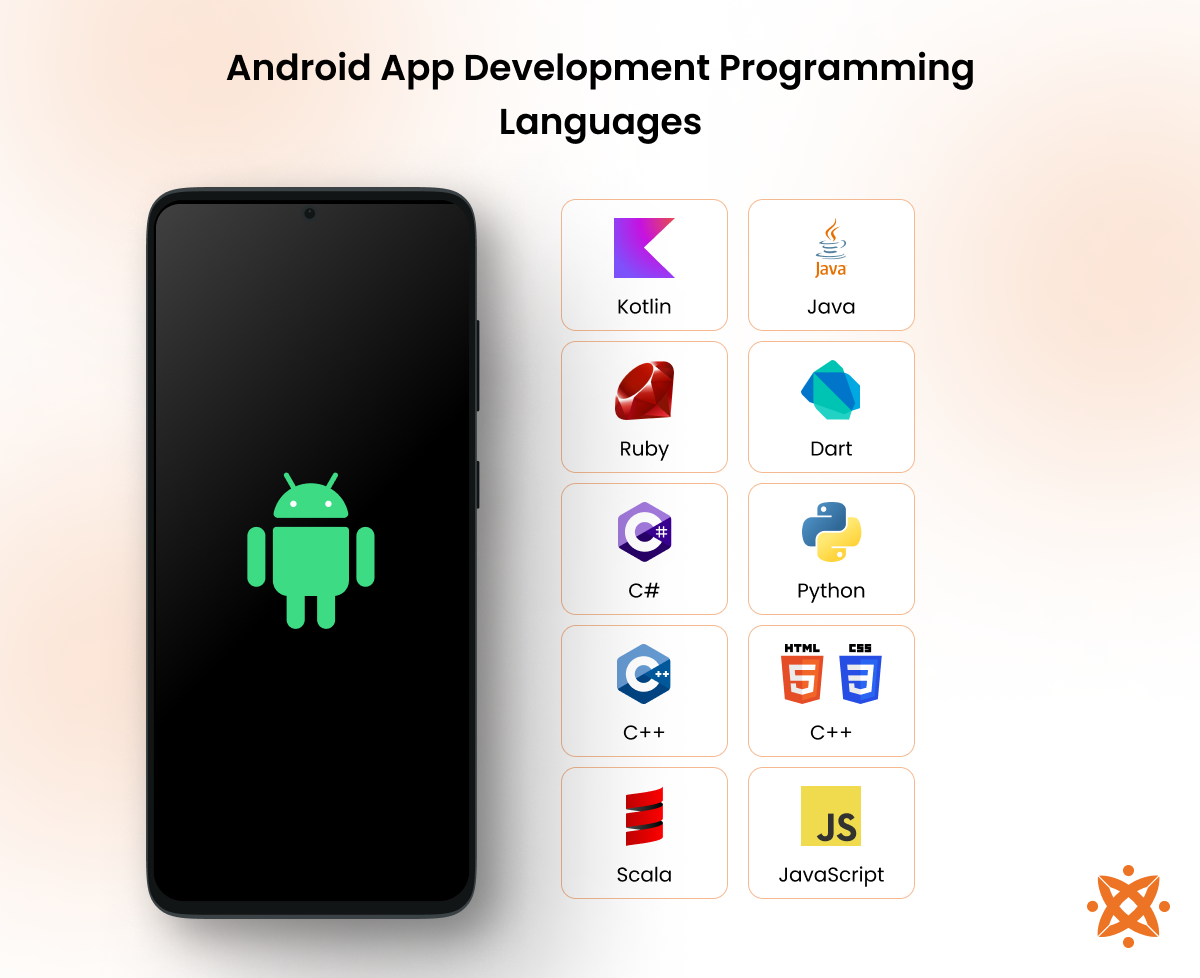
- Mobile Applications
- Blockchain
🧩 Advantages of Software
- Automation
- Flexibility
- Scalability
- Productivity
⚠️ Limitations
- Bugs and errors
- Security risks
- Dependency on hardware
- Maintenance required
🧠 Future of Software
- AI-driven automation
- Quantum software
- Intelligent assistants
- Low-code/no-code platforms
🧾 Conclusion
Computer software is the core driver of modern computing systems. It enables:
- Interaction between users and machines
- Execution of complex tasks
- Innovation across industries
Understanding software basics is essential for:
- Programming
- IT careers
- System design
- Digital transformation