
🔰 Introduction to Input and Output Devices


Input and Output (I/O) devices are essential components of any computer system. They serve as the communication bridge between humans and machines, allowing users to provide data (input) and receive processed results (output).
- Input Devices → Send data into the computer
- Output Devices → Receive data from the computer
Without I/O devices, a computer would be an isolated machine incapable of interaction.
🧠 Understanding the I/O System
The I/O system consists of:
- Physical devices (keyboard, monitor, etc.)
- Controllers and interfaces
- Software drivers
- Communication buses
Key Functions:
- Data acquisition
- Data presentation
- Control signals
- Feedback mechanisms
⌨️ INPUT DEVICES
📌 What Are Input Devices?


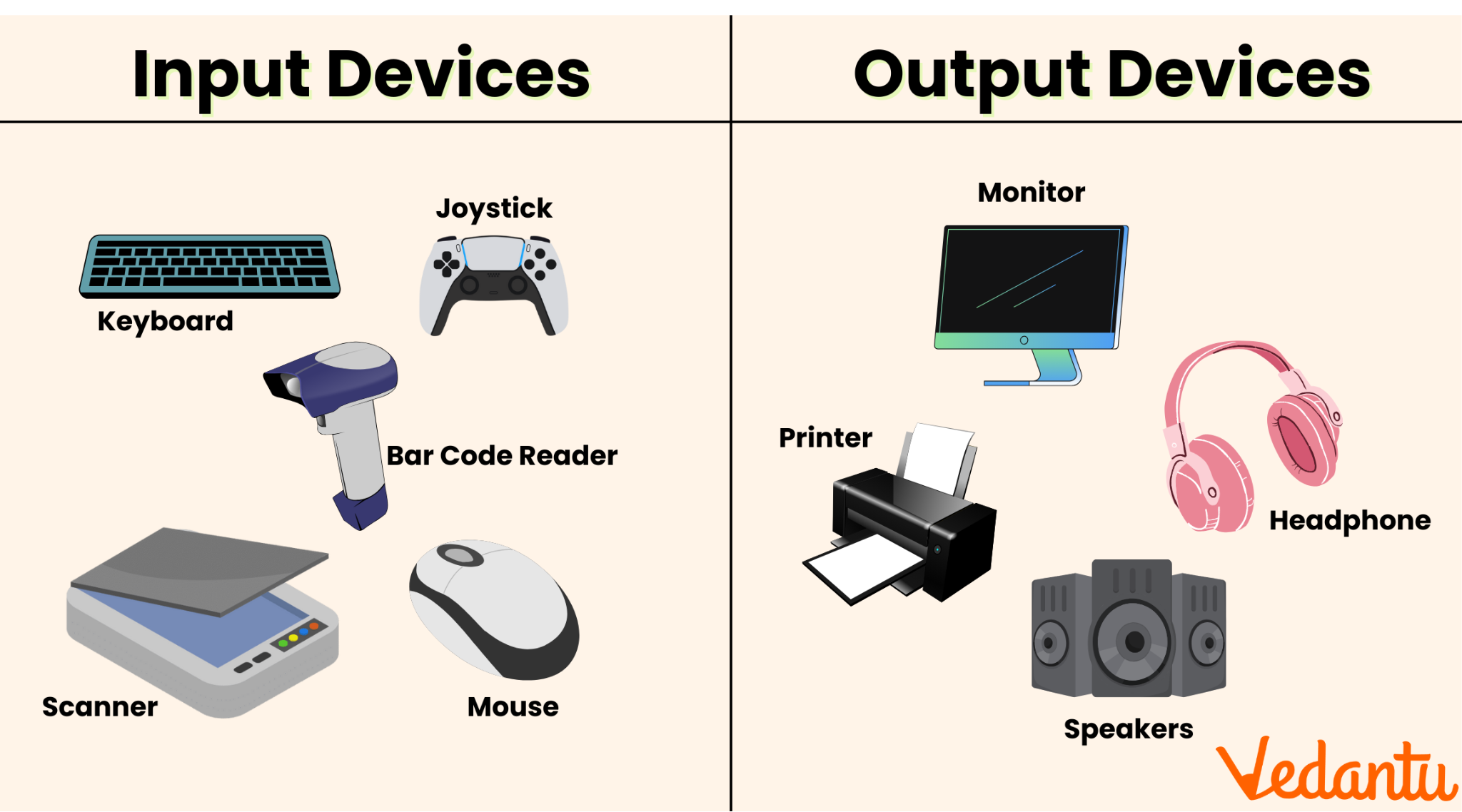
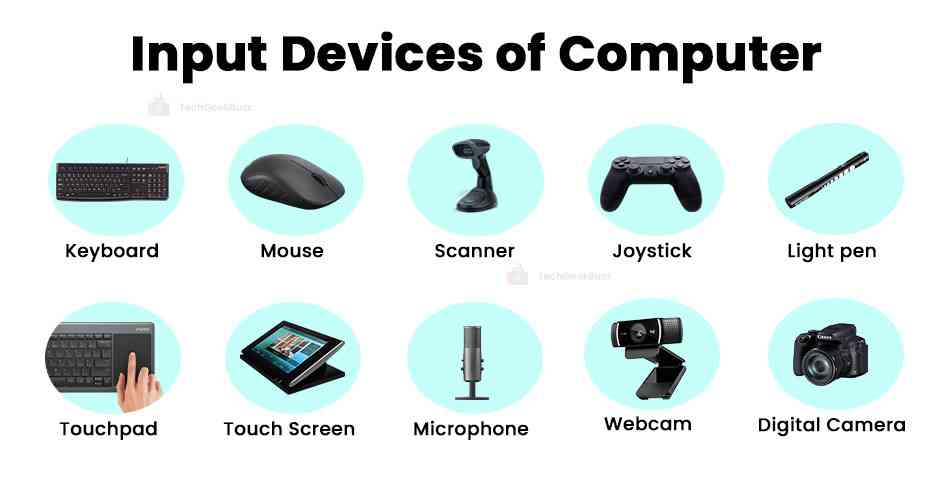
Input devices allow users to enter data, commands, and instructions into a computer system.
Characteristics:
- Convert human actions into machine-readable signals
- Provide control and interaction
- Can be manual or automatic
🔤 Types of Input Devices
1. Keyboard


The keyboard is the most common input device.
Features:
- QWERTY layout
- Function keys (F1–F12)
- Numeric keypad
- Special keys (Ctrl, Alt, Shift)
Types:
- Mechanical keyboards
- Membrane keyboards
- Virtual keyboards
Working:
Each key press generates a scan code, which is interpreted by the computer.
🖱️ 2. Mouse


The mouse is a pointing device used to control the cursor.
Types:
- Optical mouse
- Laser mouse
- Wireless mouse
Functions:
- Clicking
- Dragging
- Scrolling
📱 3. Touchscreen
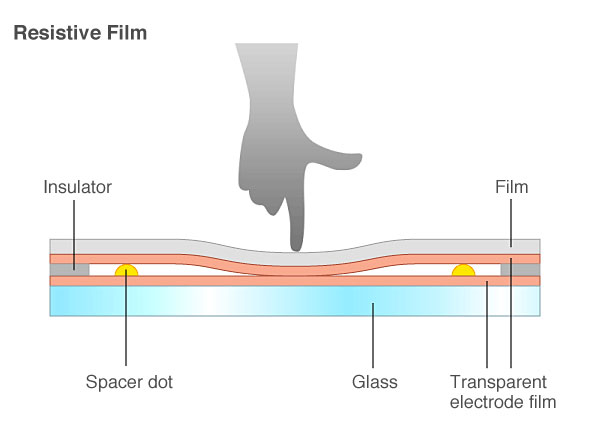


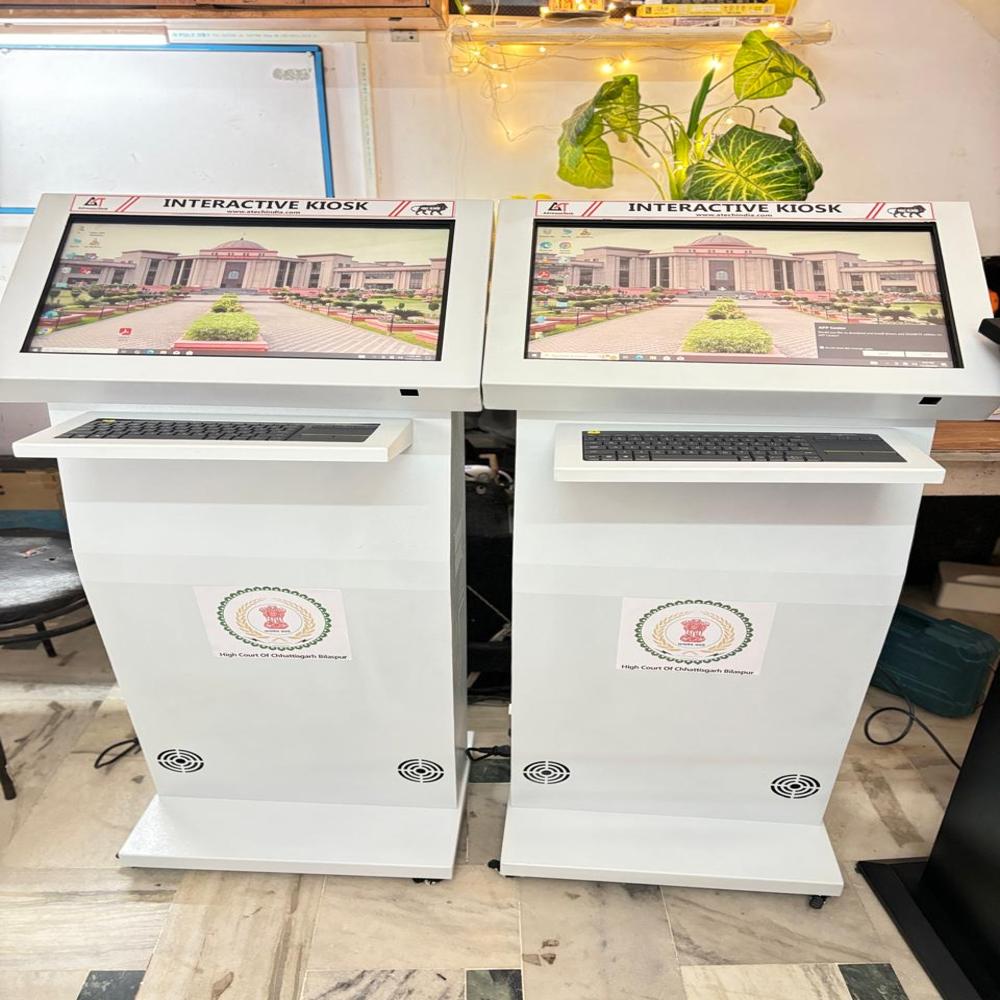
Touchscreens allow direct interaction using fingers.
Types:
- Resistive
- Capacitive
- Infrared
Uses:
- Smartphones
- ATMs
- Interactive kiosks
🎤 4. Microphone


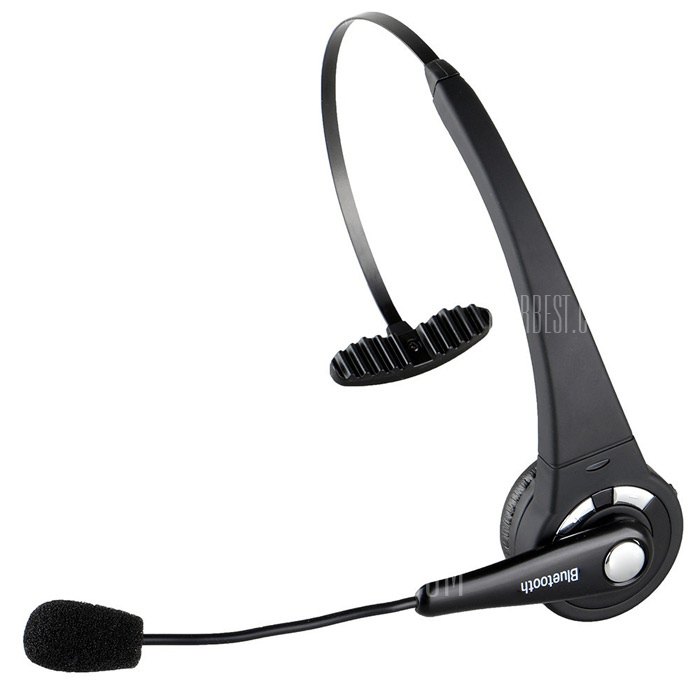

Used to input audio signals.
Applications:
- Voice commands
- Recording
- Communication
📷 5. Scanner


Converts physical documents into digital format.
Types:
- Flatbed scanner
- Handheld scanner
- Barcode scanner
Technology:
Uses optical sensors to capture images.
🎮 6. Joystick

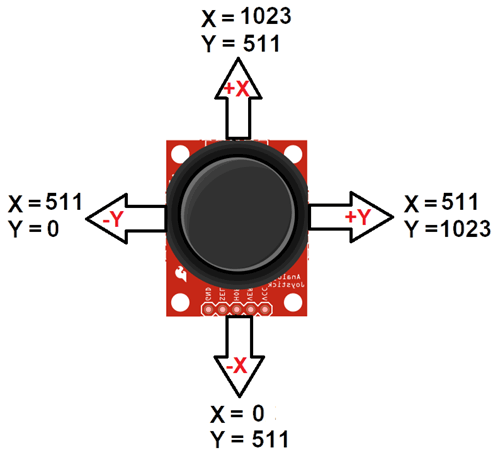


Used mainly for gaming and simulations.
📸 7. Webcam


Captures images and video.
✍️ 8. Light Pen
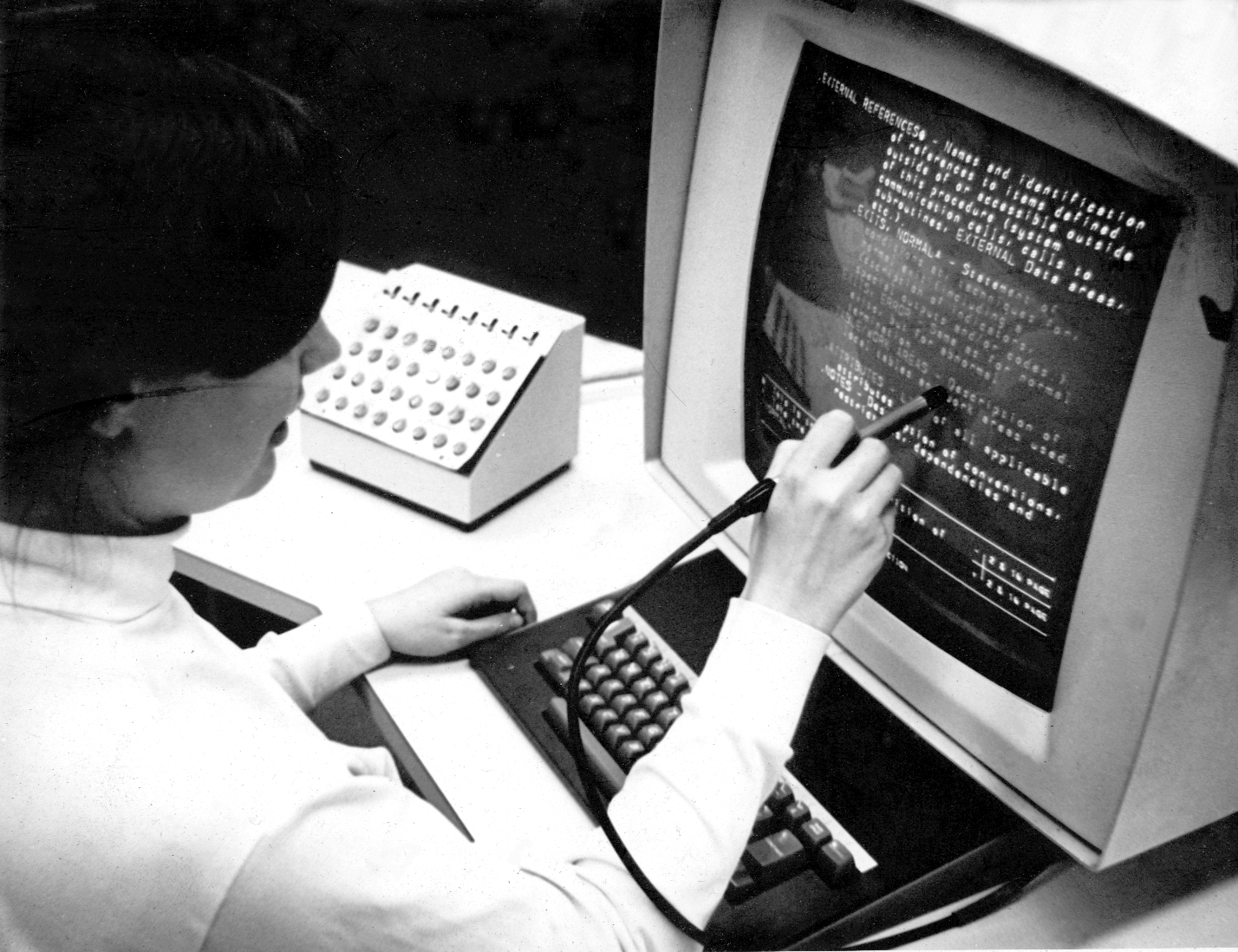
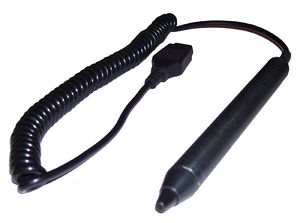

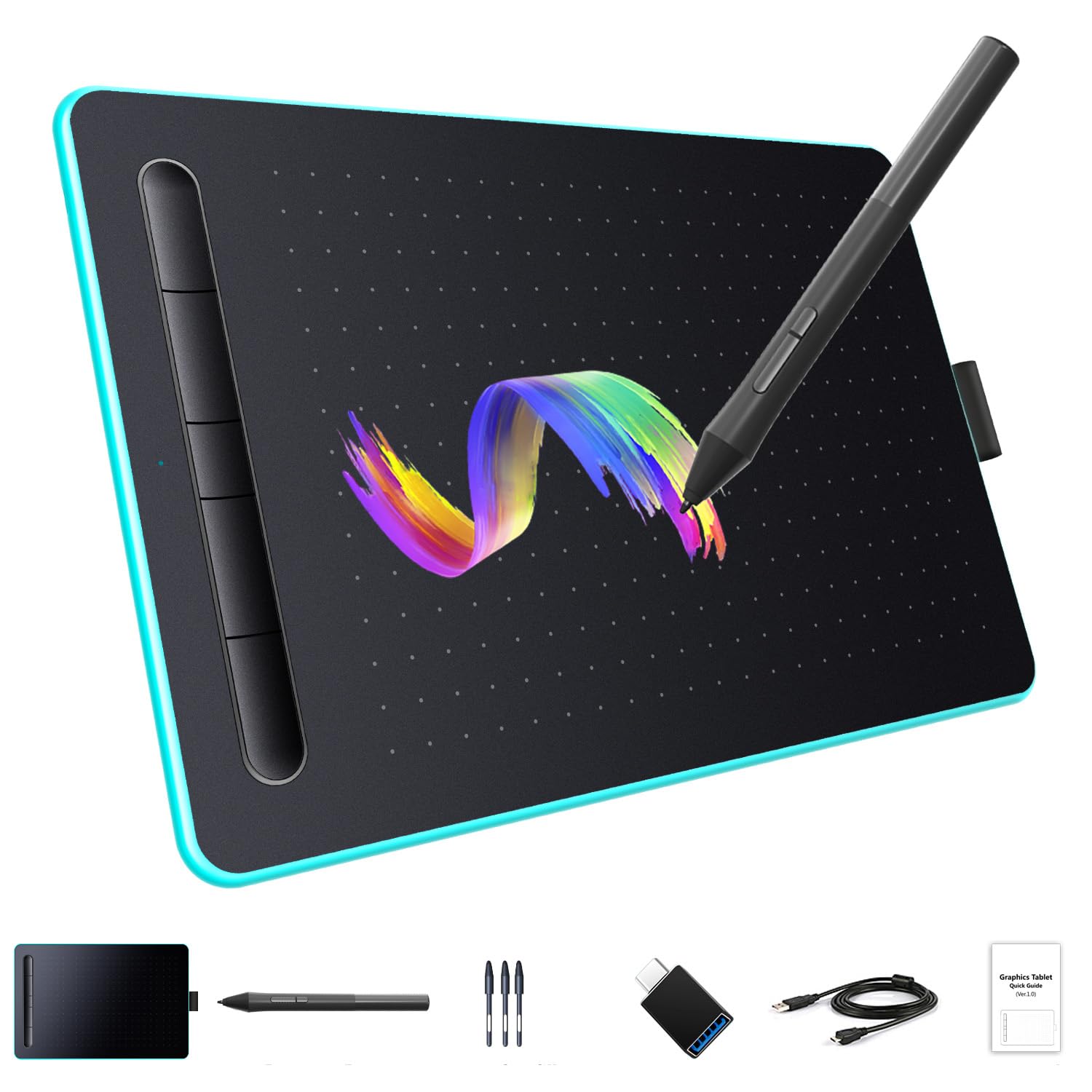
Used for drawing directly on screens (older tech).
🧾 9. Optical Mark Reader (OMR)


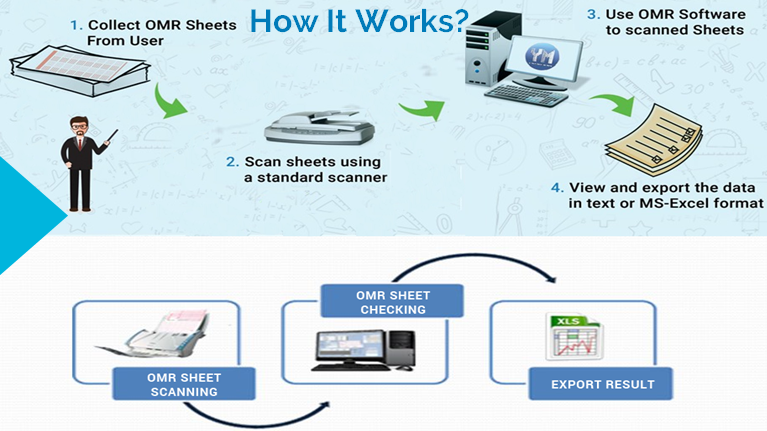
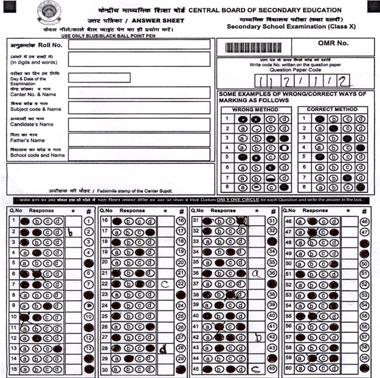
Reads marked answers (e.g., exams).
🔤 10. Optical Character Reader (OCR)
Converts printed text into editable digital text.
🧬 11. Biometric Devices

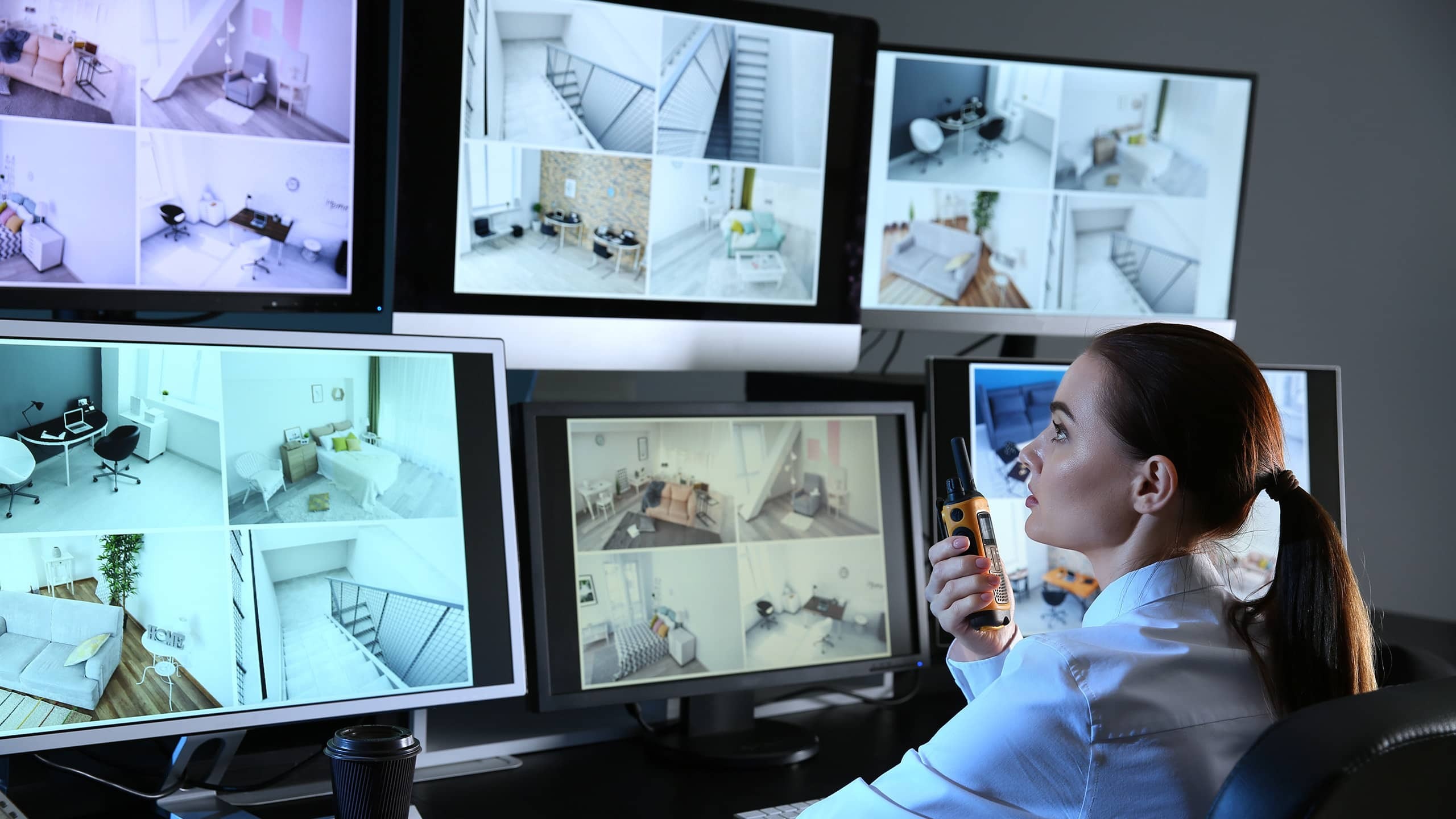


Used for security and identification.
Types:
- Fingerprint scanner
- Iris scanner
- Face recognition
🌐 Advanced Input Devices
- Motion sensors
- Gesture recognition
- VR controllers
- Eye-tracking devices
🖥️ OUTPUT DEVICES
📌 What Are Output Devices?
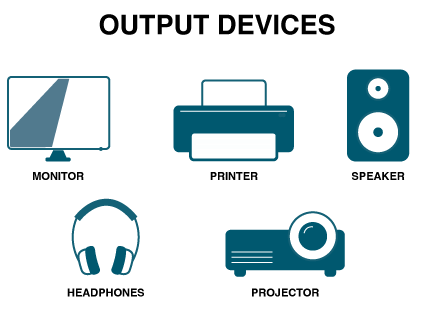


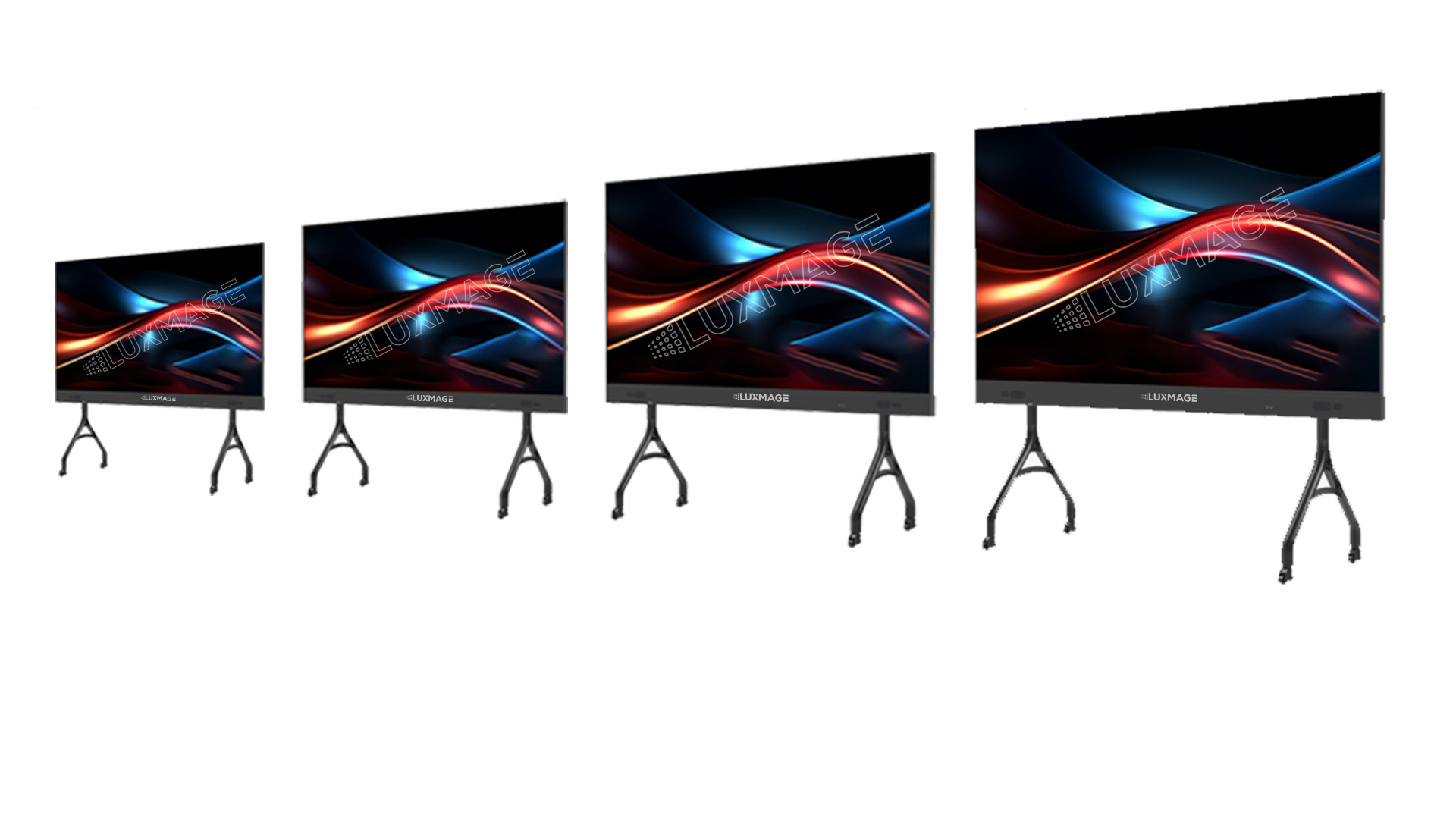
Output devices present processed data to users.
Characteristics:
- Convert digital signals into human-readable form
- Provide visual, audio, or physical output
📺 Types of Output Devices
🖥️ 1. Monitor


Displays visual output.
Types:
- CRT (old)
- LCD
- LED
- OLED
Features:
- Resolution
- Refresh rate
- Screen size
🖨️ 2. Printer


Produces hard copies.
Types:
- Inkjet
- Laser
- Dot matrix
🔊 3. Speakers


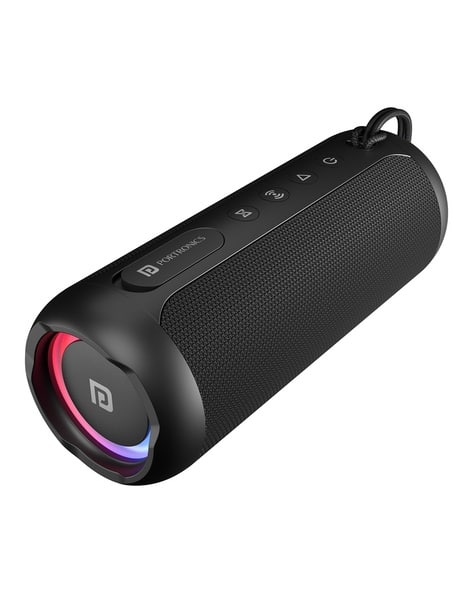
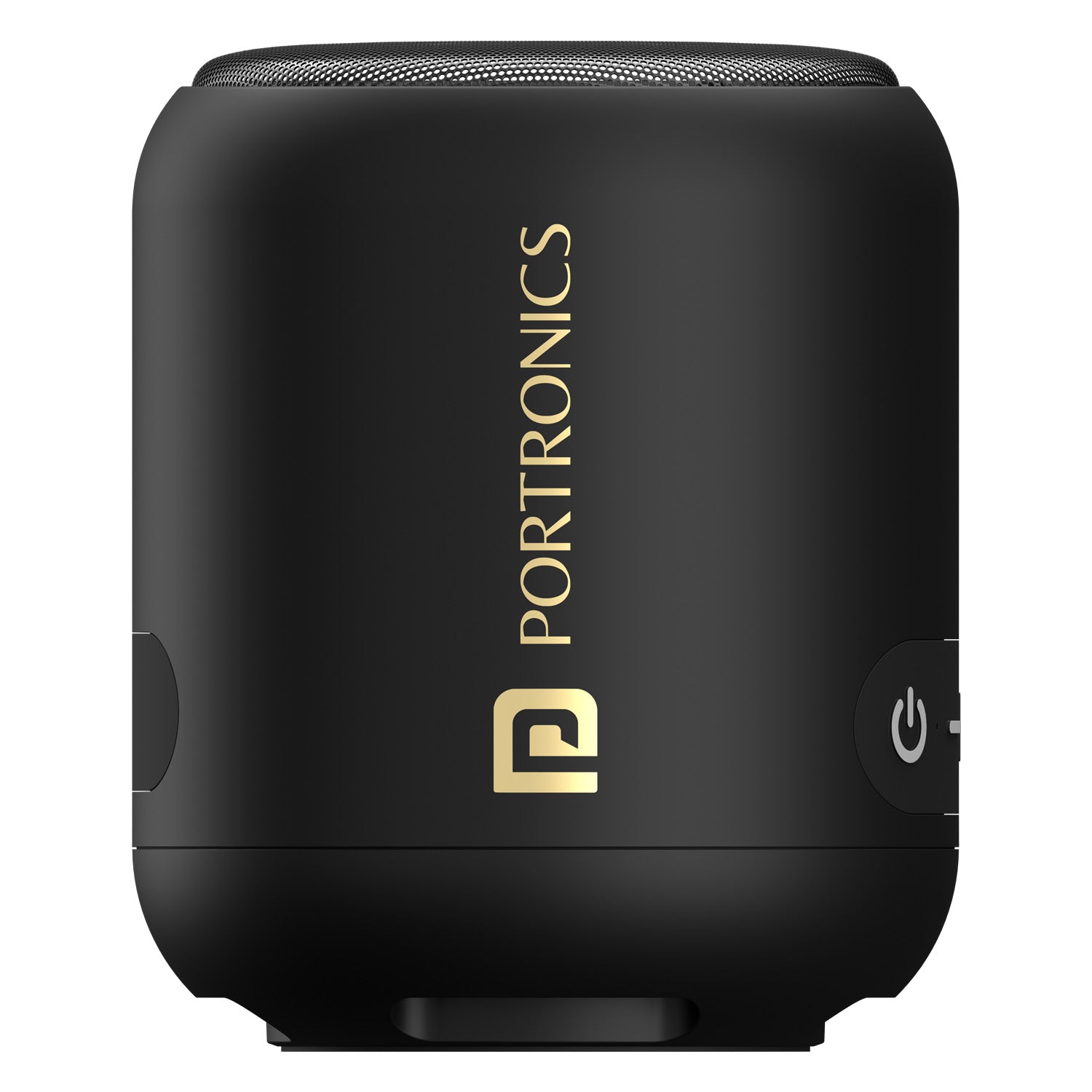
Produce sound output.
🎧 4. Headphones
Provide personal audio output.
📽️ 5. Projector


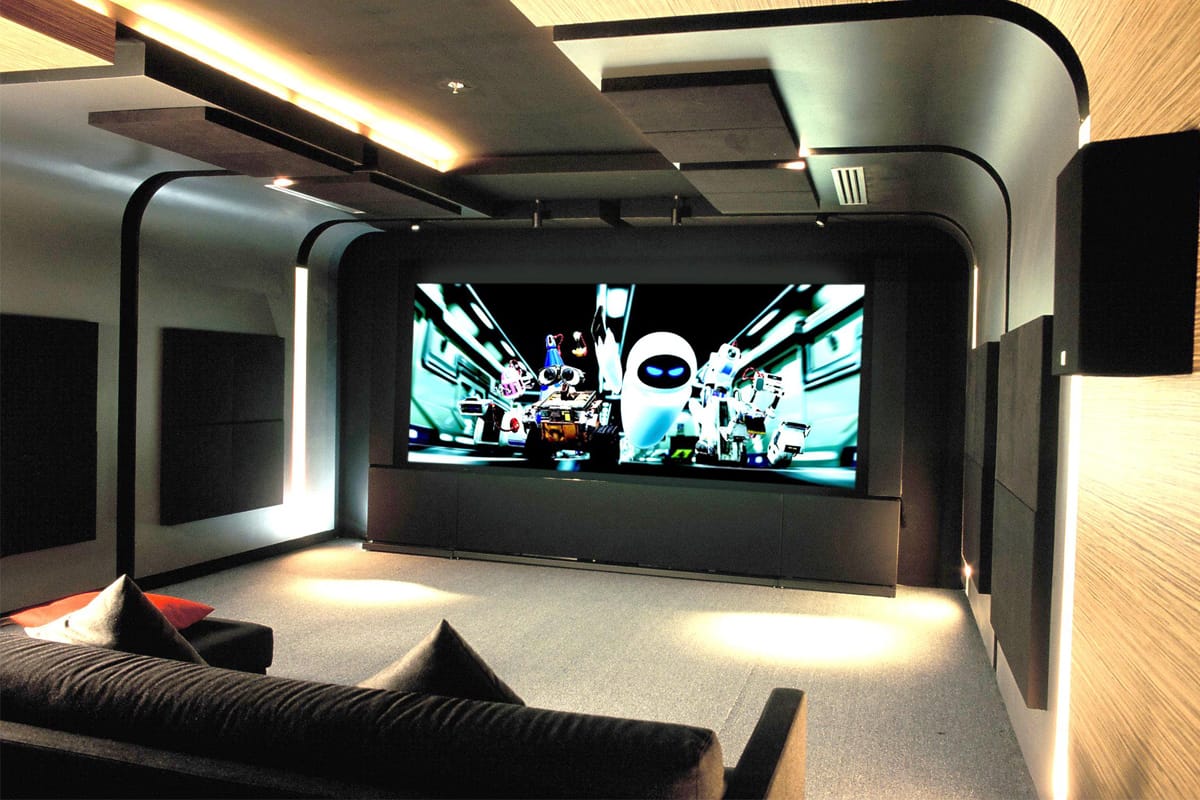
Displays visuals on large screens.
🧾 6. Plotter


Used for large technical drawings.
📟 7. Braille Display

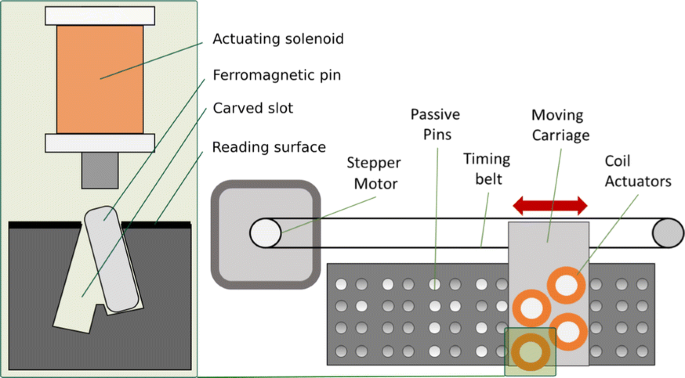


Helps visually impaired users.
🌐 Advanced Output Devices
- VR headsets
- AR displays
- Holographic displays
🔄 Input vs Output Devices
| Feature | Input Devices | Output Devices |
|---|---|---|
| Function | Enter data | Display results |
| Direction | User → Computer | Computer → User |
| Examples | Keyboard, Mouse | Monitor, Printer |
⚙️ Input/Output Interfaces
🔌 Ports and Connections


Common interfaces:
- USB
- HDMI
- VGA
- Bluetooth
- Wi-Fi
🔄 I/O Data Transfer Methods
- Programmed I/O
- Interrupt-driven I/O
- Direct Memory Access (DMA)
🧠 Drivers and Software
- Device drivers enable communication
- OS manages I/O operations
- Examples: printer drivers, audio drivers
⚡ Performance Factors
- Speed
- Accuracy
- Latency
- Bandwidth
🔐 Security in I/O Devices
- Biometric authentication
- Encryption
- Secure input methods
🧩 Emerging Trends



- AI-based interfaces
- Voice assistants
- Brain-computer interfaces
- Smart wearables
📊 Advantages of I/O Devices
- User interaction
- Automation
- Accessibility
- Efficiency
⚠️ Limitations
- Cost
- Maintenance
- Compatibility issues
- Security risks
🧠 Conclusion
Input and Output devices are fundamental to computing systems. They enable:
- Human-computer interaction
- Data processing and visualization
- Automation and control
As technology evolves, I/O devices are becoming more intelligent, immersive, and intuitive, shaping the future of human-computer interaction.