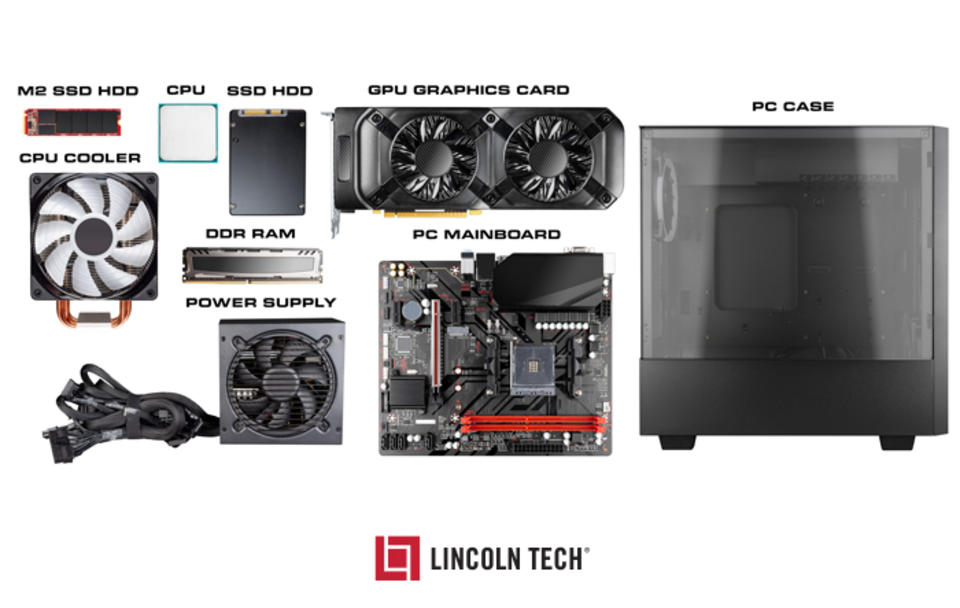
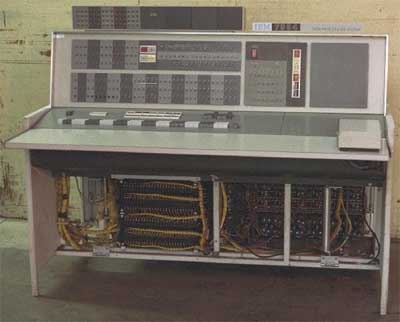
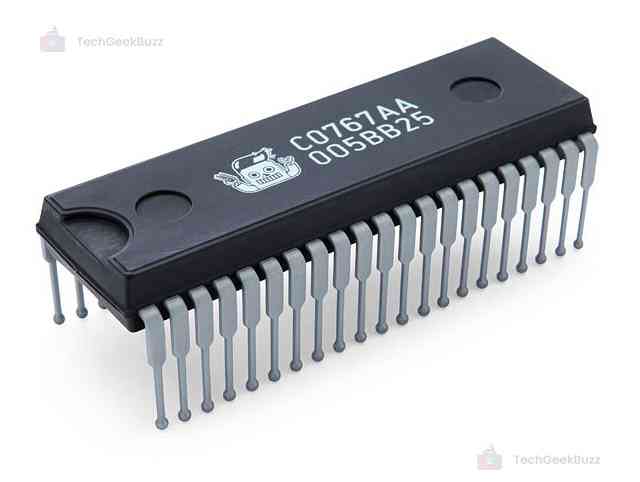
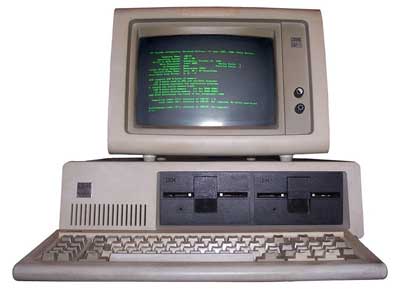
Computer hardware refers to the physical components of a computer system—the parts you can see and touch. These components work together to process data, execute instructions, and produce output.
At a high level, hardware includes:
Processing devices (CPU)
Memory and storage
Input and output devices
Communication components
Hardware is the foundation upon which software operates.
🧠 Importance of Computer Hardware
Enables data processing and computation
Provides storage for programs and data
Facilitates interaction with users
Supports networking and communication
Determines system performance and capability
🧩 Major Components of Computer Hardware
⚙️ 1. Central Processing Unit (CPU)
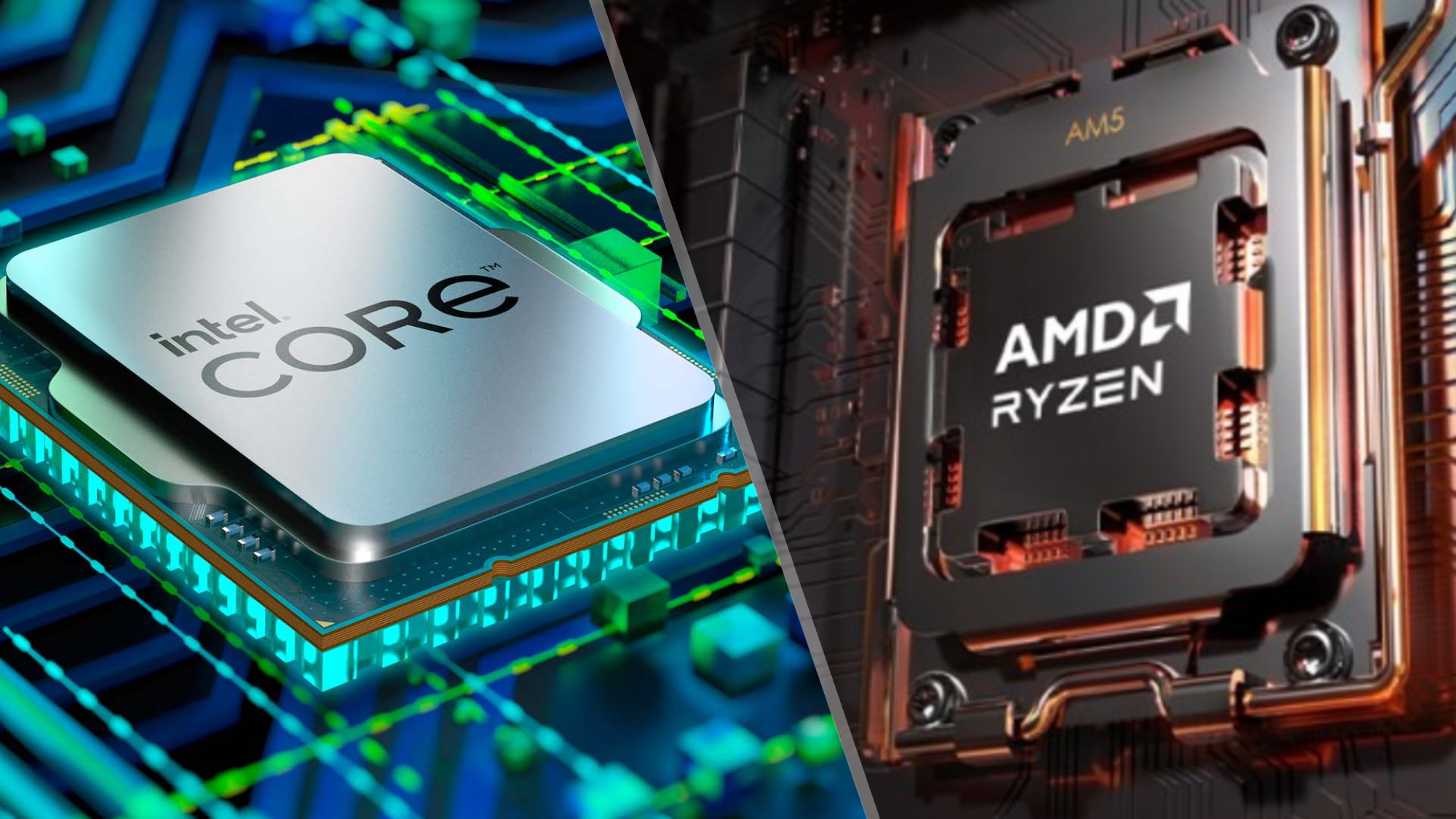
The CPU (Central Processing Unit) is the brain of the computer. It executes instructions and controls all operations.
Key Parts:
🔹 Arithmetic Logic Unit (ALU)
Performs arithmetic and logical operations
🔹 Control Unit (CU)
Directs data flow
Manages instruction execution
🔹 Registers
Small, high-speed storage locations
⚡ CPU Performance Factors
Clock speed (GHz)
Number of cores
Cache size
Architecture
🧠 Multi-Core Processors
Modern CPUs have multiple cores to improve multitasking and parallel processing.
🧮 2. Memory (Primary Memory)
Memory stores data temporarily or permanently.
Types:
🔹 RAM (Random Access Memory)
Volatile
Temporary storage
🔹 ROM (Read Only Memory)
Non-volatile
Stores firmware
🔹 Cache Memory
High-speed memory close to CPU
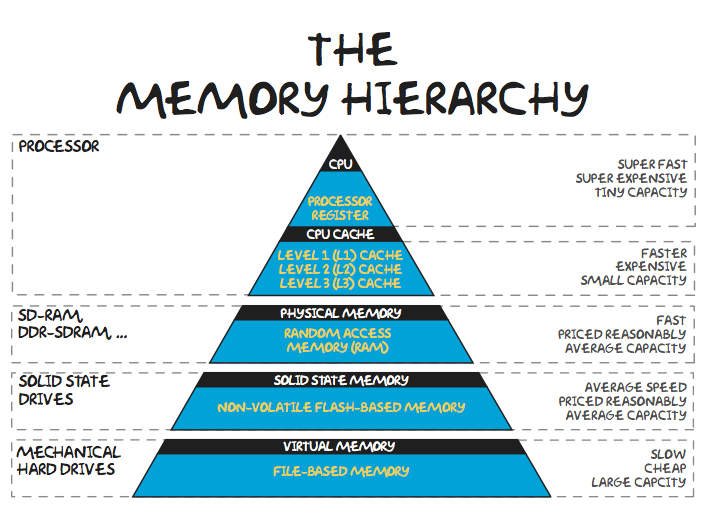
🧠 Memory Hierarchy
Registers
Cache
RAM
Secondary storage
💾 3. Storage Devices (Secondary Memory)
Storage devices store data permanently.
Types:
🔹 Hard Disk Drive (HDD)
Magnetic storage
Large capacity
🔹 Solid State Drive (SSD)
Faster, no moving parts
🔹 Optical Storage
CDs, DVDs
⚡ Storage Comparison
Feature
HDD
SSD
Speed
Slow
Fast
Durability
Low
High
Cost
Cheap
Expensive
🧩 4. Motherboard
The motherboard is the main circuit board connecting all components.
Features:
CPU socket
RAM slots
Expansion slots
Chipset
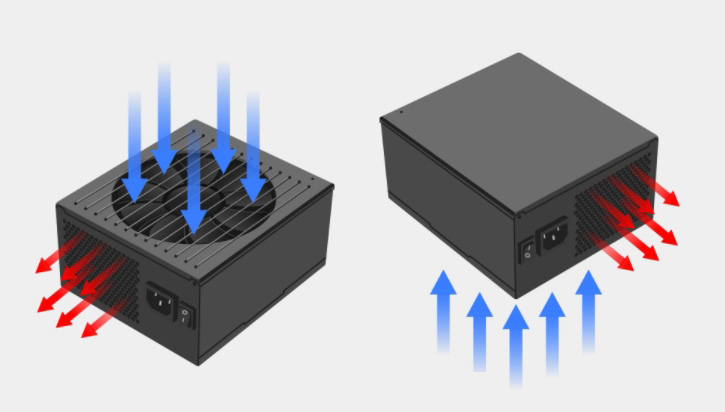
🔌 5. Power Supply Unit (PSU)
Converts AC to DC
Supplies power to components
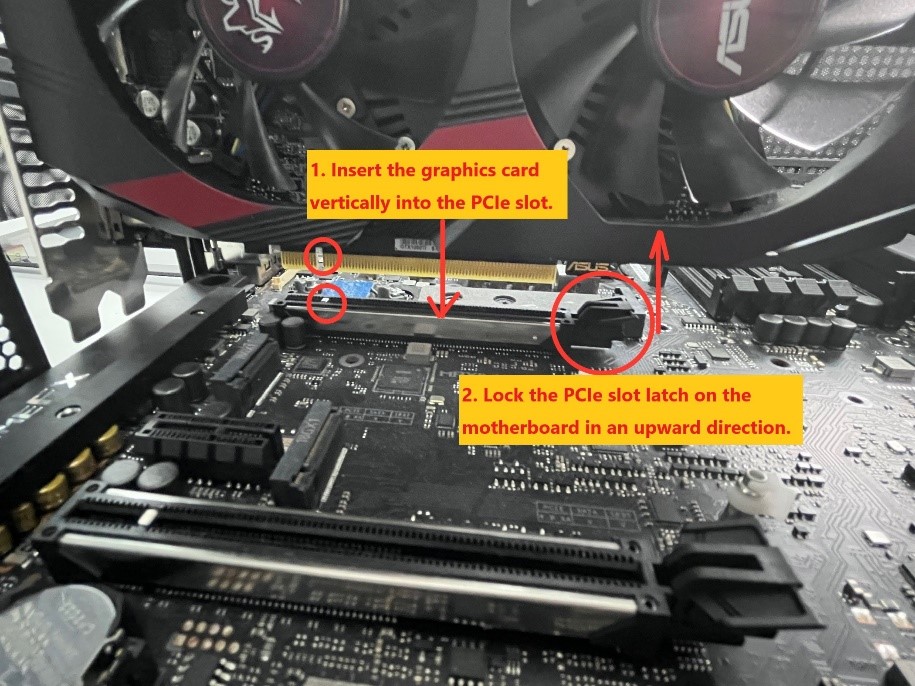
🎮 6. Graphics Processing Unit (GPU)
Handles graphics rendering
Essential for gaming, AI, video editing
🧠 Types:
Integrated GPU
Dedicated GPU
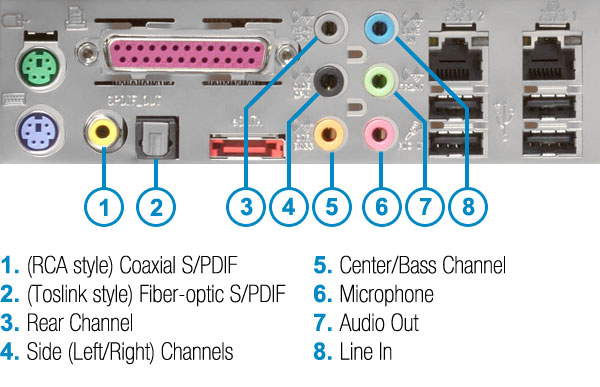
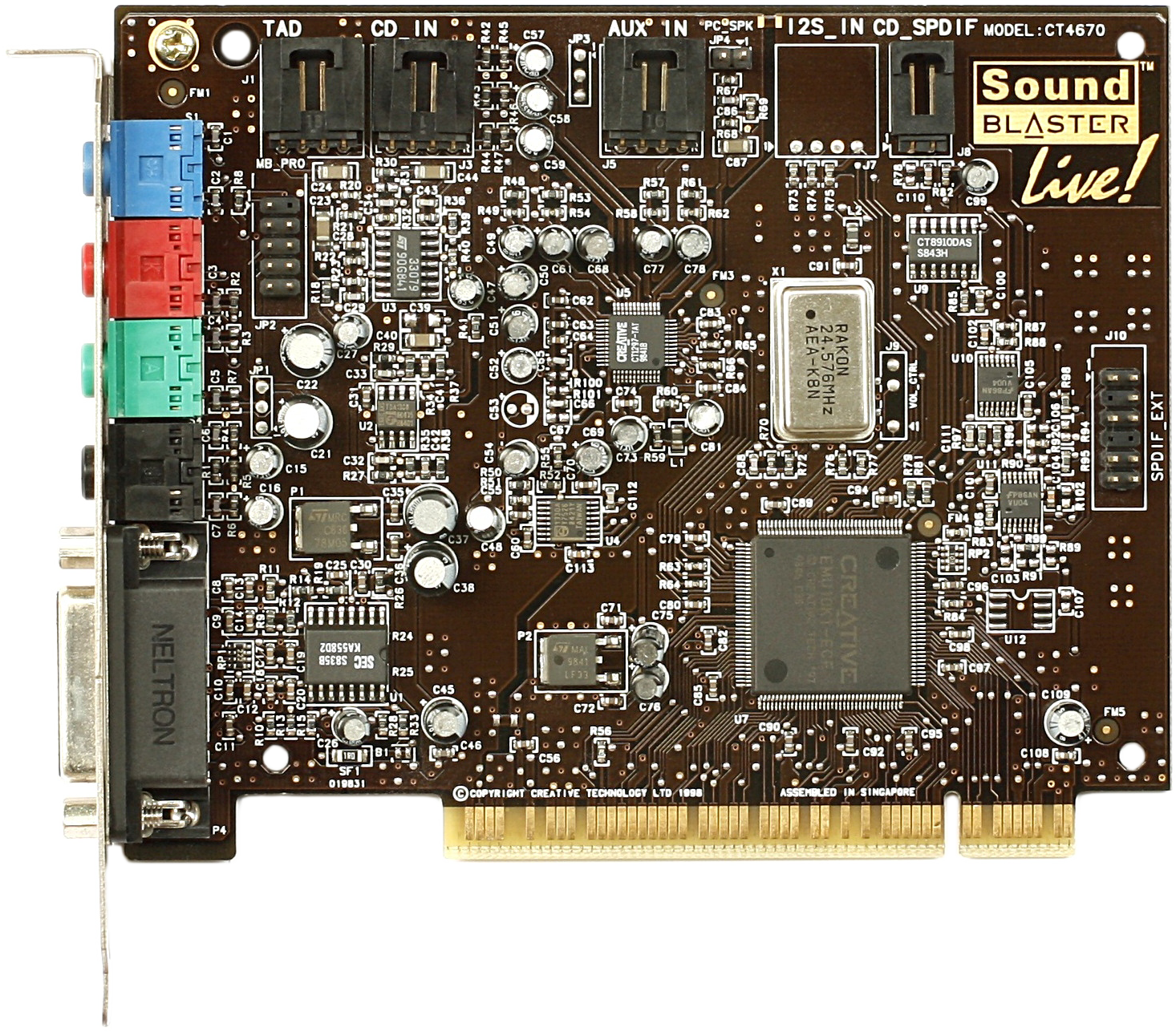
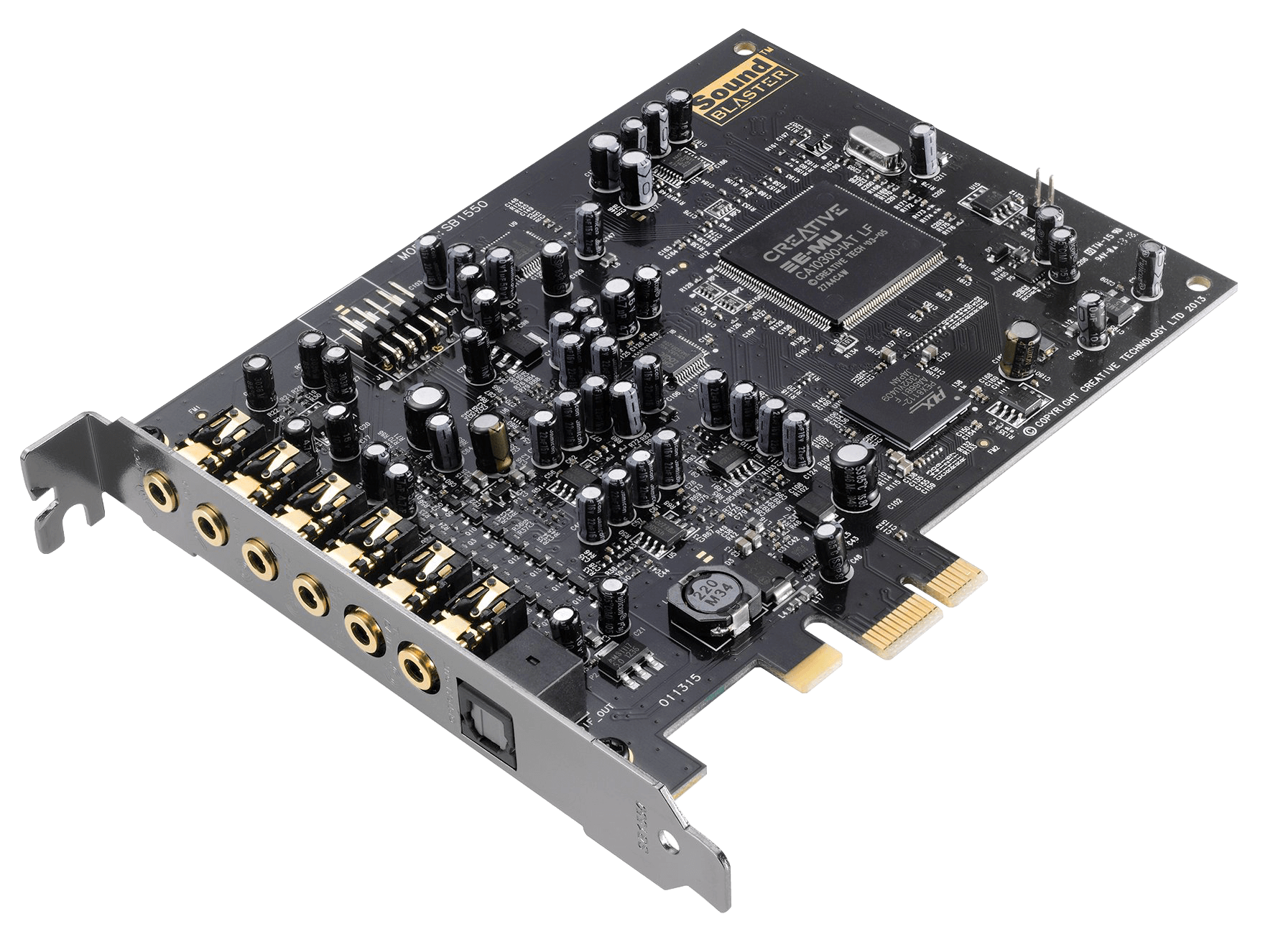
🔊 7. Sound Card
Processes audio signals
Enables sound input/output
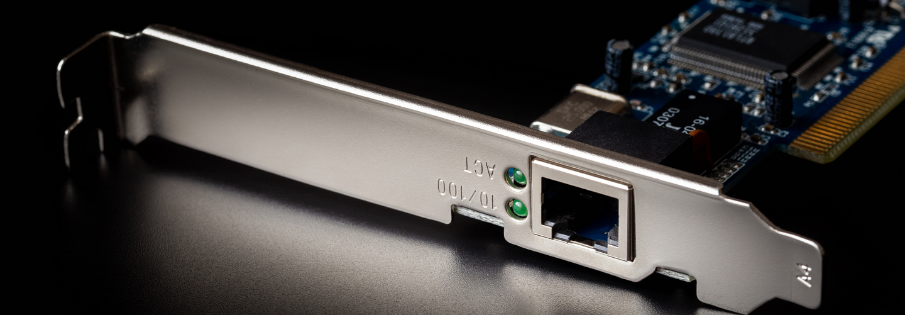
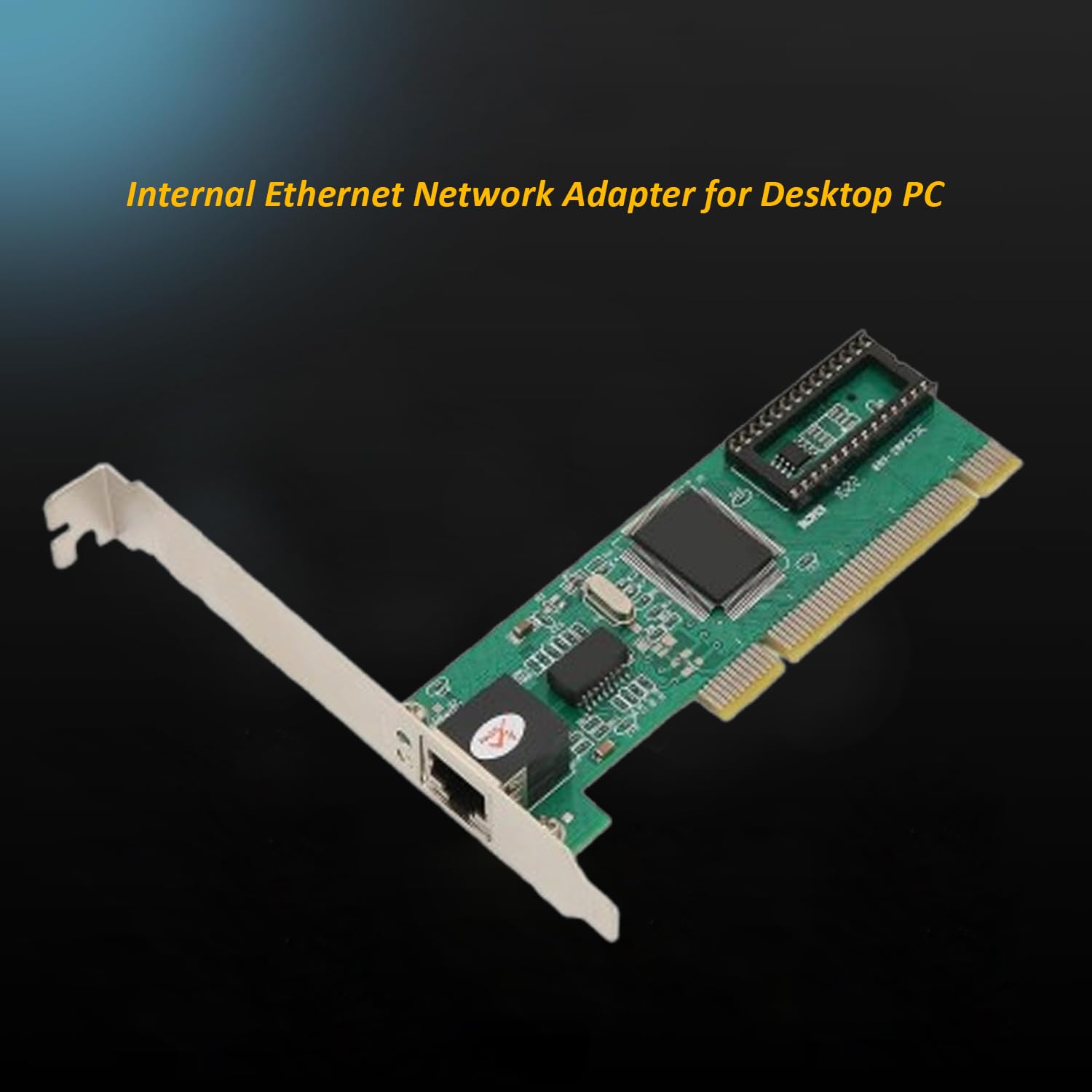
🌐 8. Network Interface Card (NIC)
Connects computer to networks
Supports wired and wireless communication
⌨️ Input Devices
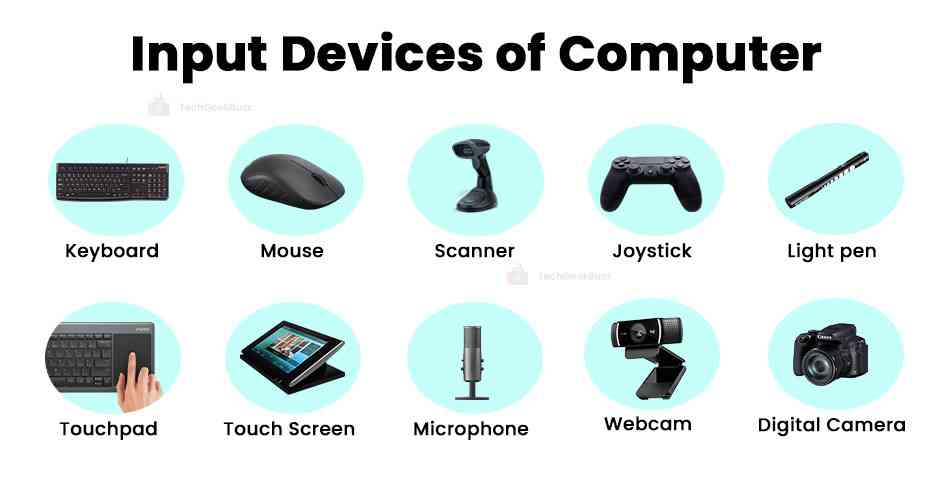
Examples:
Keyboard
Mouse
Scanner
Microphone
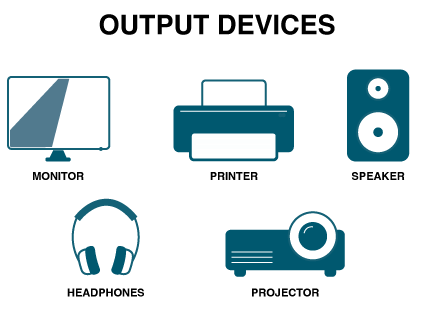
🖥️ Output Devices
Examples:
Monitor
Printer
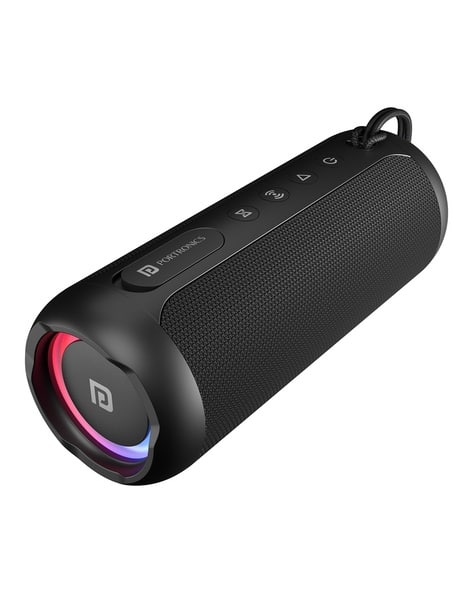
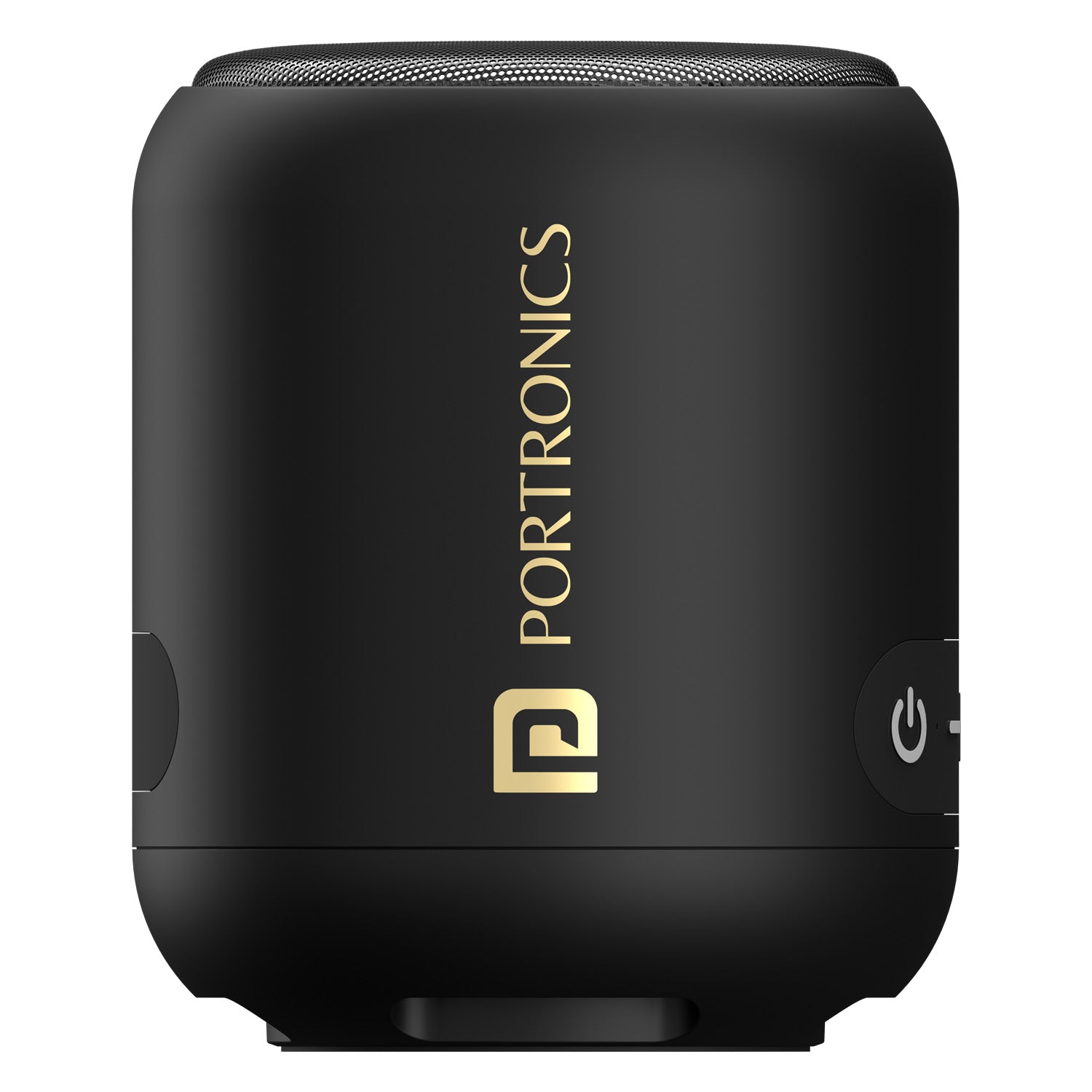
Speakers
🔌 Ports and Connectivity
Common ports:
USB
HDMI
Ethernet
Audio jack
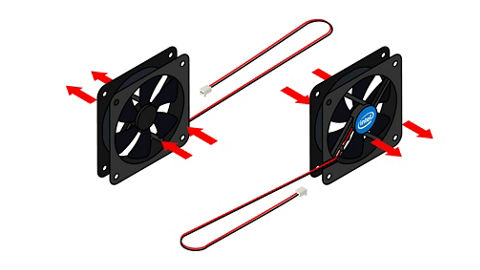
🧠 Cooling Systems
Prevent overheating
Types:
Air cooling
Liquid cooling
🧩 Expansion Cards
Graphics cards
Sound cards
Network cards
Installed via PCI slots.
🔄 Hardware Interaction
🔁 Data Flow
Input →
Processing (CPU) →
Output
🔗 Bus System
Data bus
Address bus
Control bus
⚙️ Hardware Categories
🧱 Internal Hardware
CPU
RAM
Motherboard
🔌 External Hardware
Keyboard
Monitor
Printer
🧠 Firmware
Software embedded in hardware
Example: BIOS/UEFI
⚡ Performance Factors
CPU speed
RAM size
Storage type
GPU capability
🔐 Hardware Security
TPM chips
Biometric devices
Secure boot
🧩 Emerging Hardware Technologies
Quantum computing hardware
AI accelerators (NPUs)
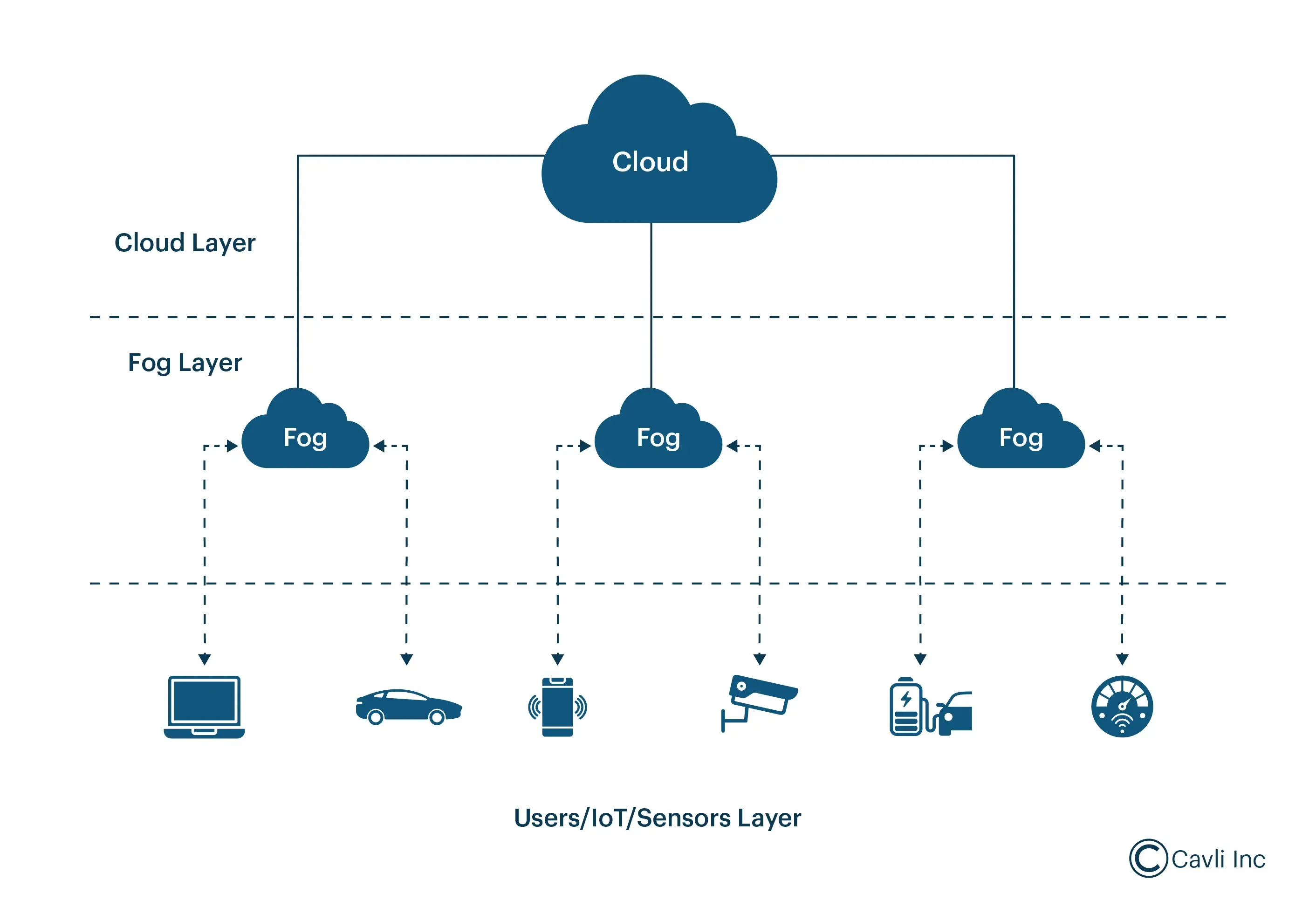
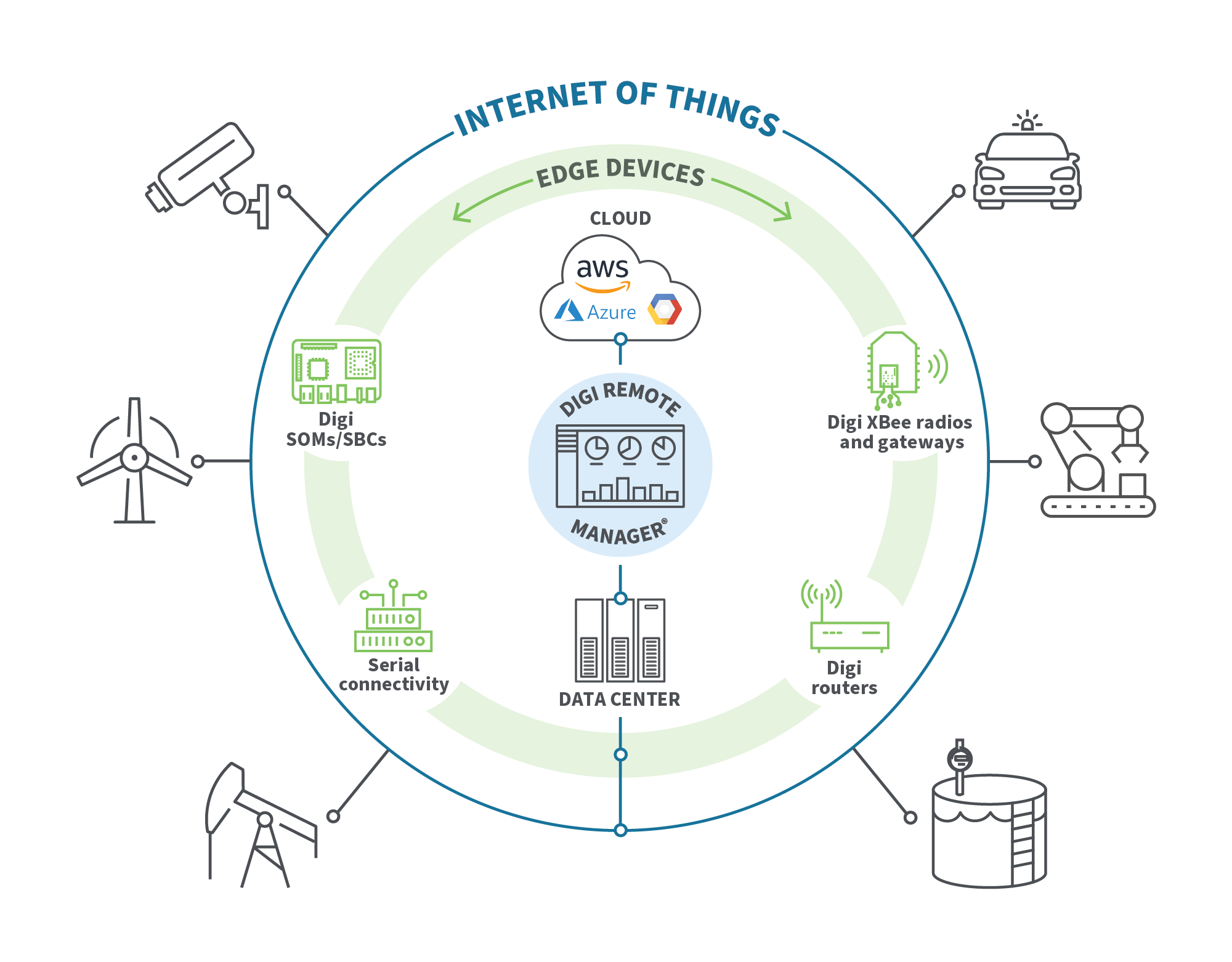
Edge devices
Wearables
⚡ Advantages of Computer Hardware
High-speed processing
Reliability
Scalability
Automation
⚠️ Limitations
Cost
Power consumption
Heat generation
Obsolescence
🧠 Conclusion
Computer hardware forms the physical backbone of computing systems. Understanding hardware basics helps in:
Building computers
Troubleshooting issues
Optimizing performance
Learning advanced computing concepts
Hardware continues to evolve rapidly, enabling powerful technologies like AI, cloud computing, and quantum systems.
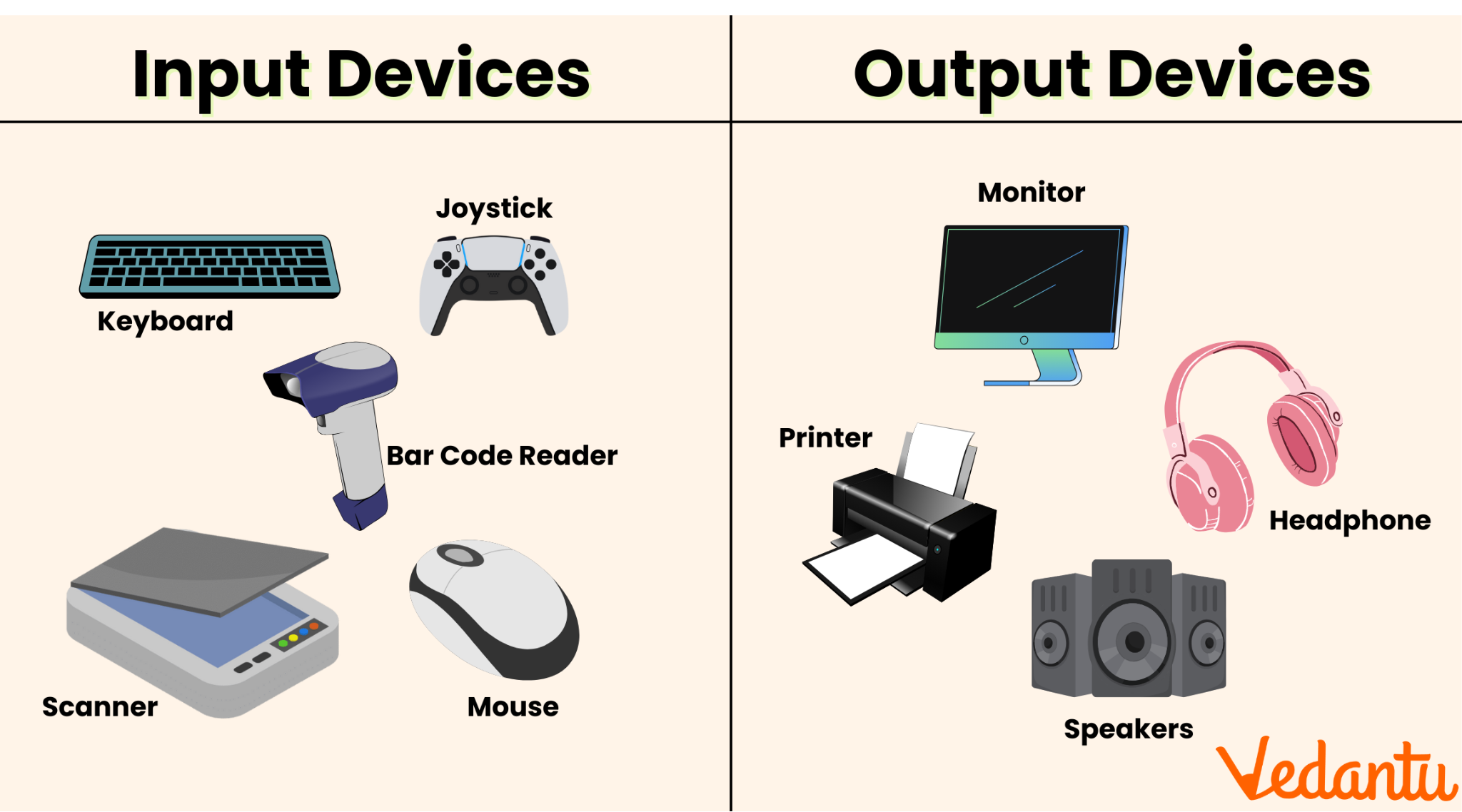
Input and Output (I/O) devices are essential components of any computer system. They serve as the communication bridge between humans and machines, allowing users to provide data (input) and receive processed results (output).
Input Devices → Send data into the computer
Output Devices → Receive data from the computer
Without I/O devices, a computer would be an isolated machine incapable of interaction.
🧠 Understanding the I/O System
The I/O system consists of:
Physical devices (keyboard, monitor, etc.)
Controllers and interfaces
Software drivers
Communication buses
Key Functions:
Data acquisition
Data presentation
Control signals
Feedback mechanisms
⌨️ INPUT DEVICES
📌 What Are Input Devices?
Input devices allow users to enter data, commands, and instructions into a computer system.
Characteristics:
Convert human actions into machine-readable signals
Provide control and interaction
Can be manual or automatic
🔤 Types of Input Devices
1. Keyboard
The keyboard is the most common input device.
Features:
QWERTY layout
Function keys (F1–F12)
Numeric keypad
Special keys (Ctrl, Alt, Shift)
Types:
Mechanical keyboards
Membrane keyboards
Virtual keyboards
Working:
Each key press generates a scan code, which is interpreted by the computer.
🖱️ 2. Mouse
The mouse is a pointing device used to control the cursor.
Types:
Optical mouse
Laser mouse
Wireless mouse
Functions:
Clicking
Dragging
Scrolling
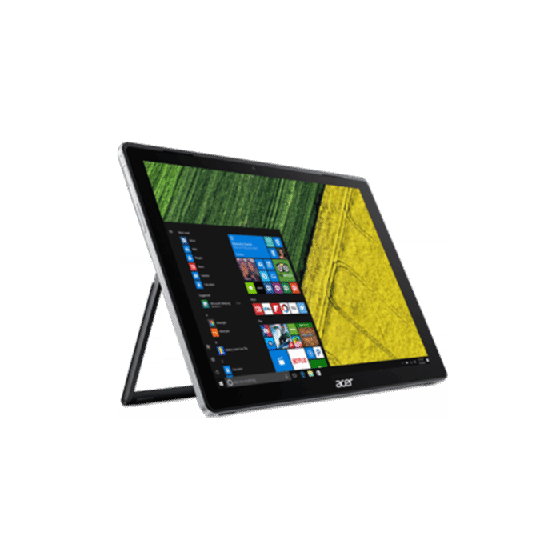
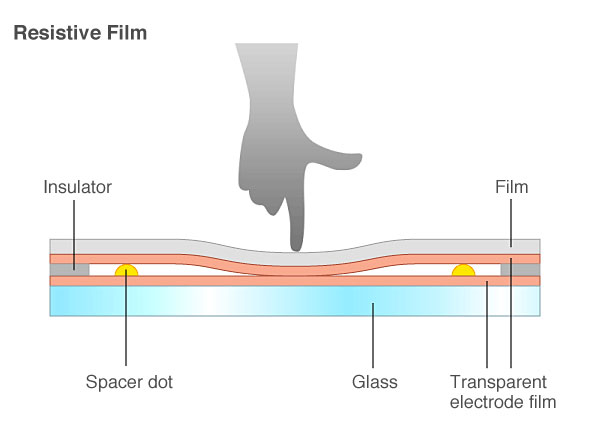
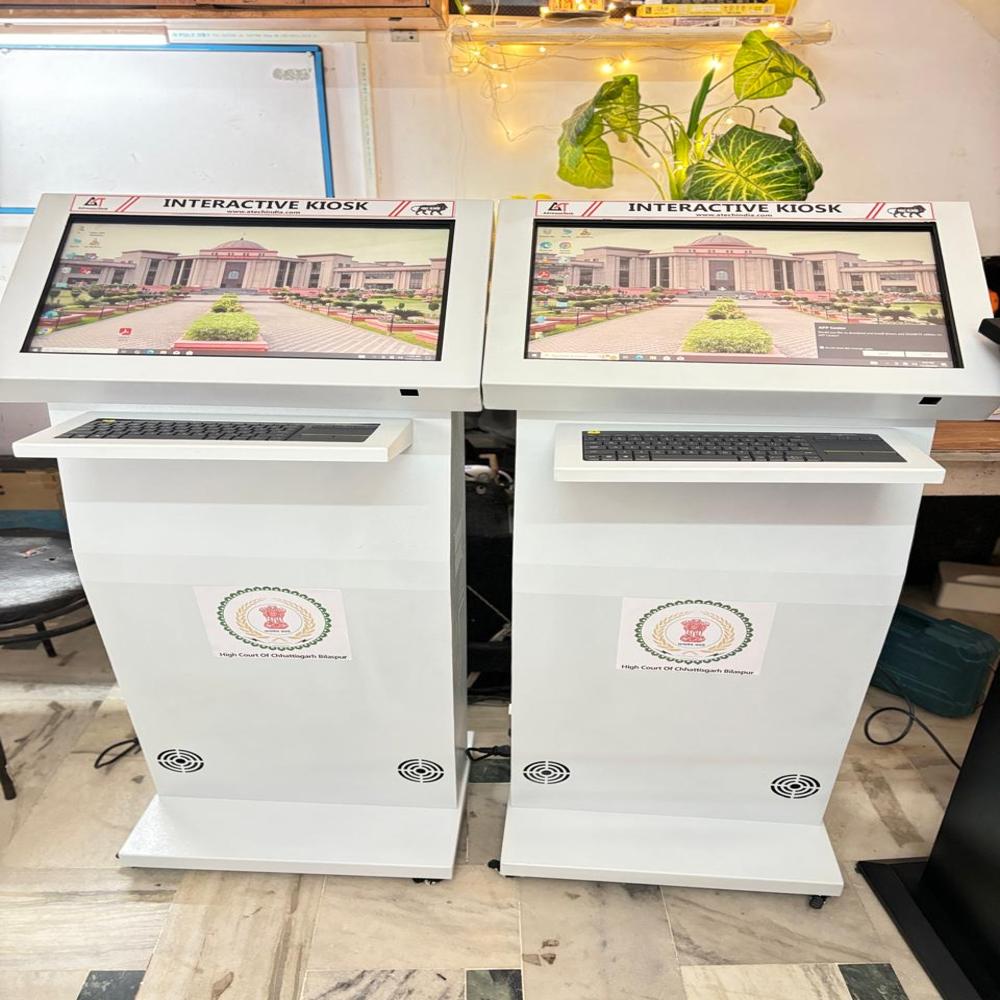
📱 3. Touchscreen
Touchscreens allow direct interaction using fingers.
Types:
Resistive
Capacitive
Infrared
Uses:
Smartphones
ATMs
Interactive kiosks
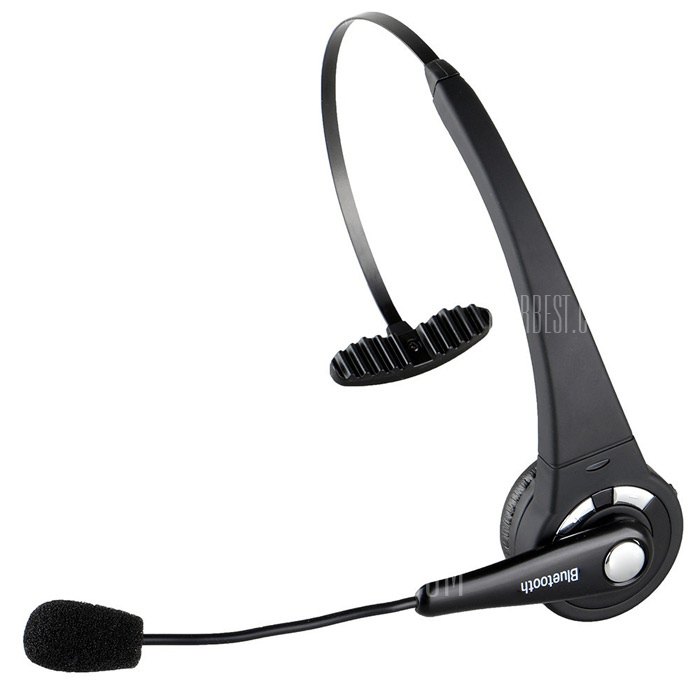
🎤 4. Microphone
Used to input audio signals.
Applications:
Voice commands
Recording
Communication
📷 5. Scanner
Converts physical documents into digital format.
Types:
Flatbed scanner
Handheld scanner
Barcode scanner
Technology:
Uses optical sensors to capture images.
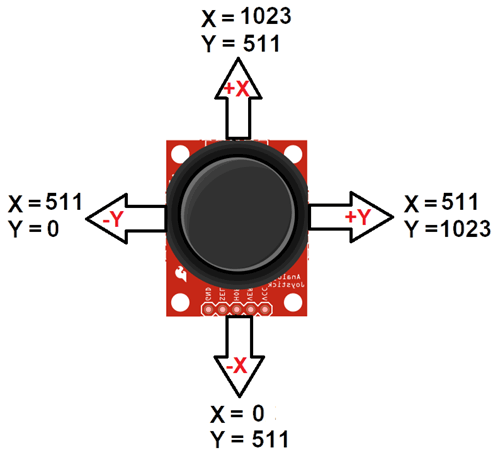
🎮 6. Joystick
Used mainly for gaming and simulations.
📸 7. Webcam
Captures images and video.
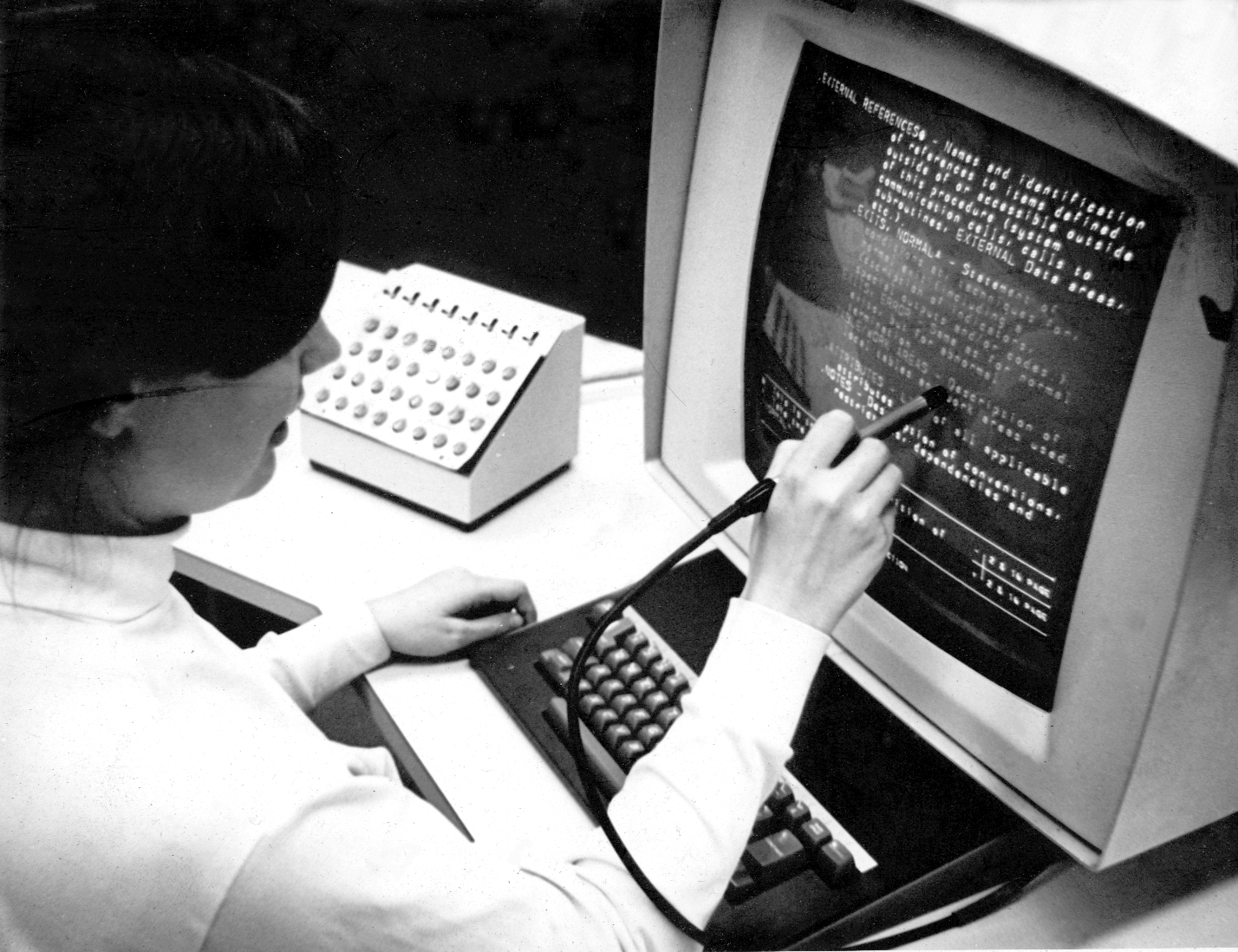
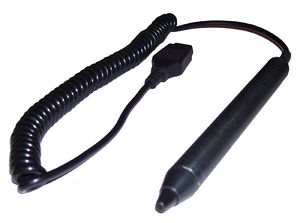
✍️ 8. Light Pen
Used for drawing directly on screens (older tech).
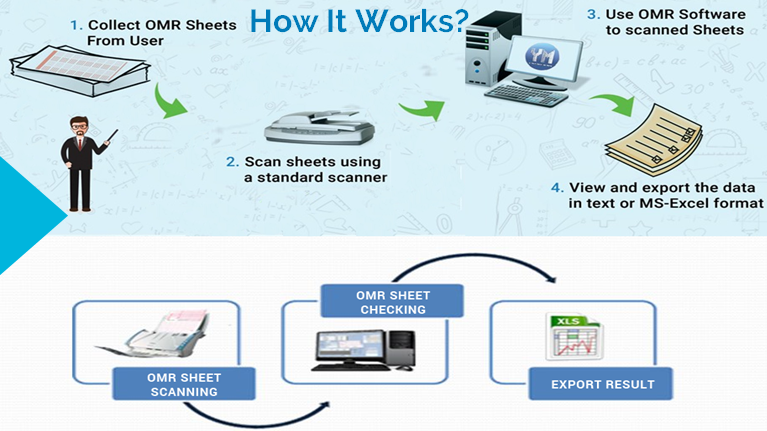
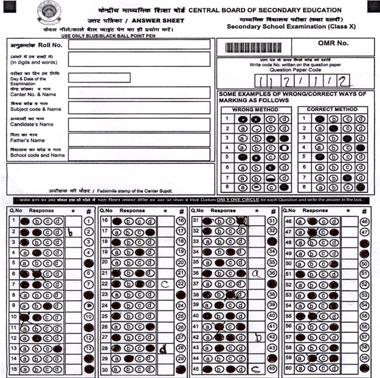
🧾 9. Optical Mark Reader (OMR)
Reads marked answers (e.g., exams).
🔤 10. Optical Character Reader (OCR)
Converts printed text into editable digital text.
🧬 11. Biometric Devices
Used for security and identification.
Types:
Fingerprint scanner
Iris scanner
Face recognition
🌐 Advanced Input Devices
Motion sensors
Gesture recognition
VR controllers
Eye-tracking devices
🖥️ OUTPUT DEVICES
📌 What Are Output Devices?
Output devices present processed data to users.
Characteristics:
Convert digital signals into human-readable form
Provide visual, audio, or physical output
📺 Types of Output Devices
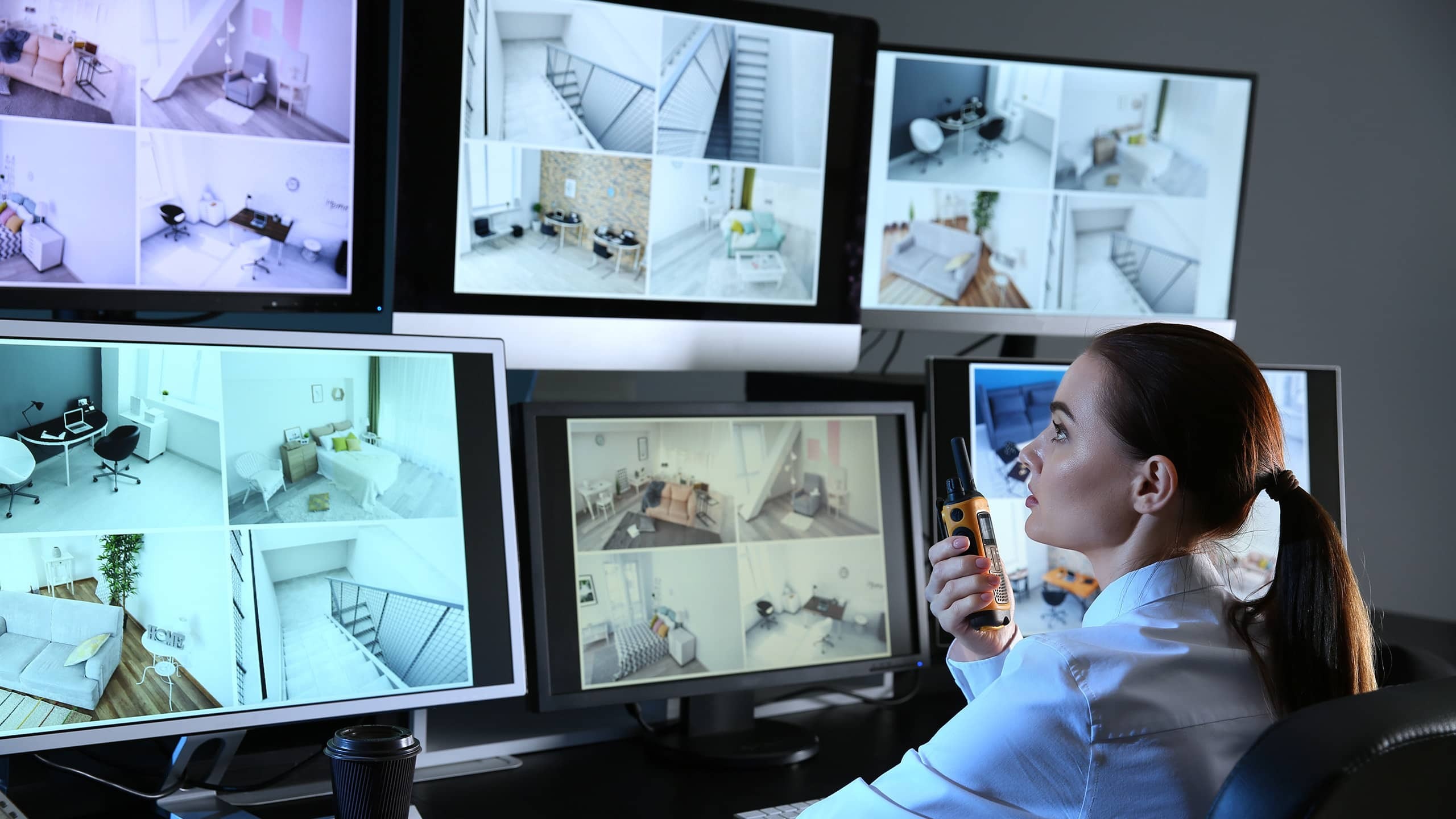
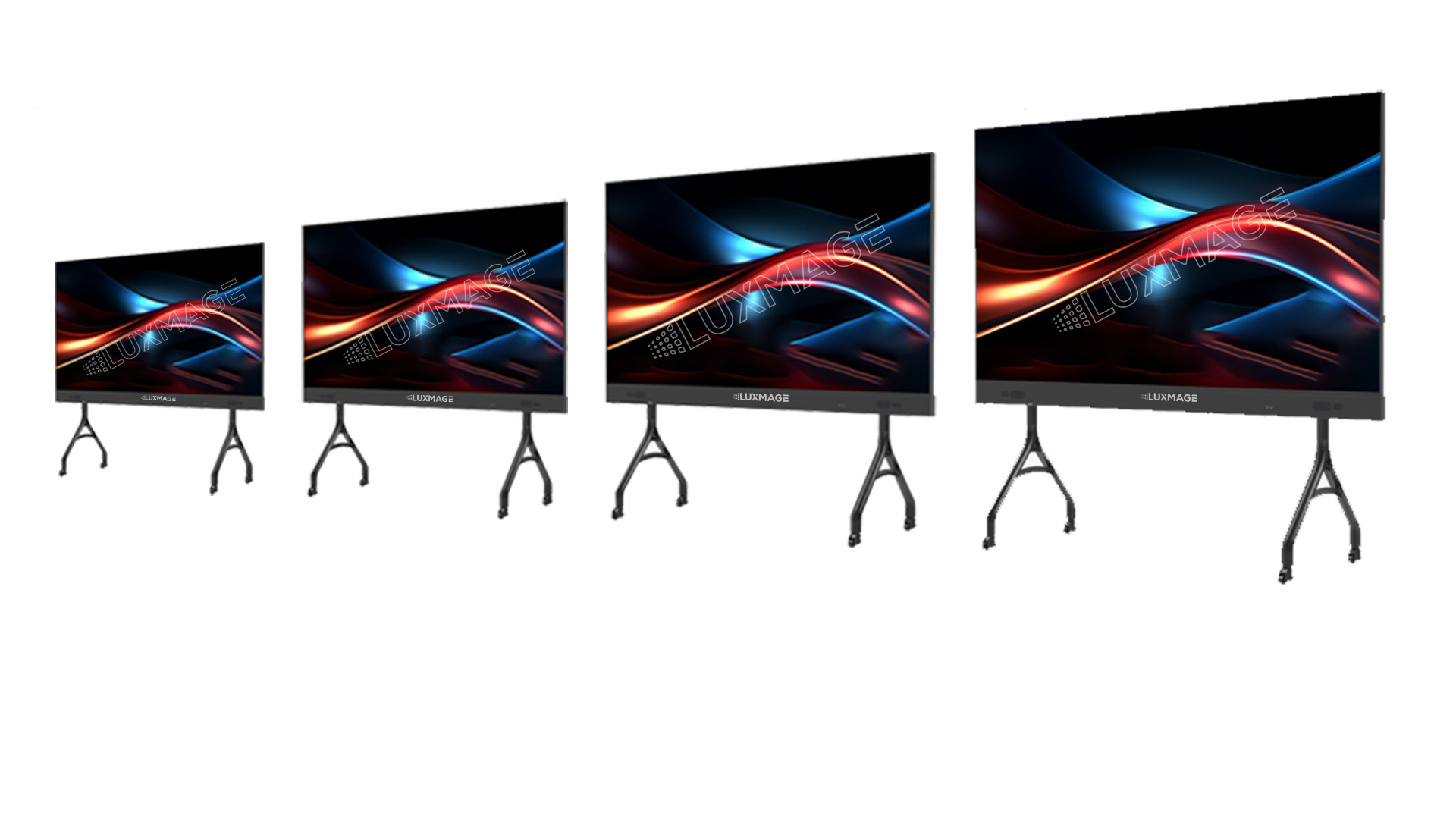
🖥️ 1. Monitor
Displays visual output.
Types:
CRT (old)
LCD
LED
OLED
Features:
Resolution
Refresh rate
Screen size
🖨️ 2. Printer
Produces hard copies.
Types:
Inkjet
Laser
Dot matrix
🔊 3. Speakers
Produce sound output.
🎧 4. Headphones
Provide personal audio output.
📽️ 5. Projector
Displays visuals on large screens.
🧾 6. Plotter
Used for large technical drawings.
📟 7. Braille Display
Helps visually impaired users.
🌐 Advanced Output Devices
VR headsets
AR displays
Holographic displays
🔄 Input vs Output Devices
Feature
Input Devices
Output Devices
Function
Enter data
Display results
Direction
User → Computer
Computer → User
Examples
Keyboard, Mouse
Monitor, Printer
⚙️ Input/Output Interfaces
🔌 Ports and Connections
Common interfaces:
USB
HDMI
VGA
Bluetooth
Wi-Fi
🔄 I/O Data Transfer Methods
Programmed I/O
Interrupt-driven I/O
Direct Memory Access (DMA)
🧠 Drivers and Software
Device drivers enable communication
OS manages I/O operations
Examples: printer drivers, audio drivers
⚡ Performance Factors
Speed
Accuracy
Latency
Bandwidth
🔐 Security in I/O Devices
Biometric authentication
Encryption
Secure input methods
🧩 Emerging Trends
AI-based interfaces
Voice assistants
Brain-computer interfaces
Smart wearables
📊 Advantages of I/O Devices
User interaction
Automation
Accessibility
Efficiency
⚠️ Limitations
Cost
Maintenance
Compatibility issues
Security risks
🧠 Conclusion
Input and Output devices are fundamental to computing systems. They enable:
Human-computer interaction
Data processing and visualization
Automation and control
As technology evolves, I/O devices are becoming more intelligent, immersive, and intuitive, shaping the future of human-computer interaction.
A computer is an electronic device that processes data according to a set of instructions called programs. It accepts raw data as input, processes it using a central processing unit, stores the results, and produces meaningful information as output.
The word computer originally referred to a person who performed calculations manually. With technological advancement, the term now refers to programmable electronic machines capable of performing millions or billions of operations per second.
A widely accepted definition states:
A computer is an electronic programmable machine that receives input, processes data based on instructions, stores information, and produces output.
Computers are essential tools in modern society and are used in almost every field including education, medicine, engineering, communication, entertainment, business, banking, transportation, and scientific research.
2. Basic Characteristics of Computers
Computers possess several important characteristics that make them powerful tools.
Speed
Computers can perform calculations extremely fast. Modern processors can execute billions of instructions per second. Tasks that would take humans hours or days can be completed in seconds.
Accuracy
Computers produce highly accurate results when the instructions and input data are correct. Errors usually occur due to incorrect input or faulty programs rather than the computer itself.
Automation
Once a program is started, a computer can perform tasks automatically without human intervention until the program finishes.
Storage Capacity
Computers can store large volumes of data. Storage devices such as hard drives, SSDs, and cloud storage allow computers to keep enormous amounts of information.
Diligence
Unlike humans, computers do not get tired or bored. They can perform repetitive tasks continuously with the same efficiency.
Versatility
Computers can perform a wide variety of tasks including word processing, data analysis, multimedia editing, scientific simulations, and gaming.
Multitasking
Modern computers can run multiple applications simultaneously, allowing users to perform different tasks at the same time.
Reliability
Computers are reliable machines that can run continuously for long periods without failure when properly maintained.
3. Components of a Computer System
A computer system consists of two main parts:
Hardware
Software
Both components work together to perform computing tasks.
4. Computer Hardware
Hardware refers to the physical components of a computer that can be seen and touched.
Central Processing Unit (CPU)
The CPU is the brain of the computer. It performs calculations and executes instructions from programs.
The CPU has three main parts:
Arithmetic Logic Unit (ALU)
Performs mathematical calculations and logical operations.
Control Unit (CU)
Directs the flow of data and instructions inside the computer.
Registers
Small storage locations within the CPU used for temporary data during processing.
Memory (Primary Memory)
Primary memory stores data and instructions that are currently being processed.
Types include:
RAM (Random Access Memory)
RAM is temporary memory used to store data currently in use. It is volatile, meaning the data is lost when power is turned off.
ROM (Read Only Memory)
ROM contains permanent instructions required to start the computer. It is non-volatile.
Secondary Storage
Secondary storage is used for long-term data storage.
Examples include:
Hard Disk Drive (HDD) Solid State Drive (SSD) USB Flash Drive CD/DVD Memory Cards
These devices retain data even when the computer is turned off.
Input Devices
Input devices allow users to send data and commands to a computer.
Email Video conferencing Social media Instant messaging
Entertainment
Video games Streaming services Digital music Animation
11. Computer Networking
A computer network connects multiple computers to share resources and information.
Types of networks include:
LAN – Local Area Network MAN – Metropolitan Area Network WAN – Wide Area Network
The Internet is the largest global network connecting billions of computers.
Networking enables communication, file sharing, cloud computing, and online services.
12. Advantages of Computers
Computers provide numerous benefits.
High speed processing Accurate calculations Large storage capacity Automation of tasks Improved productivity Global communication Access to information
13. Limitations of Computers
Despite their advantages, computers also have limitations.
Dependence on electricity Security risks such as hacking Potential job displacement Health issues due to prolonged use Need for regular maintenance
Computers cannot think independently without programmed instructions.
14. Emerging Trends in Computing
Modern computing is rapidly evolving.
Artificial Intelligence
Machines that simulate human intelligence.
Cloud Computing
Data and applications stored on remote servers.
Internet of Things (IoT)
Interconnected smart devices.
Quantum Computing
Computers based on quantum mechanics.
Edge Computing
Processing data closer to the source instead of centralized servers.
These technologies are shaping the future of computing.
15. Importance of Computer Literacy
Computer literacy is the ability to use computers effectively.
Essential skills include:
Operating systems usage Internet navigation Word processing Spreadsheets Basic programming Cybersecurity awareness
Computer literacy is increasingly important for education, employment, and daily life.
16. Future of Computers
The future of computers involves more powerful, intelligent, and interconnected systems.
Possible developments include:
Human-like AI assistants Advanced robotics Brain-computer interfaces Quantum processors Fully autonomous systems
Computers will continue to transform industries, science, and society.
Conclusion
Computers have become one of the most significant technological inventions in human history. From their early beginnings as room-sized machines to today’s compact and powerful devices, computers have revolutionized the way people work, communicate, learn, and solve problems. Understanding the basic concepts of computers—including hardware, software, data processing, and networking—provides a foundation for further study in information technology and computer science. As technology continues to advance, computers will play an even greater role in shaping the future of humanity.