🧩 What is Searching?
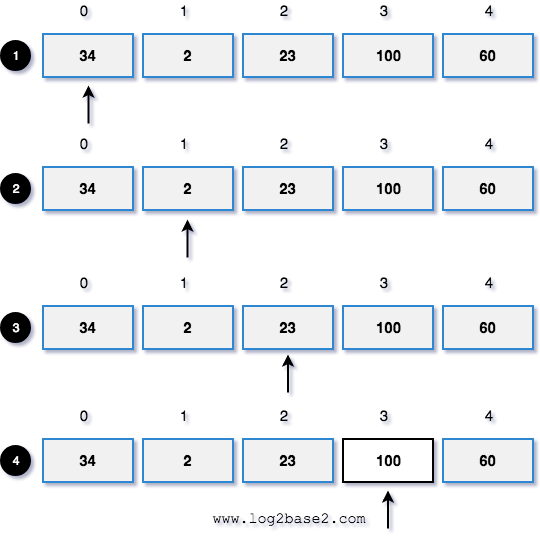

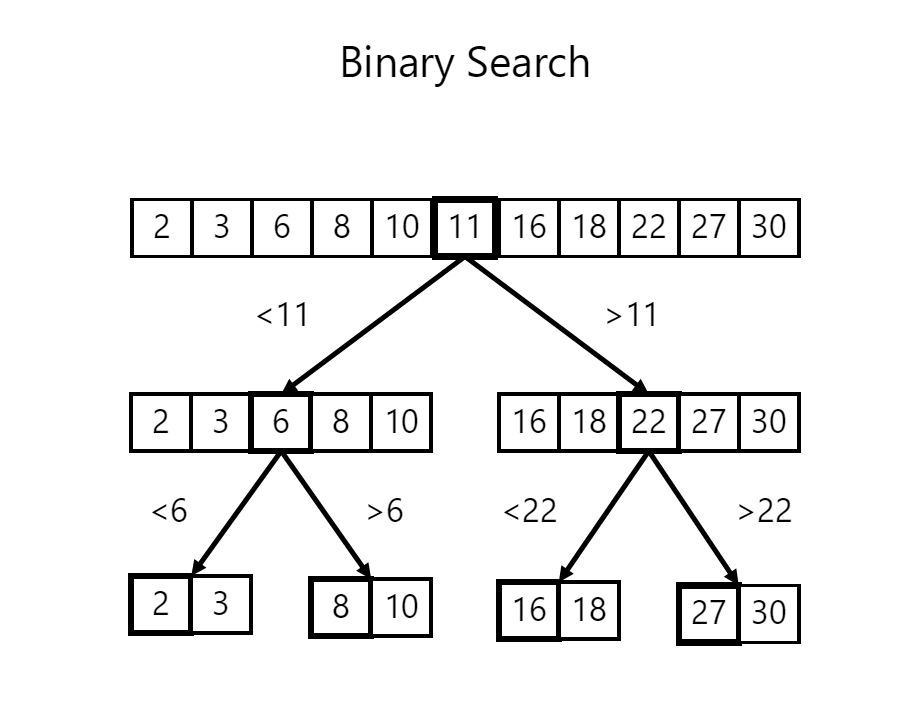
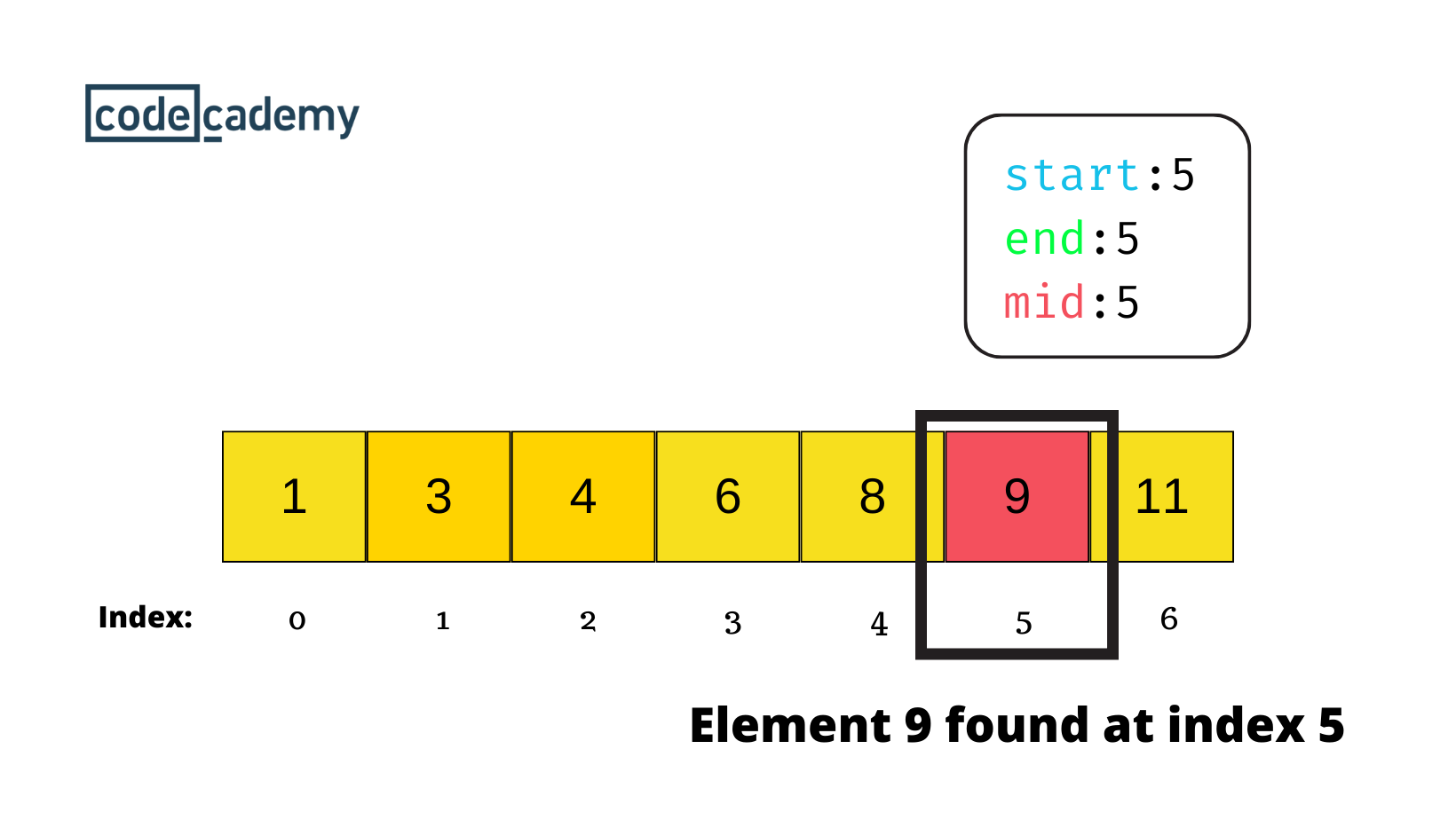
Searching is the process of locating a specific element (called a key) within a data structure such as an array, list, tree, or graph. It is one of the most fundamental operations in computer science and forms the backbone of data retrieval systems.
Example:
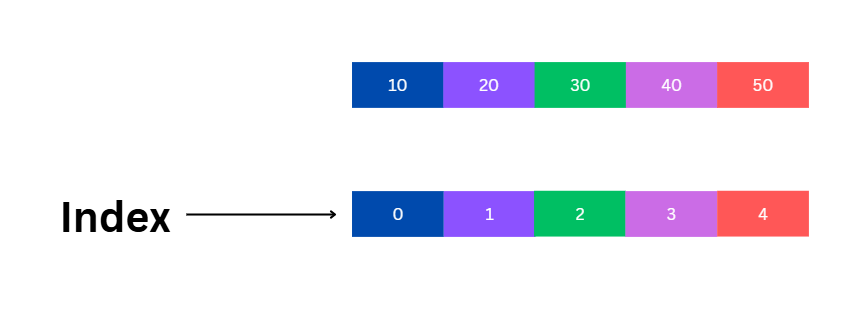
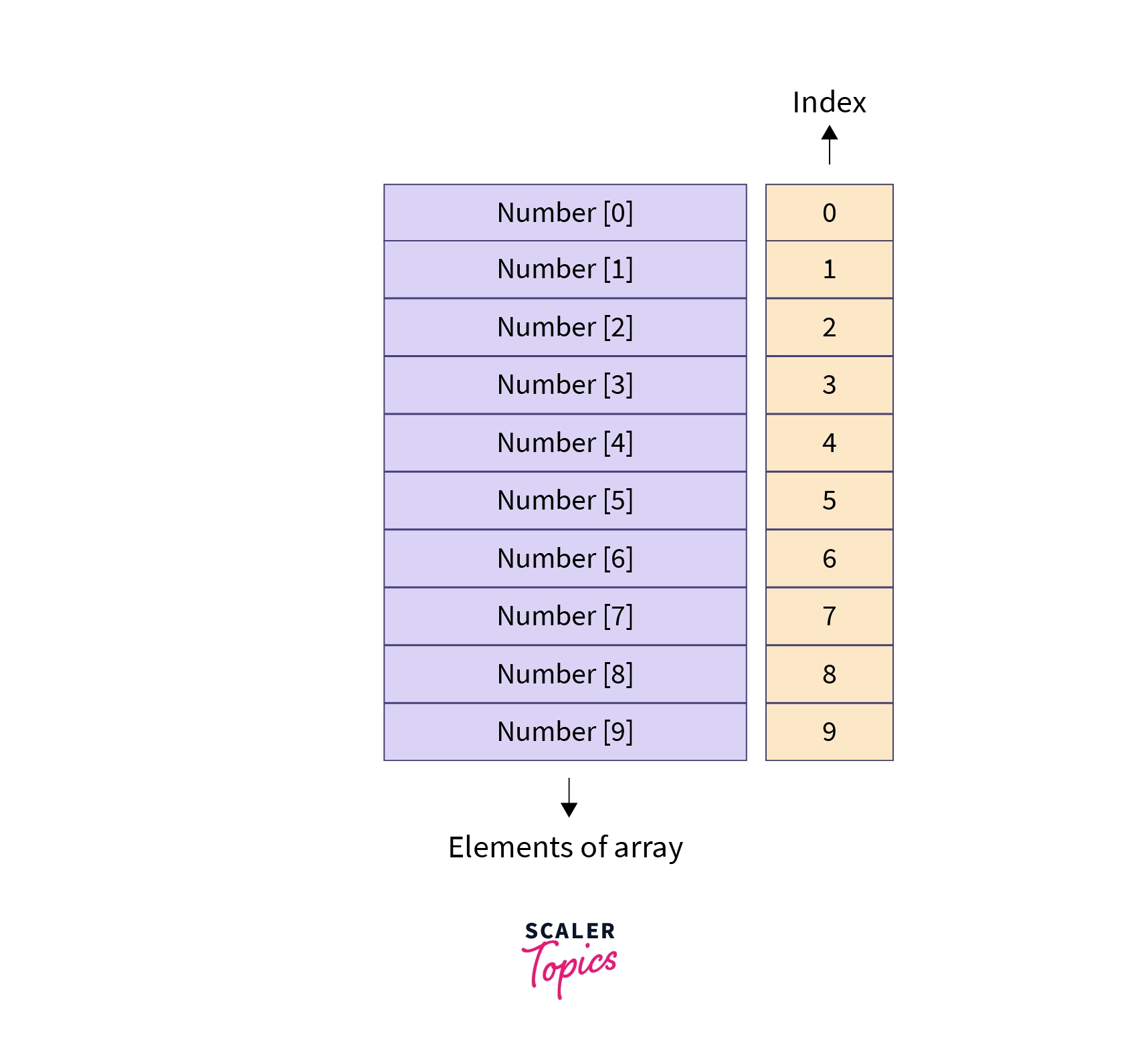
Array: [10, 25, 30, 45, 60]
Search Key: 30 → Found at index 2
Searching algorithms are designed to efficiently determine:
- Whether an element exists
- Where it is located
- How quickly it can be found
🧠 Importance of Searching Algorithms
- Essential for data retrieval systems
- Used in databases and search engines
- Helps in decision-making algorithms
- Improves performance of applications
⚙️ Classification of Searching Algorithms
Searching algorithms can be categorized based on:
🔹 1. Based on Data Structure
- Searching in arrays/lists
- Searching in trees
- Searching in graphs
🔹 2. Based on Technique
- Sequential search
- Divide and conquer
- Hash-based search
🔹 3. Based on Data Order
- Searching in unsorted data
- Searching in sorted data
🔢 Linear Search


📌 Concept
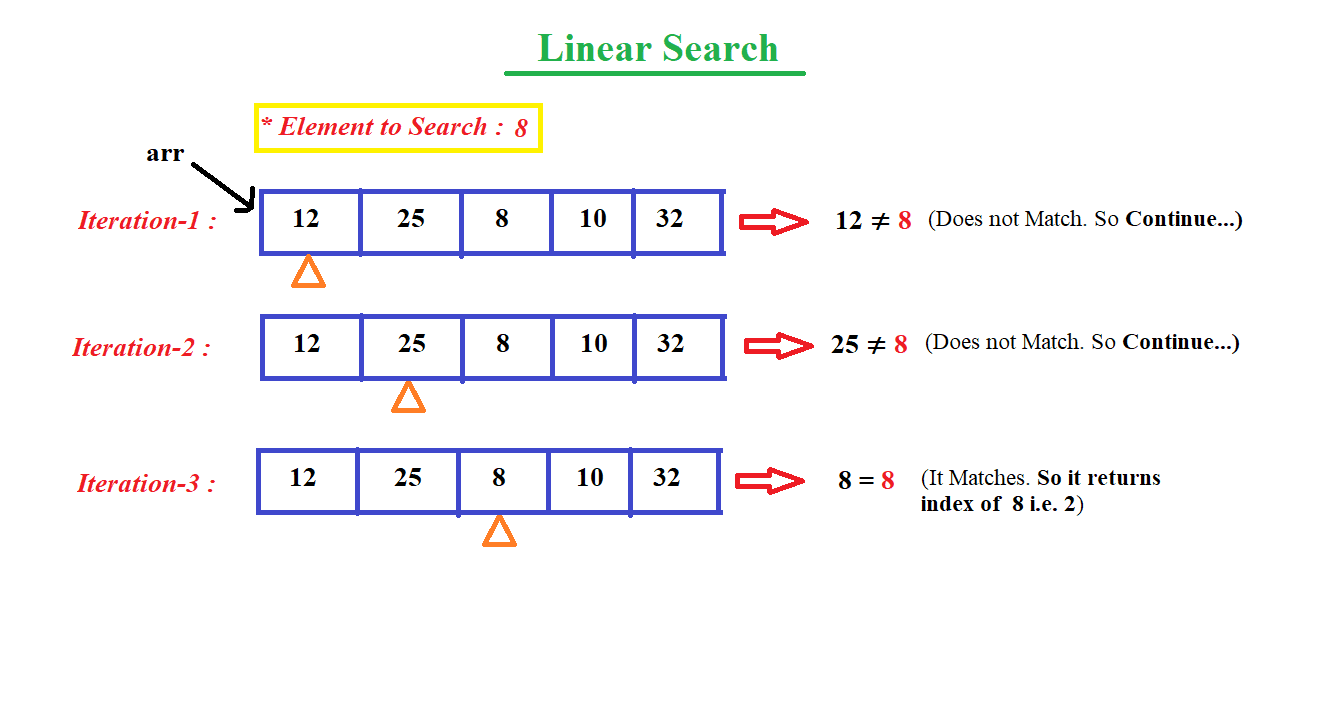
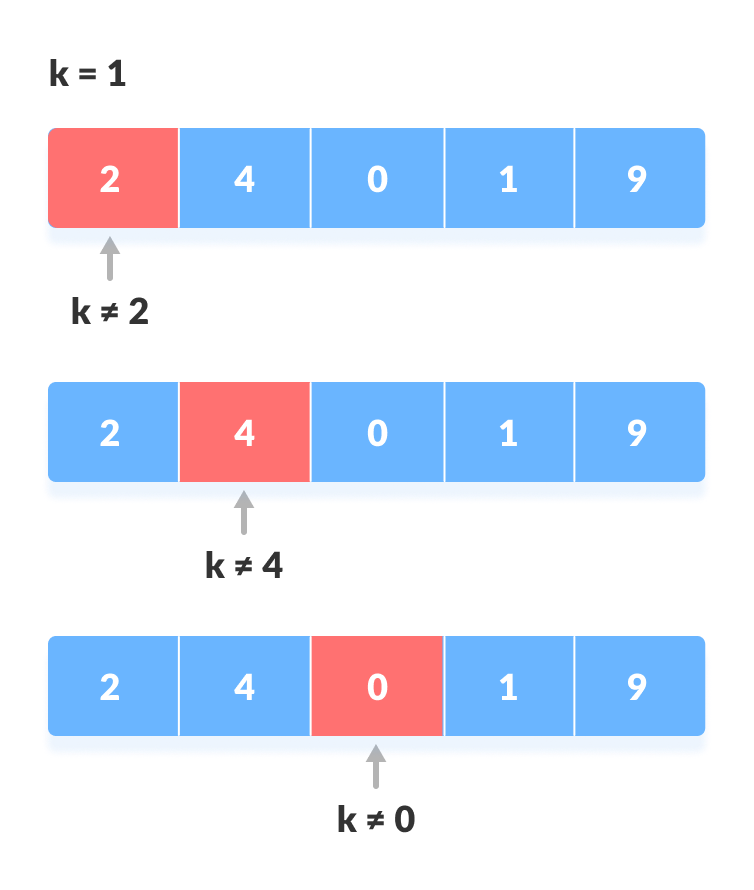
Linear search checks each element one by one until the target is found.
🧾 Algorithm
- Start from first element
- Compare with key
- Move to next element
- Repeat until found or end
💻 Code Example
def linear_search(arr, key):
    for i in range(len(arr)):
        if arr[i] == key:
            return i
    return -1
⏱️ Complexity
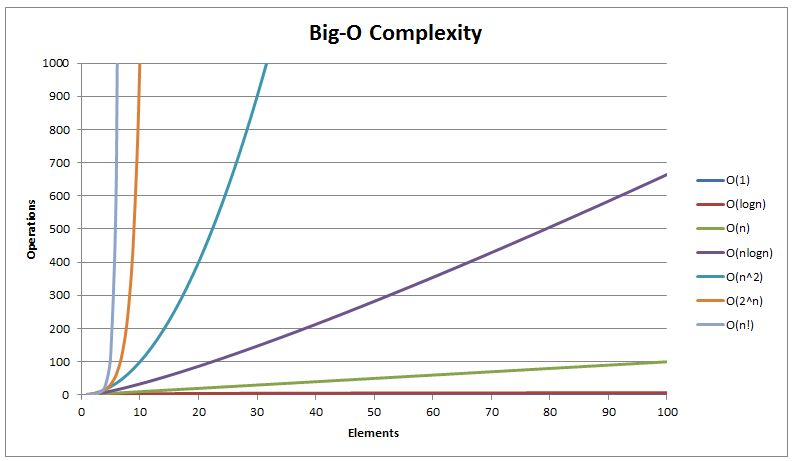
- Best: O(1)
- Average: O(n)
- Worst: O(n)
✅ Advantages
- Simple
- Works on unsorted data
❌ Disadvantages
- Slow for large datasets
🔍 Binary Search
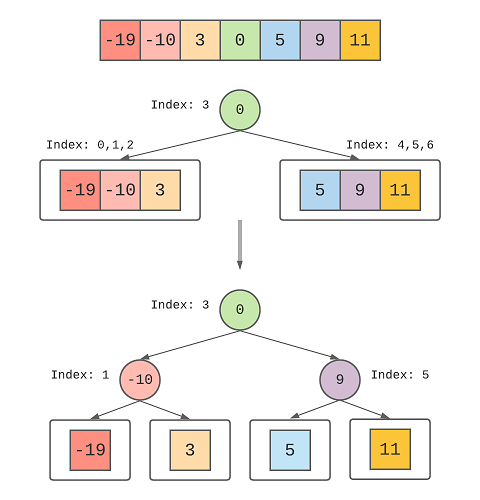
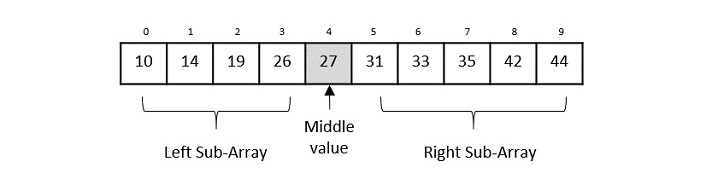
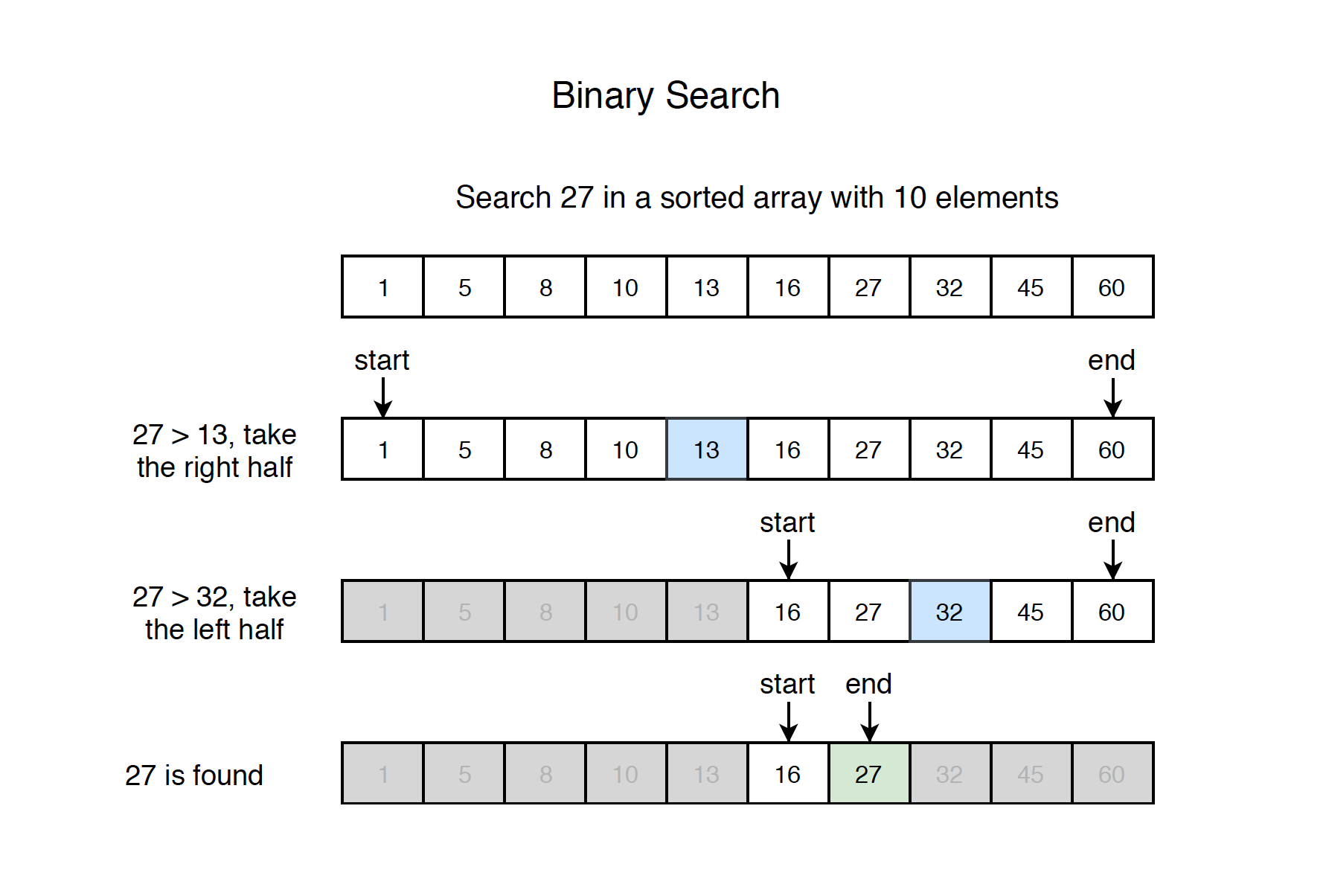
📌 Concept
Binary search repeatedly divides a sorted array into halves.
🧾 Algorithm
- Find middle element
- Compare with key
- If equal → return
- If smaller → search left
- If larger → search right
💻 Code Example
def binary_search(arr, key):
    low, high = 0, len(arr)-1
    while low <= high:
        mid = (low + high) // 2
        if arr[mid] == key:
            return mid
        elif arr[mid] < key:
            low = mid + 1
        else:
            high = mid - 1
    return -1
⏱️ Complexity
- Best: O(1)
- Average: O(log n)
- Worst: O(log n)
✅ Advantages
- Very fast
- Efficient for large datasets
❌ Disadvantages
- Requires sorted data
🧠 Jump Search
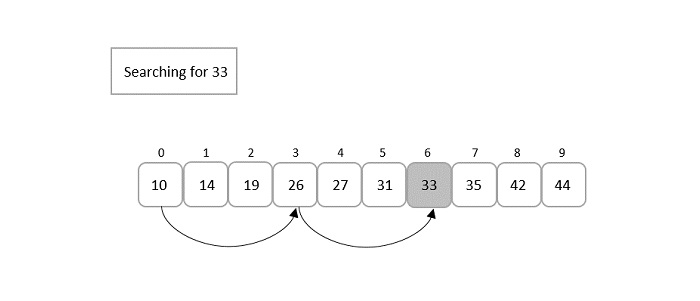

📌 Concept
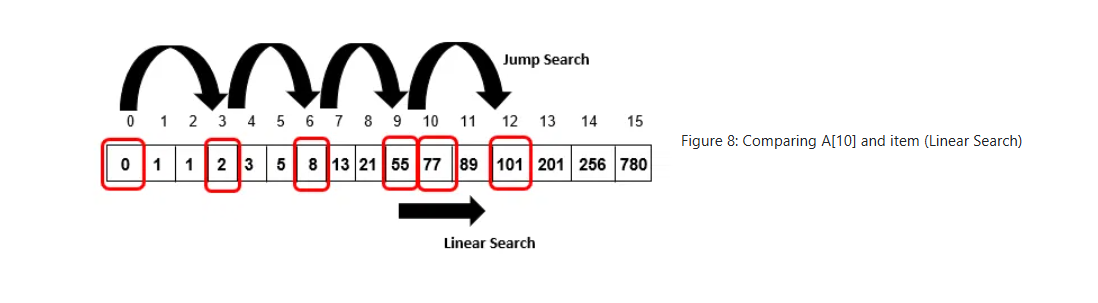
Jumps ahead by fixed steps and then performs linear search.
⏱️ Complexity
- O(√n)
🔎 Interpolation Search


📌 Concept
Estimates position based on value distribution.
⏱️ Complexity
- Best: O(log log n)
- Worst: O(n)
🧭 Exponential Search

📌 Concept
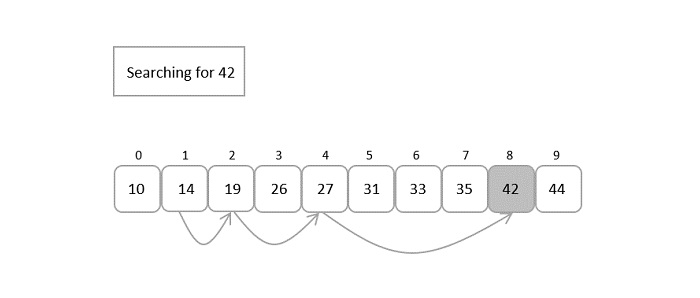
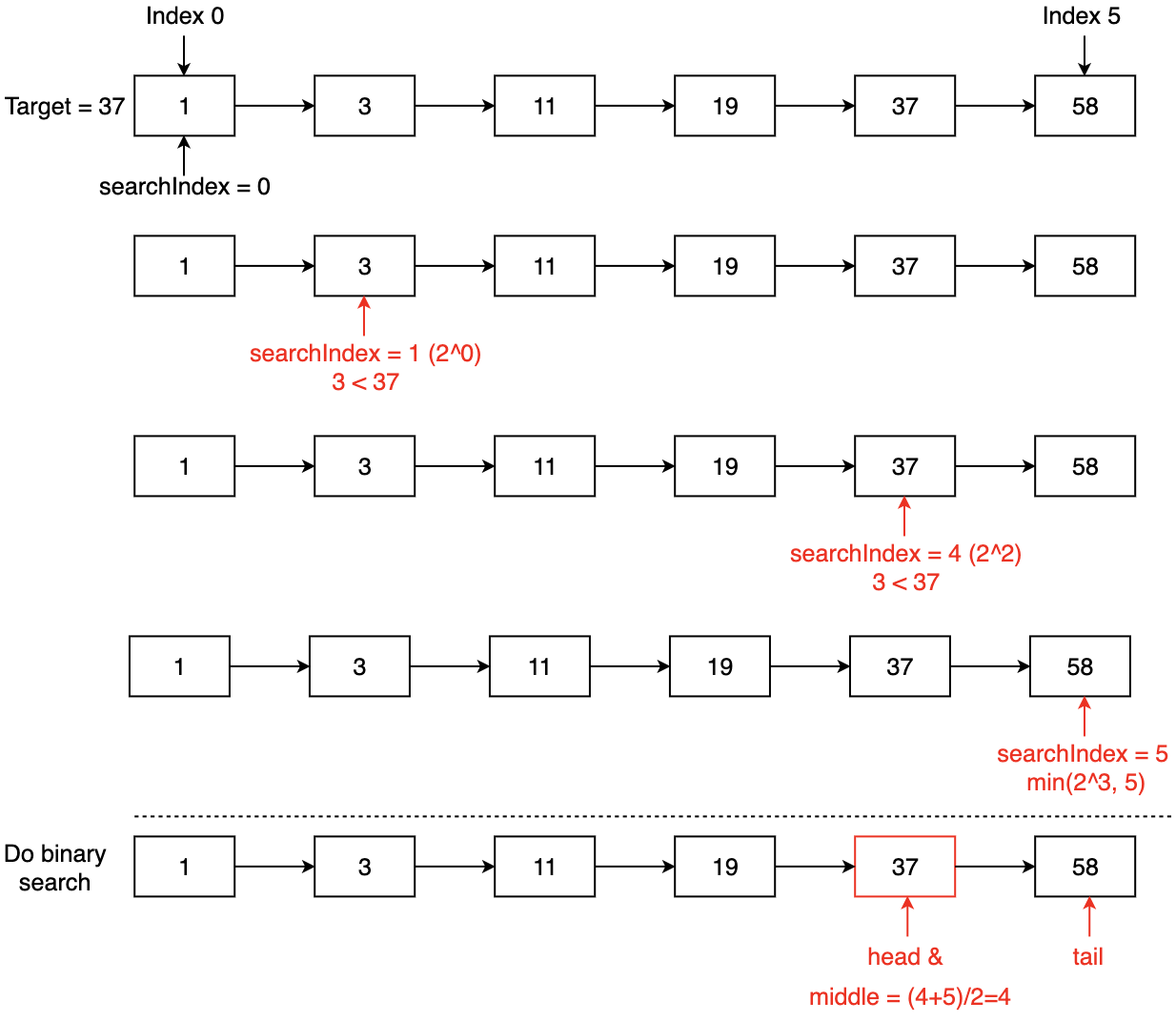
Finds range first, then applies binary search.
🌳 Searching in Trees
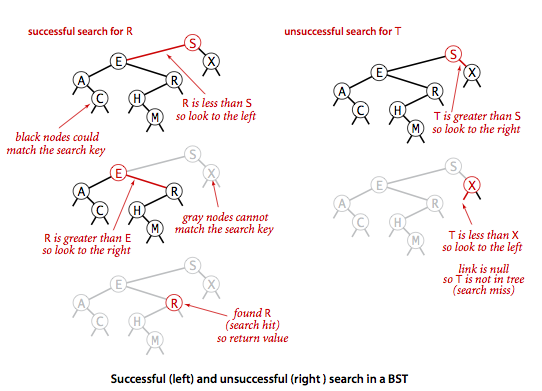
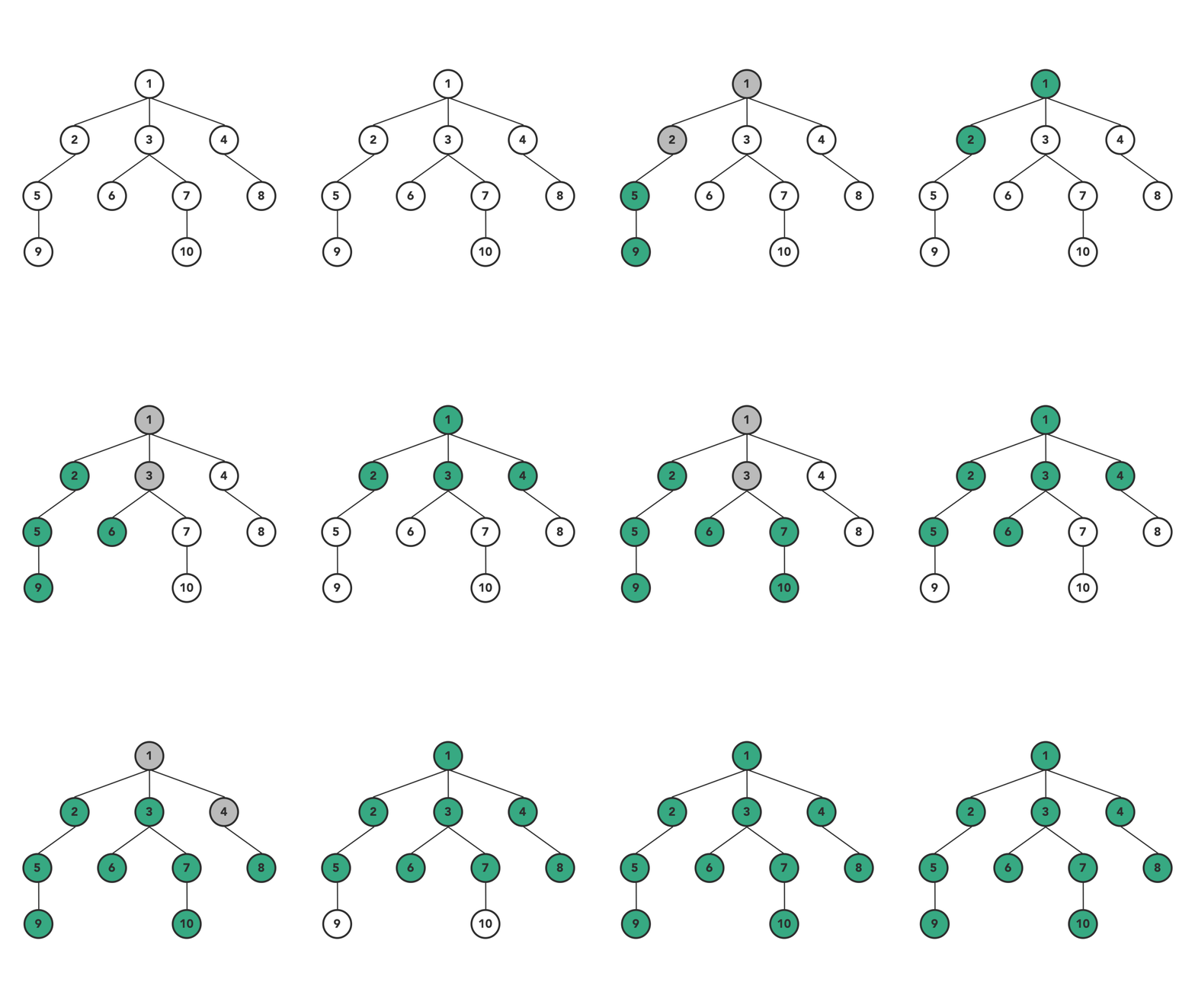
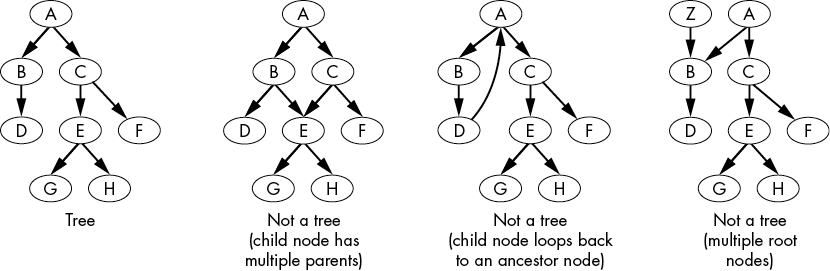
📌 Binary Search Tree (BST)
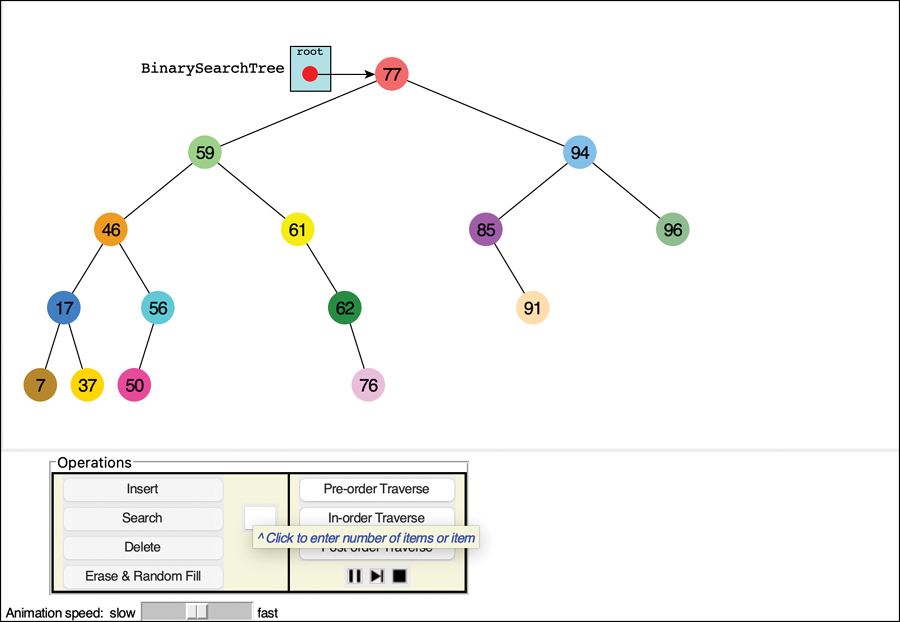
Search based on ordering:
- Left < Root < Right
⏱️ Complexity
- Average: O(log n)
- Worst: O(n)
🌐 Searching in Graphs
🔹 Depth First Search (DFS)

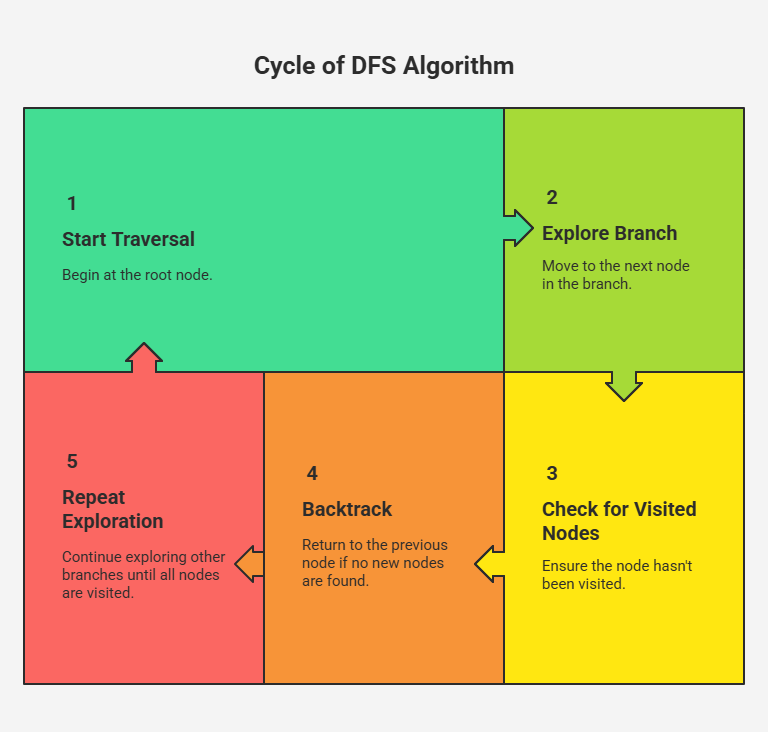
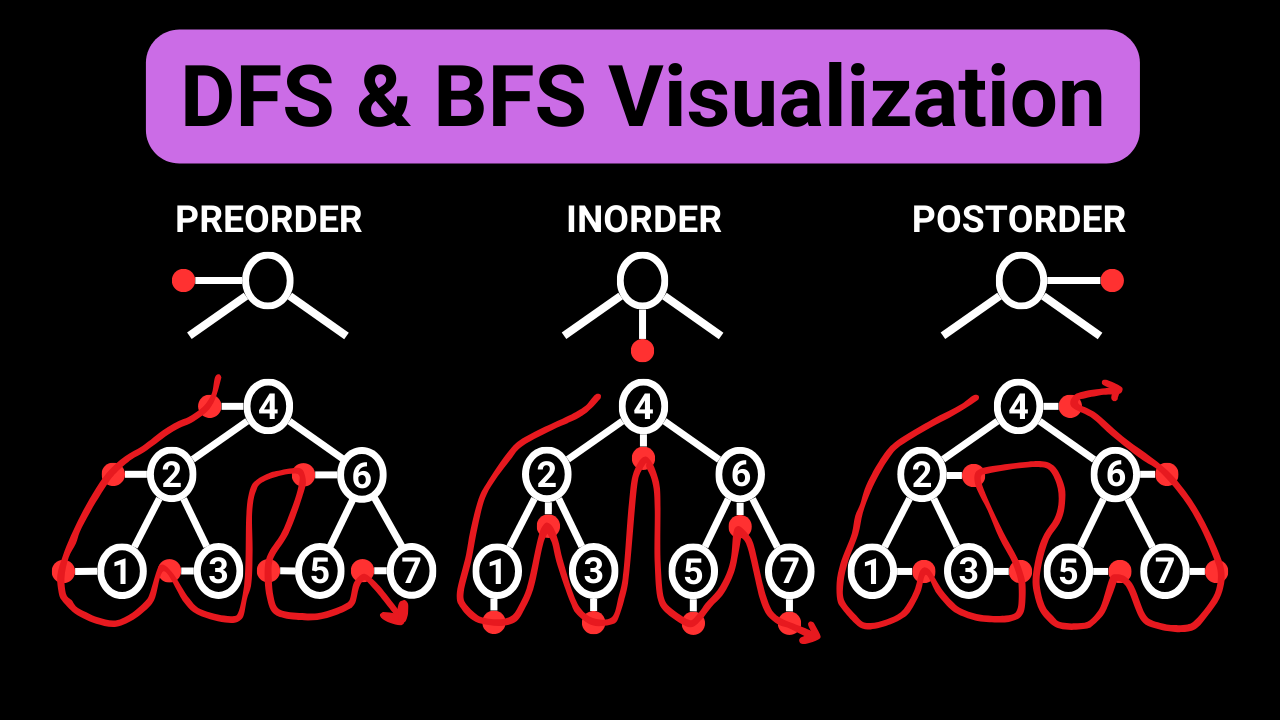
- Uses stack
- Explores deeply
🔹 Breadth First Search (BFS)
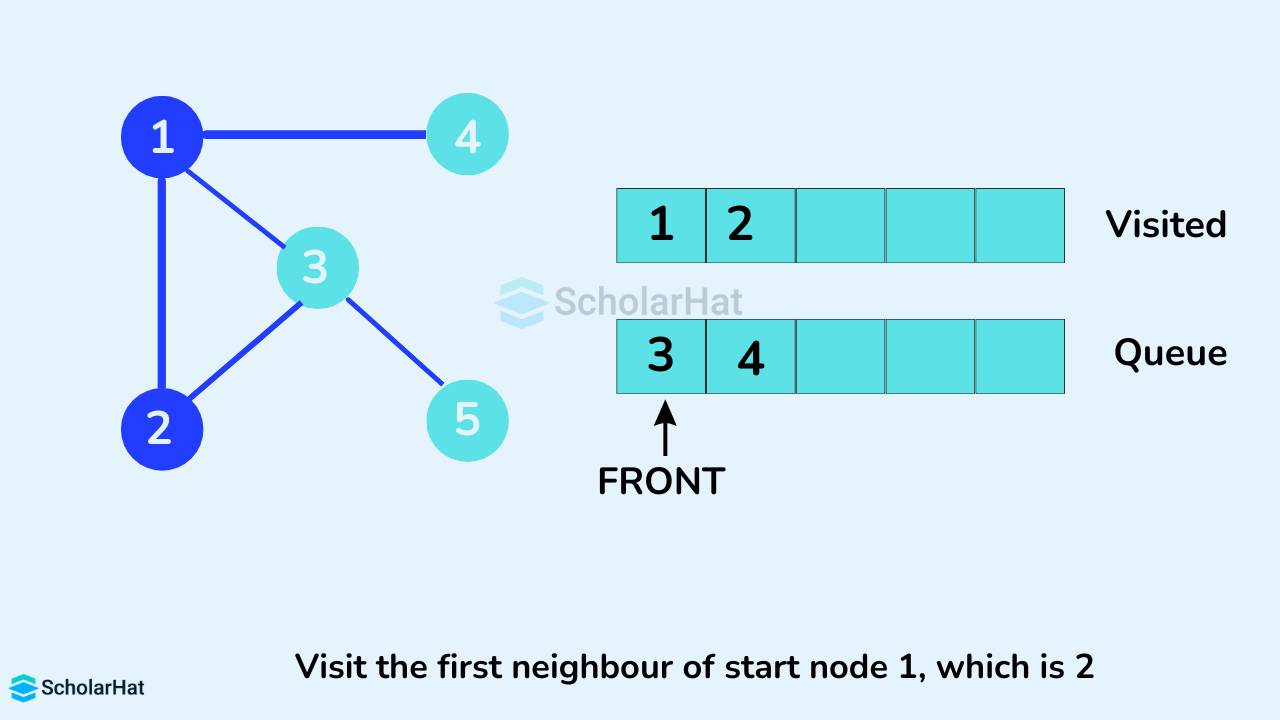
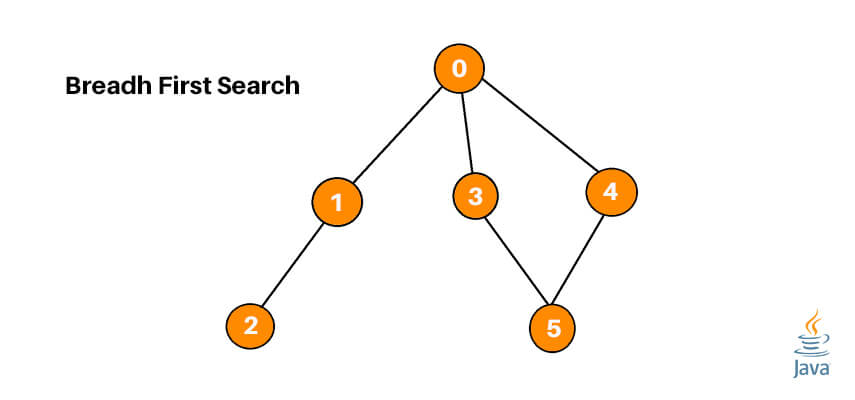

- Uses queue
- Explores level by level
🔑 Hash-Based Searching


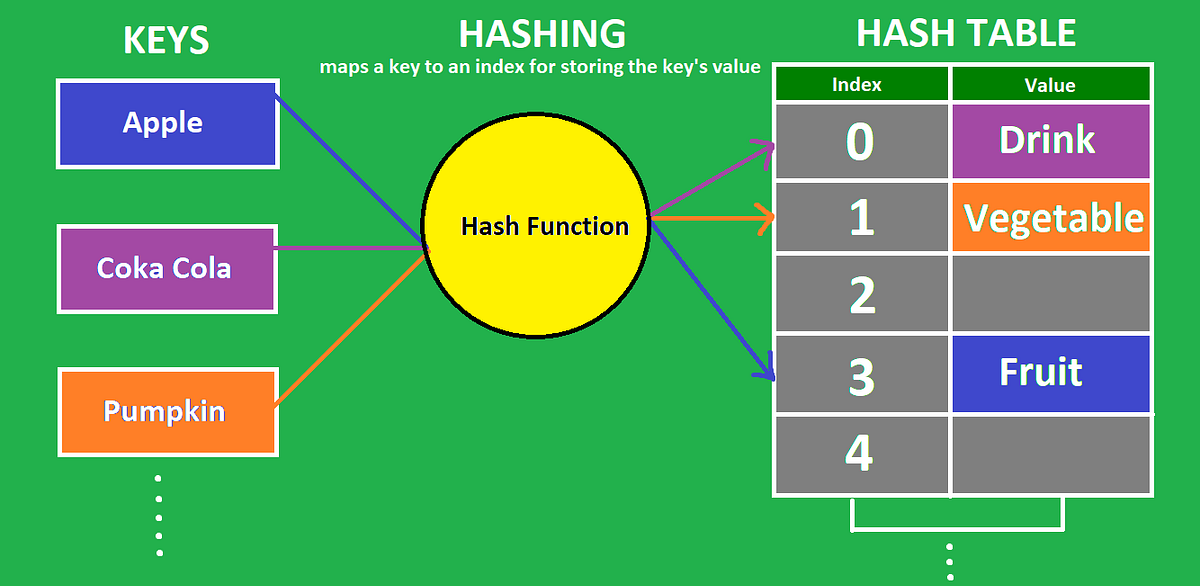

📌 Concept
Uses hash functions to map keys to positions.
⏱️ Complexity
- Average: O(1)
- Worst: O(n)
🧮 Comparison Table
| Algorithm | Best Case | Average | Worst Case |
|---|---|---|---|
| Linear Search | O(1) | O(n) | O(n) |
| Binary Search | O(1) | O(log n) | O(log n) |
| Jump Search | O(1) | O(√n) | O(√n) |
| Interpolation | O(1) | O(log log n) | O(n) |
| Exponential | O(1) | O(log n) | O(log n) |
| Hashing | O(1) | O(1) | O(n) |
⚡ Advantages of Searching Algorithms
- Efficient data retrieval
- Reduces computation time
- Improves system performance
⚠️ Disadvantages
- Some require sorted data
- Complex implementation
- Extra memory usage (hashing)
🧠 Advanced Searching Concepts
🔹 1. Ternary Search

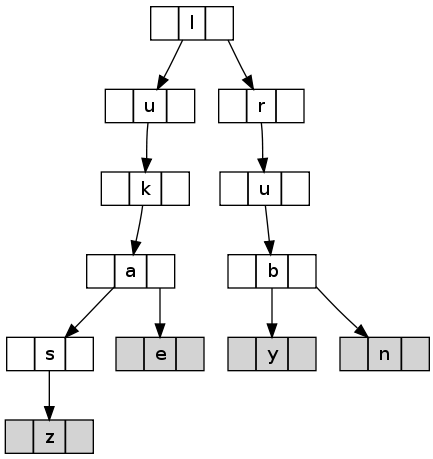
Divides array into three parts.
🔹 2. Fibonacci Search


Uses Fibonacci numbers.
🔹 3. Pattern Searching
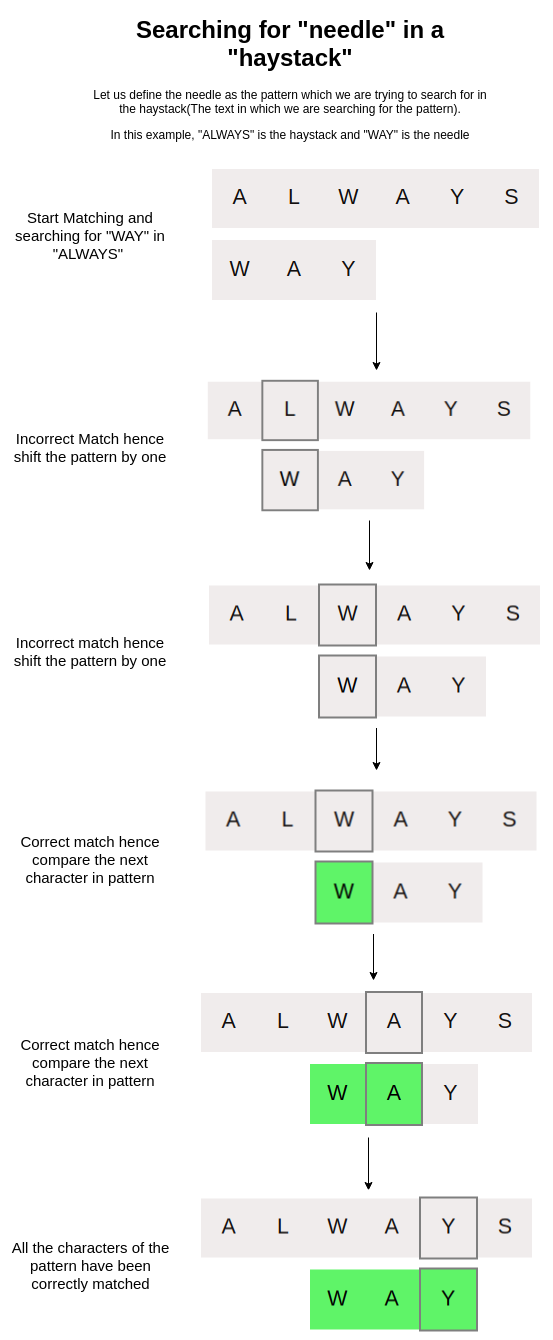
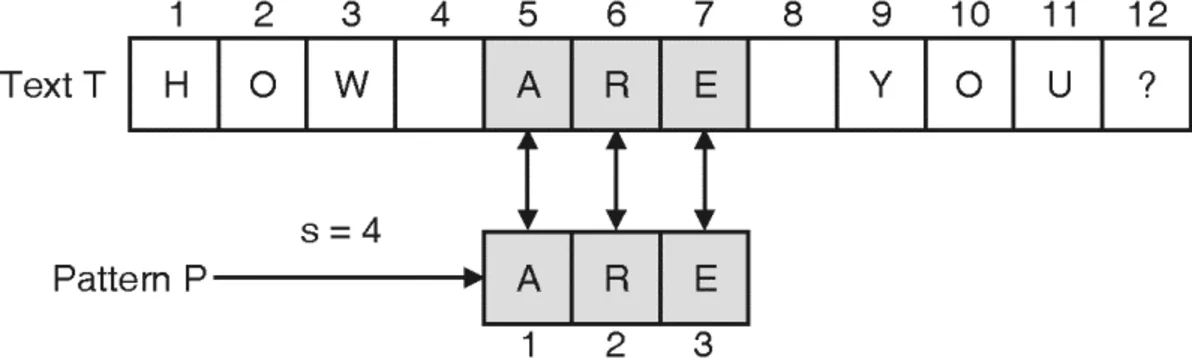
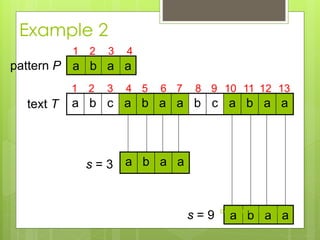
Used in strings:
- KMP
- Rabin-Karp
🔬 Applications of Searching
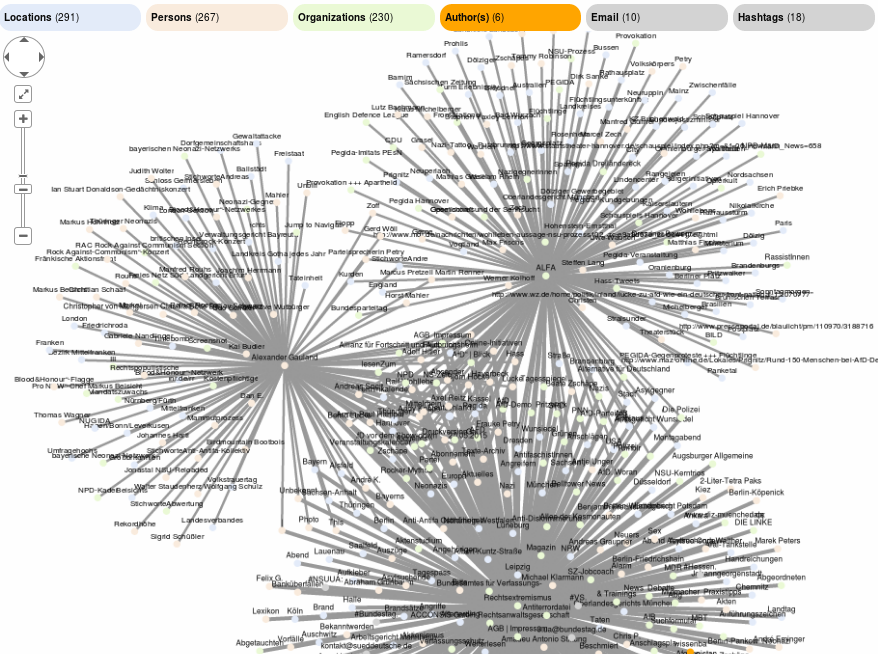
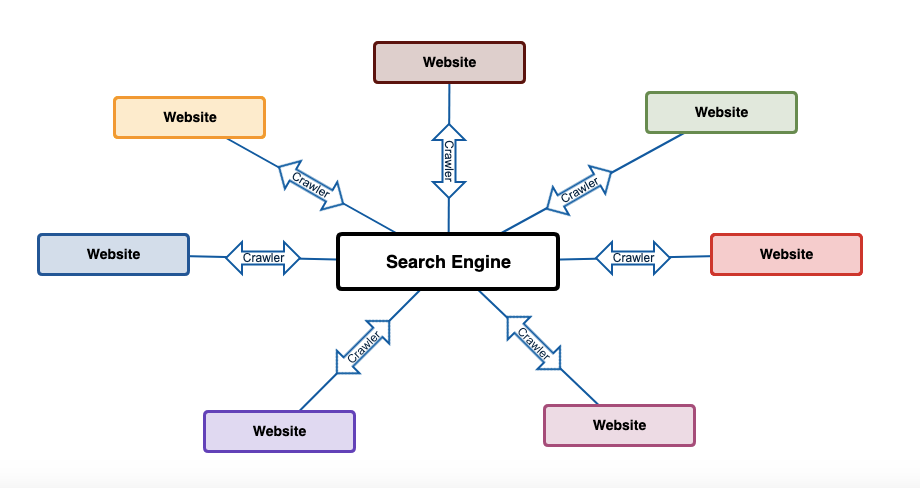
🌐 1. Search Engines


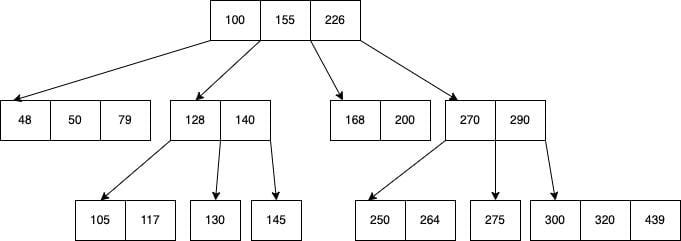
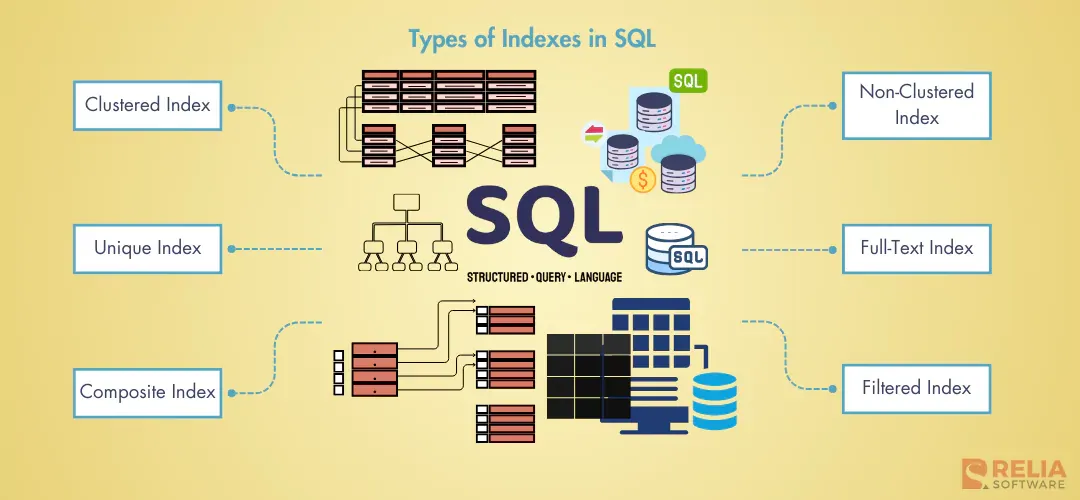
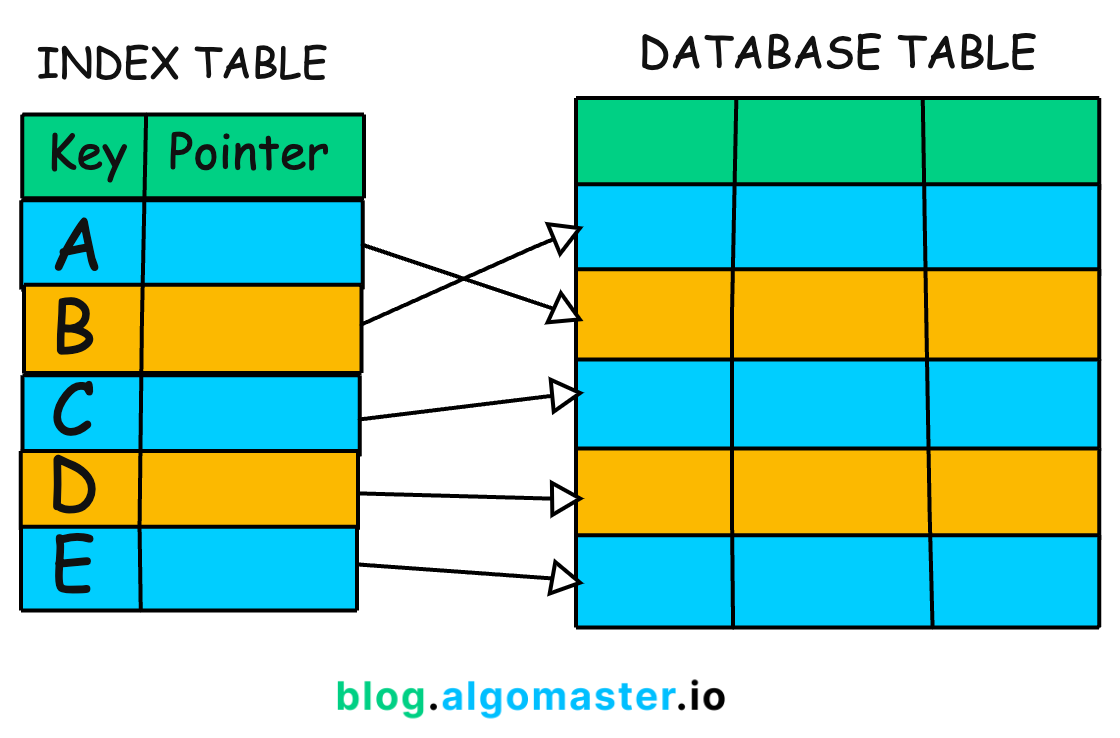
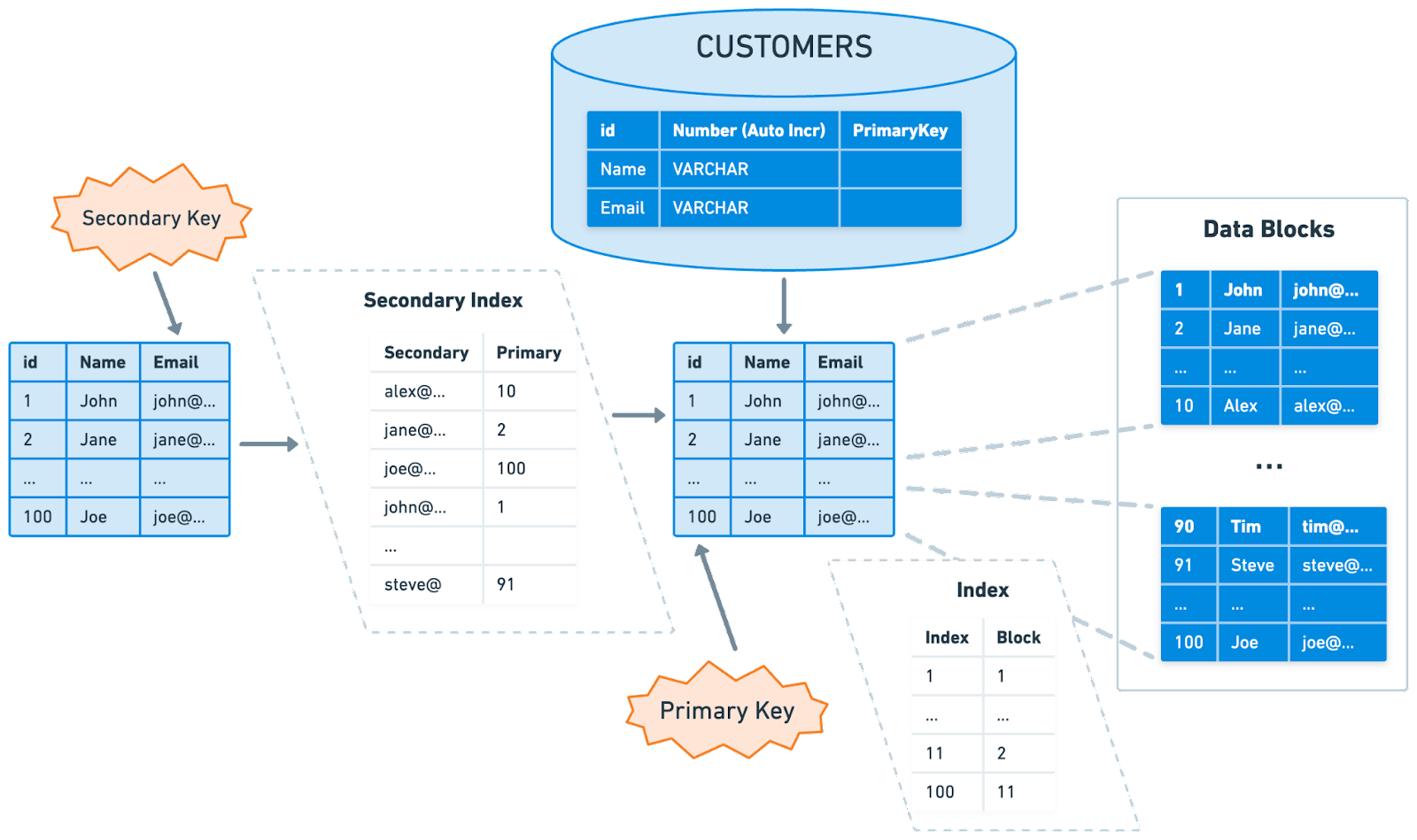
🧾 2. Databases
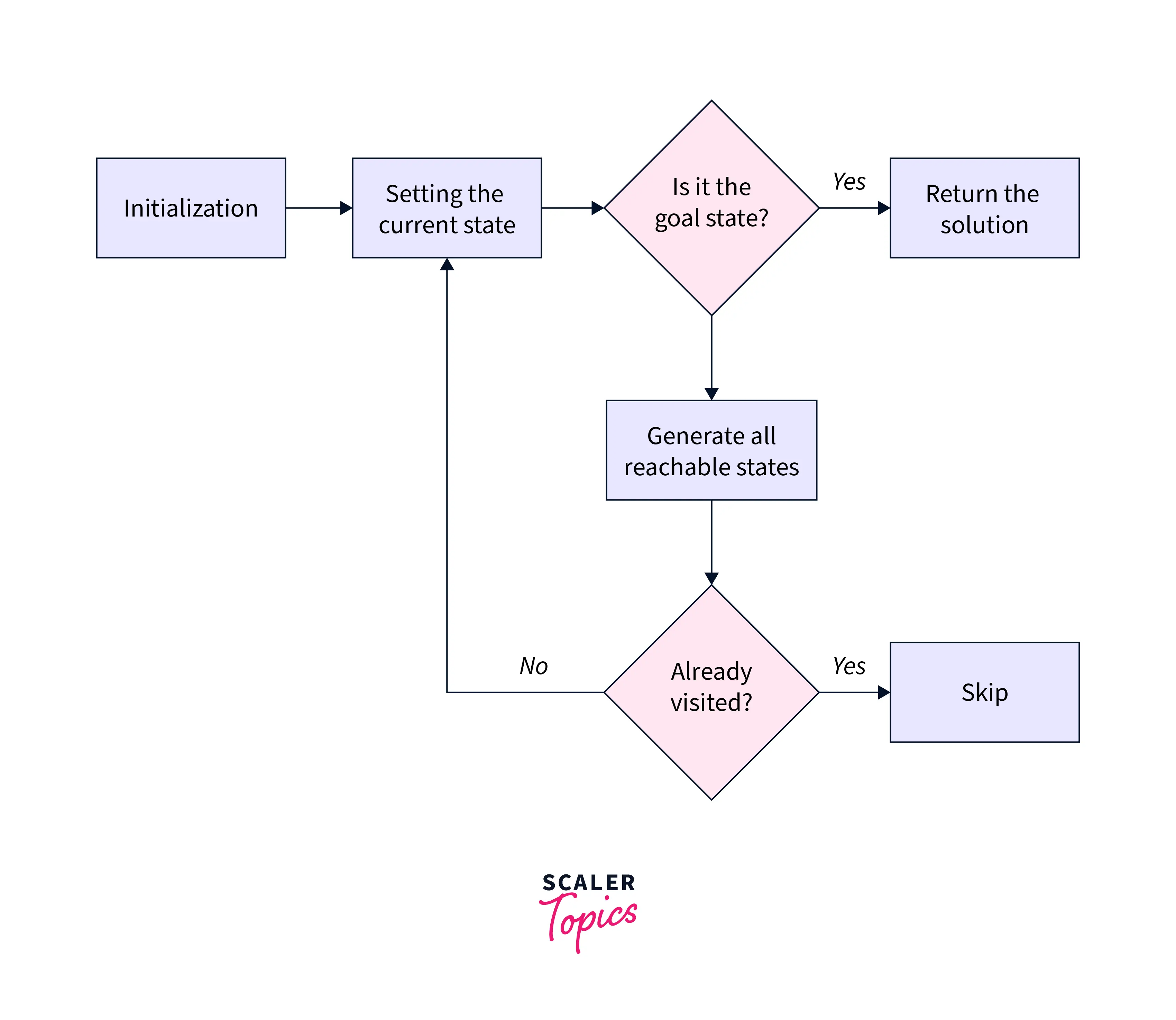
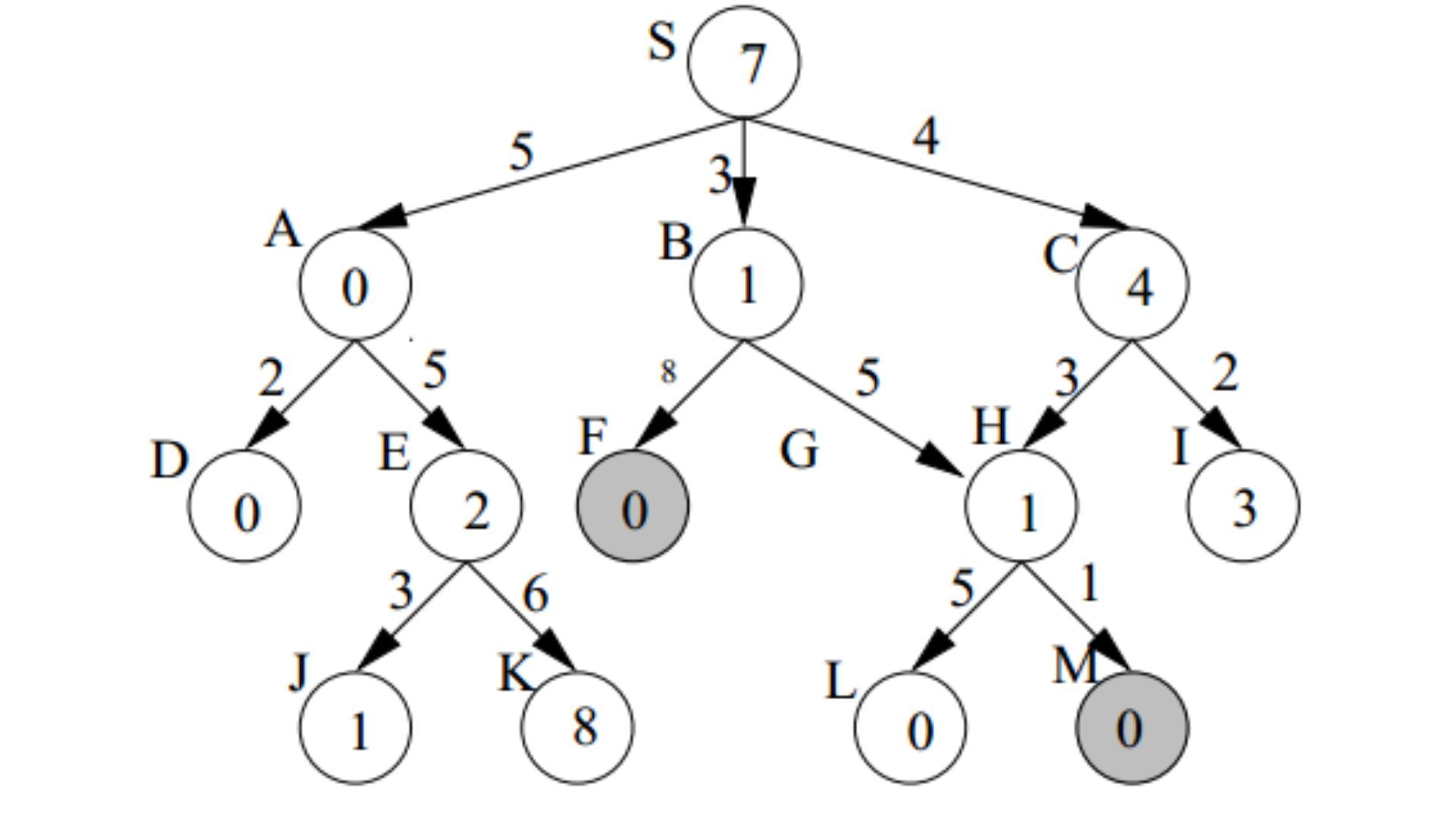
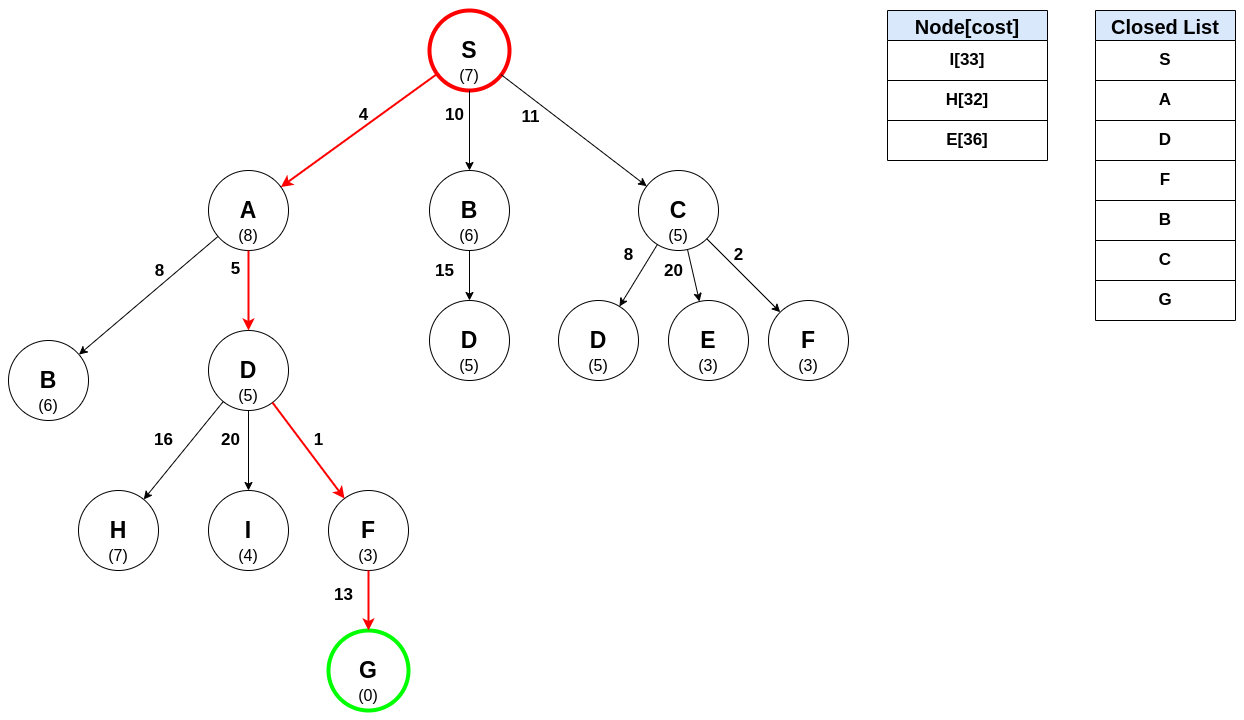
🧠 3. Artificial Intelligence
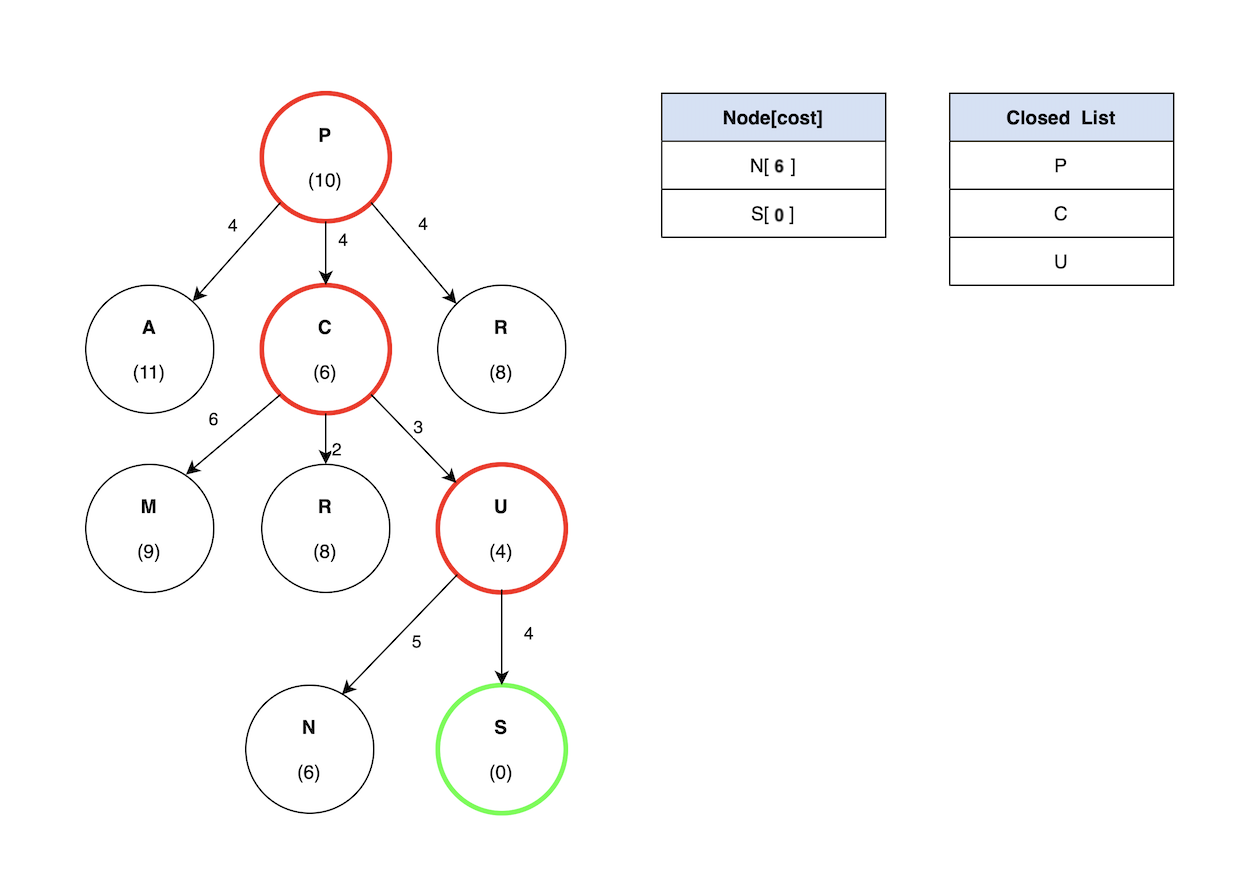

🎮 4. Games



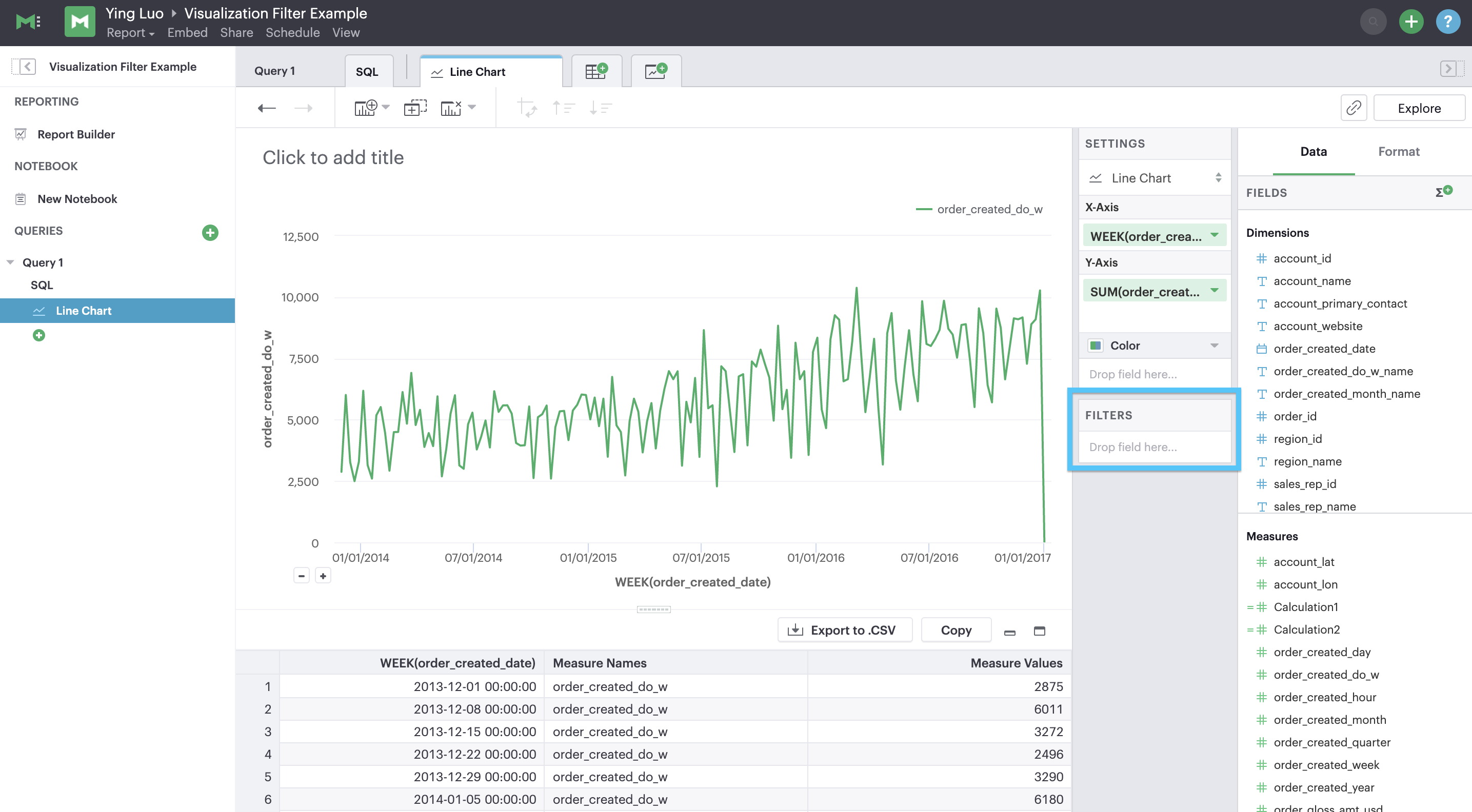
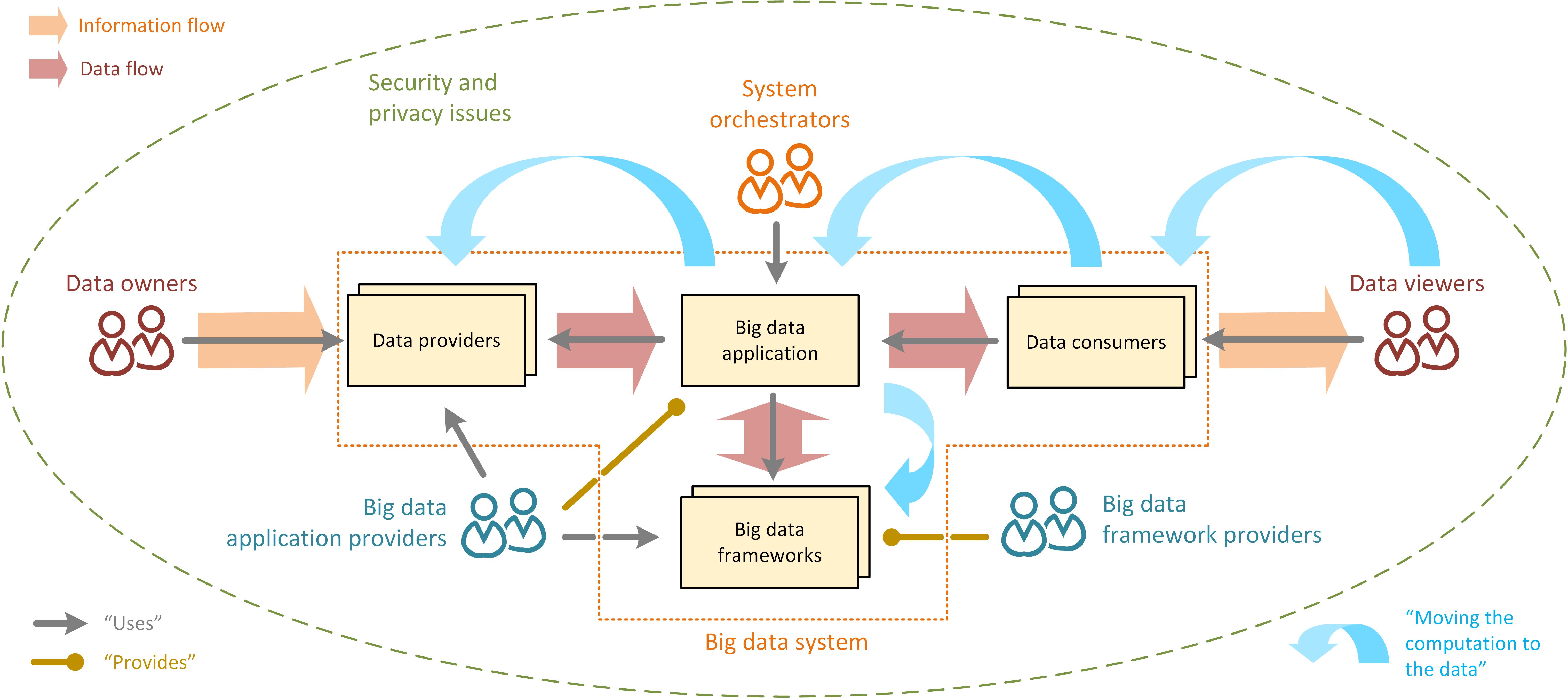
📊 5. Data Analytics

🔁 Searching vs Sorting
| Feature | Searching | Sorting |
|---|---|---|
| Purpose | Find element | Arrange elements |
| Dependency | Often needs sorting | Independent |
🧪 Real-World Importance
Searching algorithms are essential in:
- Web applications
- Databases
- Networking
- AI systems
- Cybersecurity
🧾 Conclusion
Searching algorithms are critical for efficient data handling and retrieval. From simple linear search to advanced hashing and AI-based search methods, they form the backbone of modern computing systems.
Mastering searching algorithms enables:
- Faster problem solving
- Efficient coding
- Strong algorithmic thinking