🚀 Introduction to Rust Programming


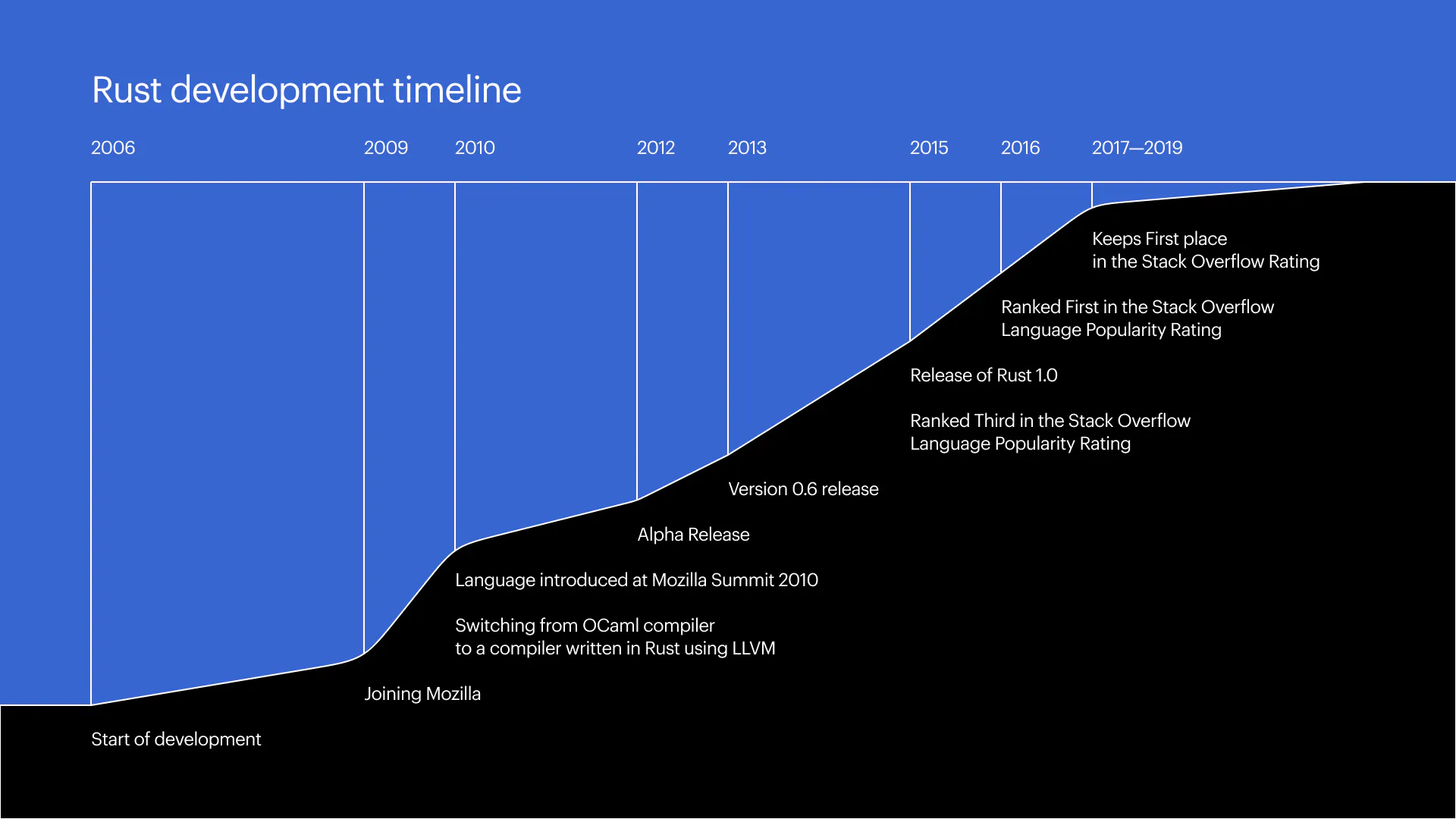
Rust is a modern systems programming language designed for performance, safety, and concurrency. It was originally developed by Mozilla Research, with Graydon Hoare starting the project in 2006, and officially released in 2015.
Rust aims to provide the low-level control of C and C++ while eliminating common bugs such as memory leaks, null pointer dereferencing, and data races. Its unique ownership model ensures memory safety without needing a garbage collector.
Rust is widely used in:
- Systems programming
- Game engines
- Embedded systems
- WebAssembly
- High-performance applications
📌 Key Features of Rust
Rust introduces several groundbreaking concepts:
1. Memory Safety Without Garbage Collection
Rust ensures memory safety using ownership rules enforced at compile time.
2. Zero-Cost Abstractions
High-level features without runtime overhead.
3. Concurrency Safety
Prevents data races at compile time.
4. Strong Type System
Rust’s type system catches many errors early.
5. Pattern Matching
Powerful control flow using match.
6. Package Manager (Cargo)
Integrated build system and dependency manager.
🧠 History and Evolution


Rust was designed to solve critical issues in system-level programming:
Problems in Older Languages:
- Memory safety issues (C/C++)
- Data races in multithreading
- Undefined behavior
Key Milestones:
- 2006: Initial development
- 2010: Mozilla sponsorship
- 2015: Rust 1.0 released
- 2020+: Widely adopted in industry
Rust has been voted the “most loved programming language” in developer surveys multiple years in a row.
🧩 Basic Syntax and Structure
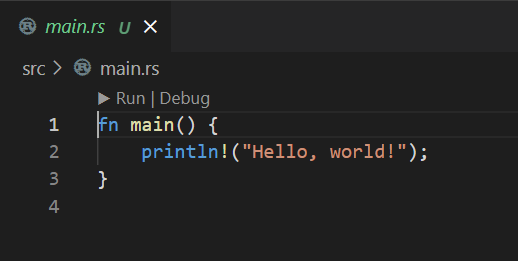


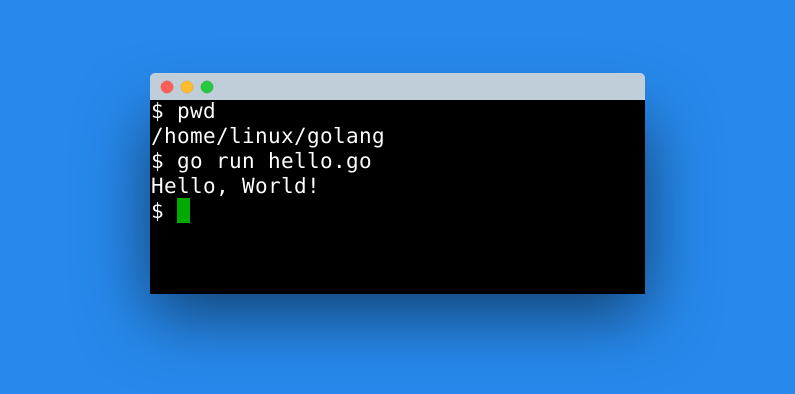
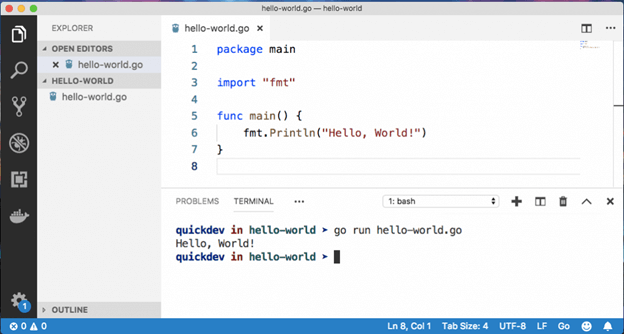
Example: Hello World
fn main() {
    println!("Hello, world!");
}
Key Points:
fndefines a functionmain()is the entry pointprintln!is a macro (note the!)
🔢 Variables and Data Types
Rust variables are immutable by default.
let x = 10;        // immutable
let mut y = 20;    // mutable
Primitive Types:
- Integers:
i32,u64 - Floating point:
f32,f64 - Boolean:
bool - Character:
char
Compound Types:
- Tuples
- Arrays
let tup: (i32, f64, char) = (10, 3.14, 'A');
🔁 Control Flow
If Statement
if x > 5 {
    println!("Greater");
} else {
    println!("Smaller");
}
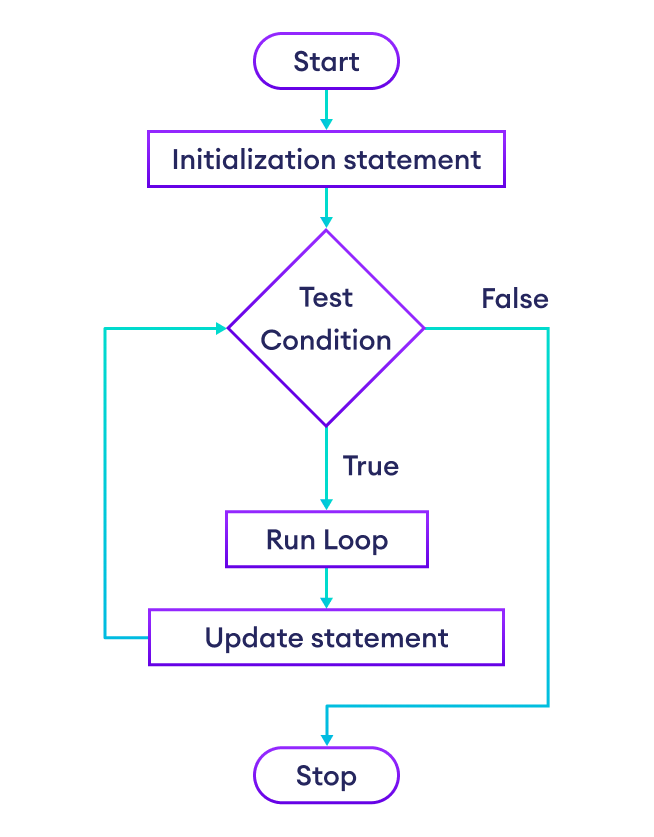
Looping
for i in 0..5 {
    println!("{}", i);
}
Rust supports:
loopwhilefor
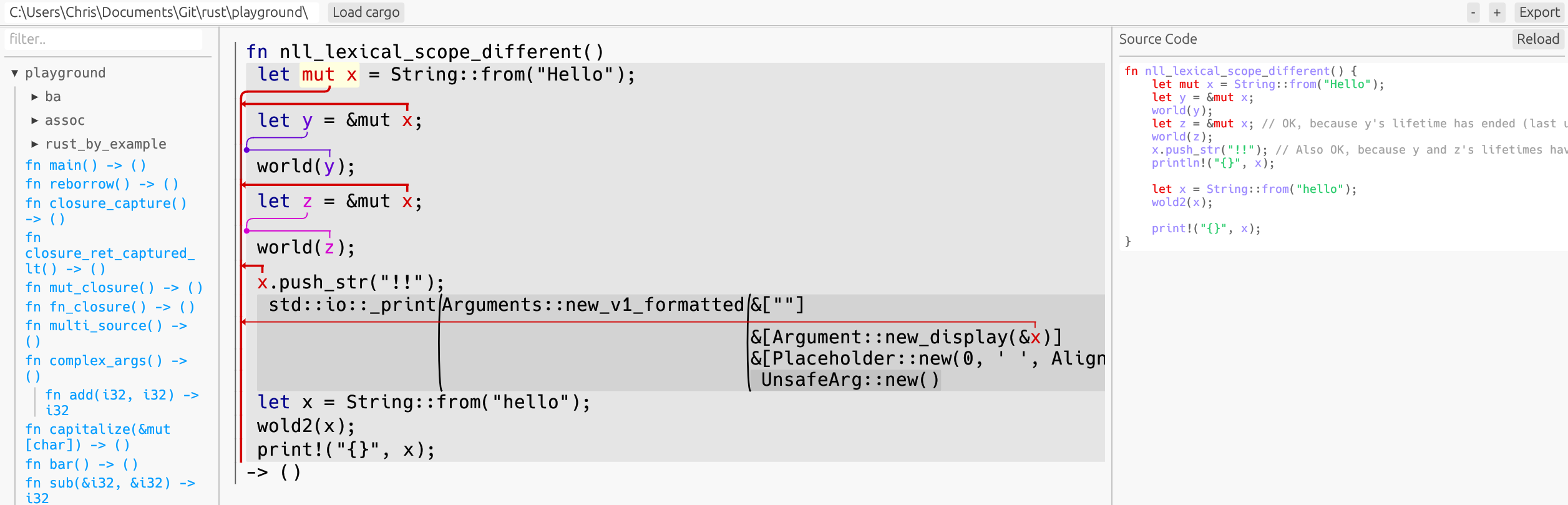
🧠 Ownership System (Core Concept)
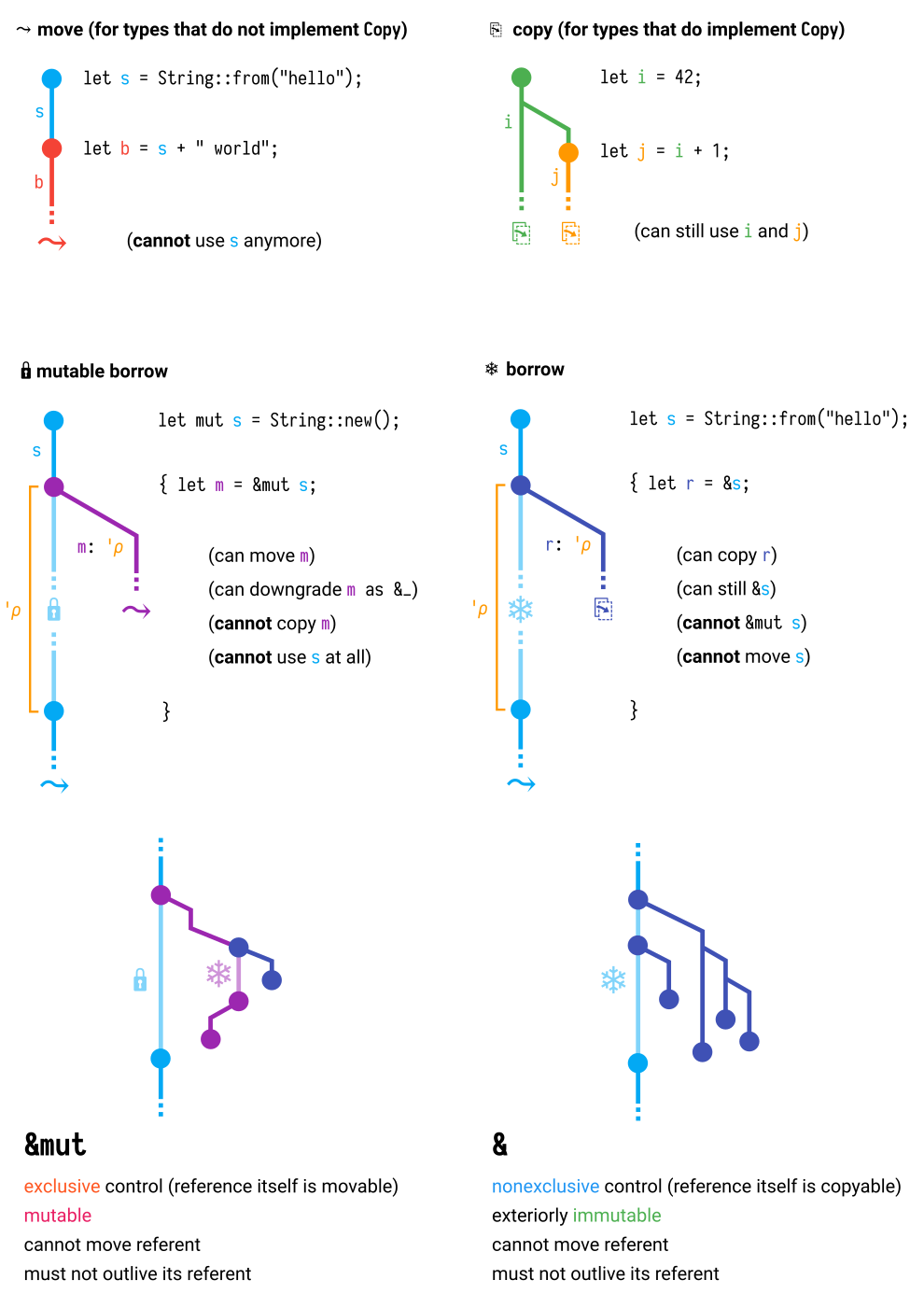


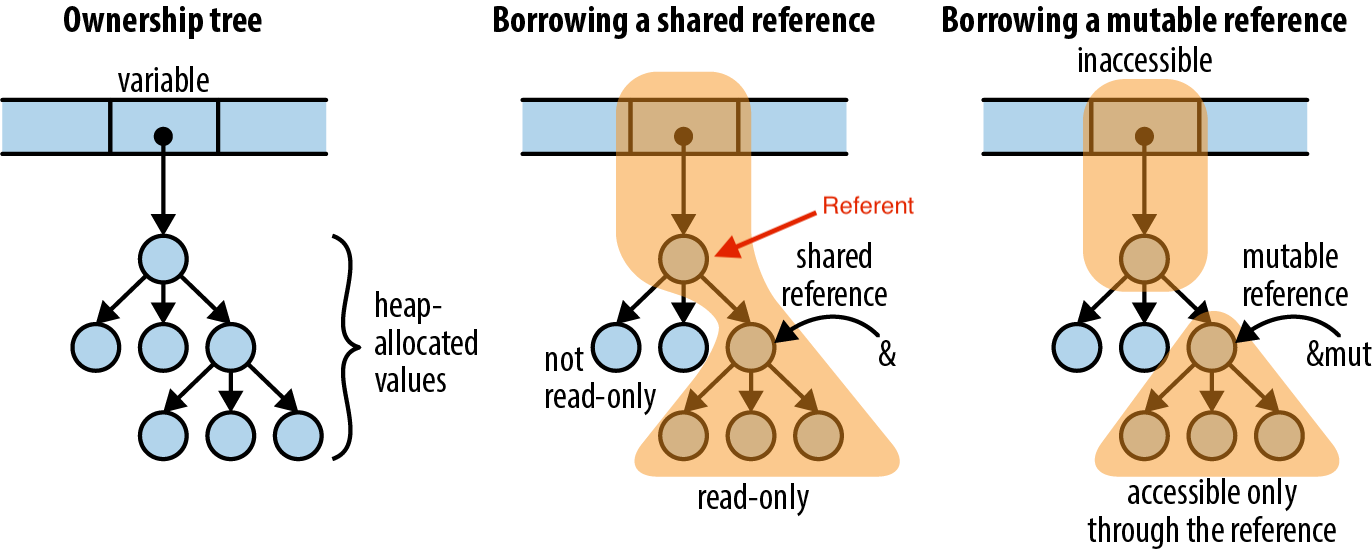
Ownership is Rust’s most unique feature.
Rules:
- Each value has one owner
- Only one owner at a time
- When the owner goes out of scope, value is dropped
Example:
let s1 = String::from("Hello");
let s2 = s1; // ownership moves
Borrowing
let s1 = String::from("Hello");
let len = calculate_length(&s1);
Benefits:
- No memory leaks
- No dangling pointers
- Safe concurrency
🔗 References and Lifetimes
Lifetimes ensure references are valid.
fn longest<'a>(x: &'a str, y: &'a str) -> &'a str {
    if x.len() > y.len() { x } else { y }
}
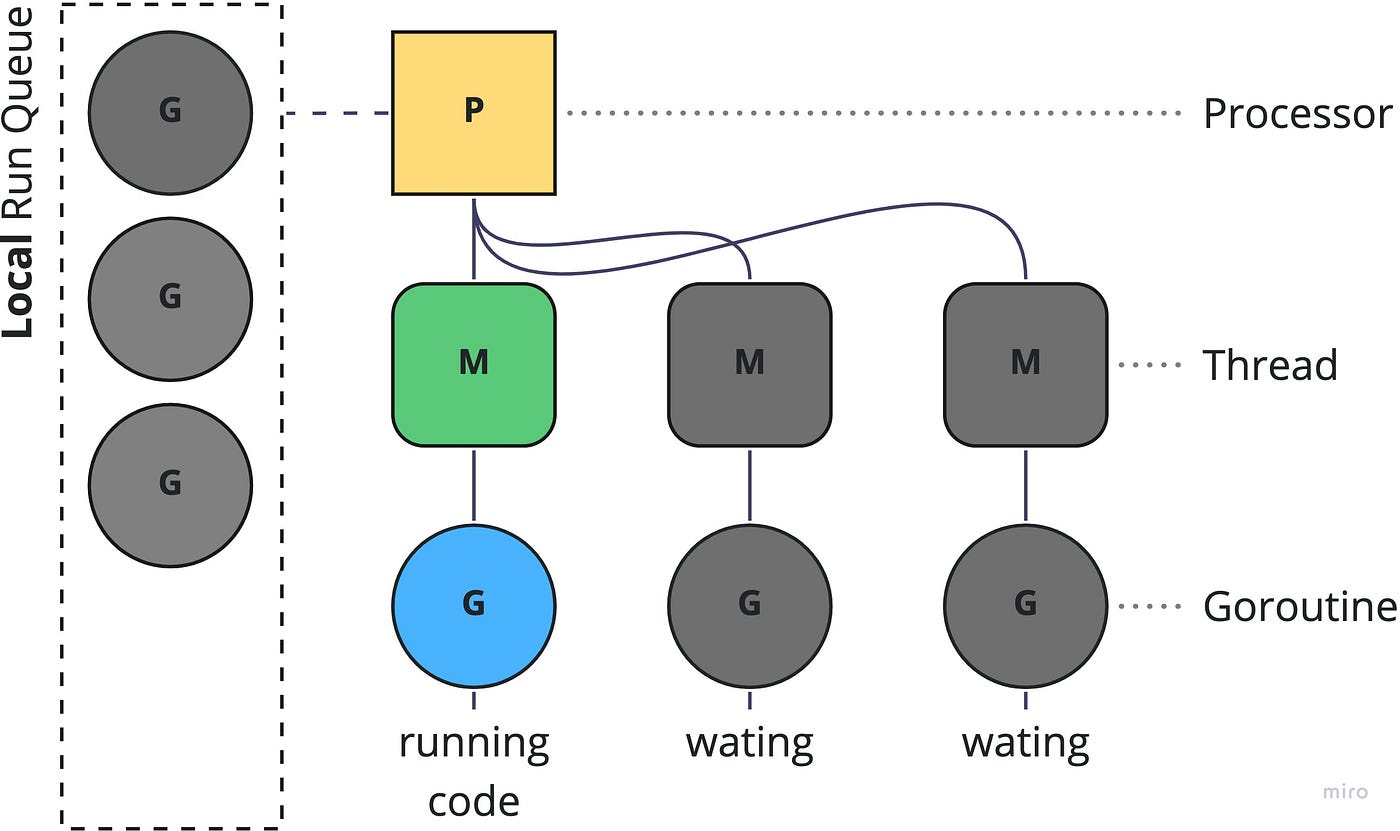
🧵 Concurrency in Rust

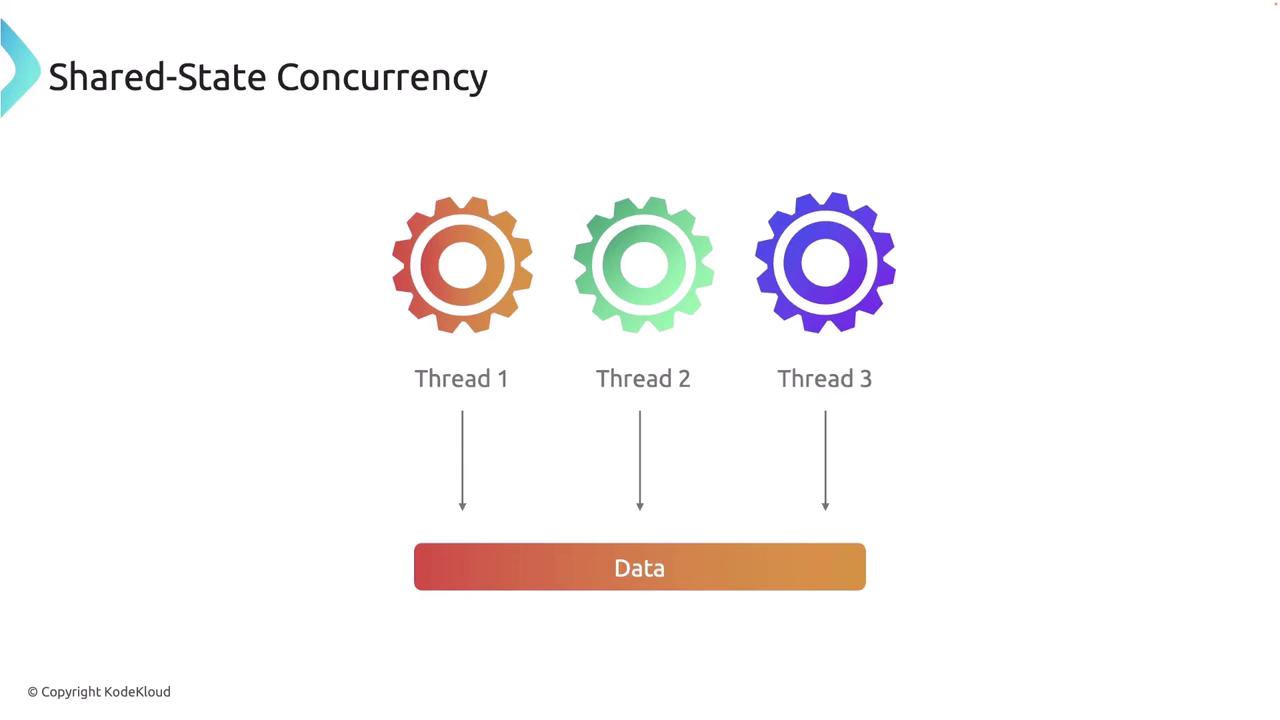
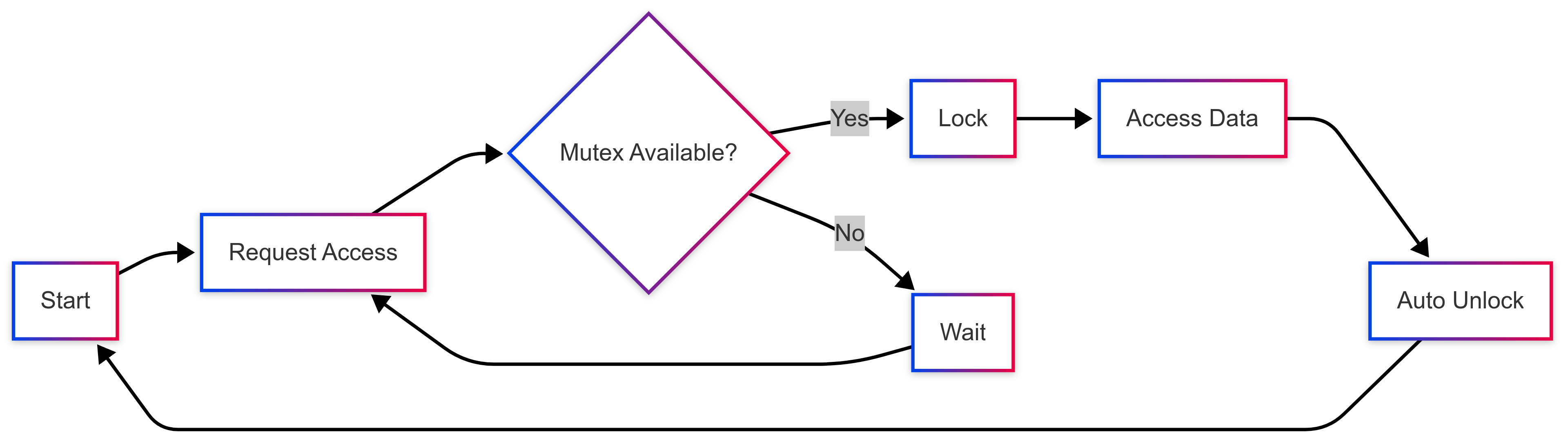
Rust enables fearless concurrency.
Thread Example:
use std::thread;

thread::spawn(|| {
    println!("Hello from thread!");
});
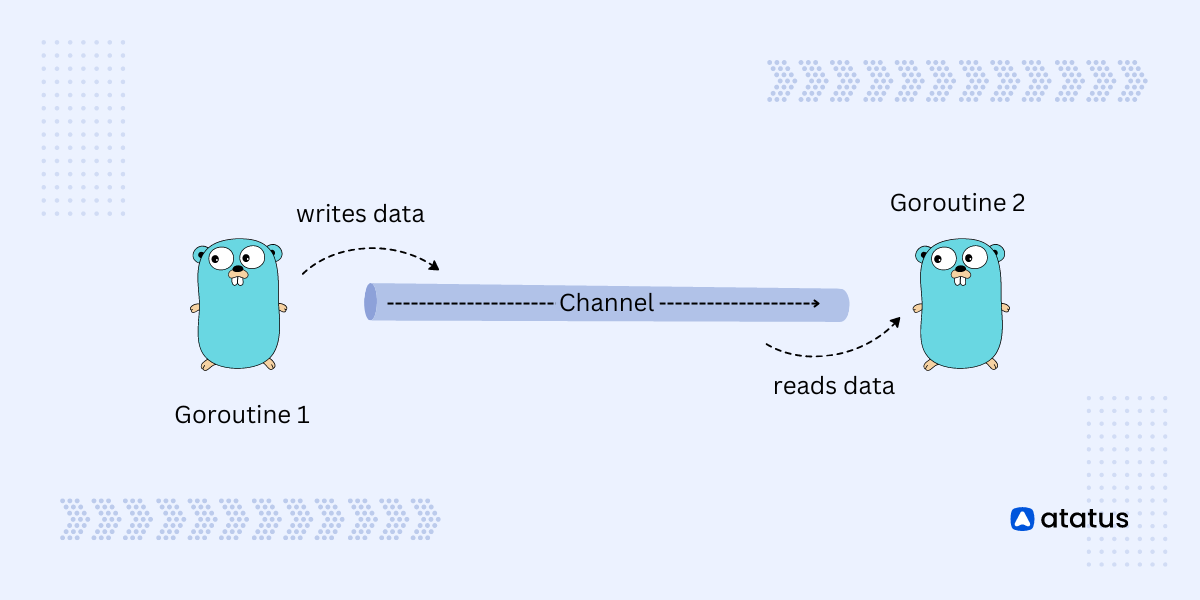
Channels:
use std::sync::mpsc;

let (tx, rx) = mpsc::channel();
Advantages:
- No data races
- Compile-time safety
- Efficient parallelism
🧱 Structs, Enums, and Traits
Structs
struct Person {
    name: String,
    age: u32,
}
Enums
enum Direction {
    Up,
    Down,
}
Traits (Similar to Interfaces)
trait Shape {
    fn area(&self) -> f64;
}
📦 Cargo and Crates
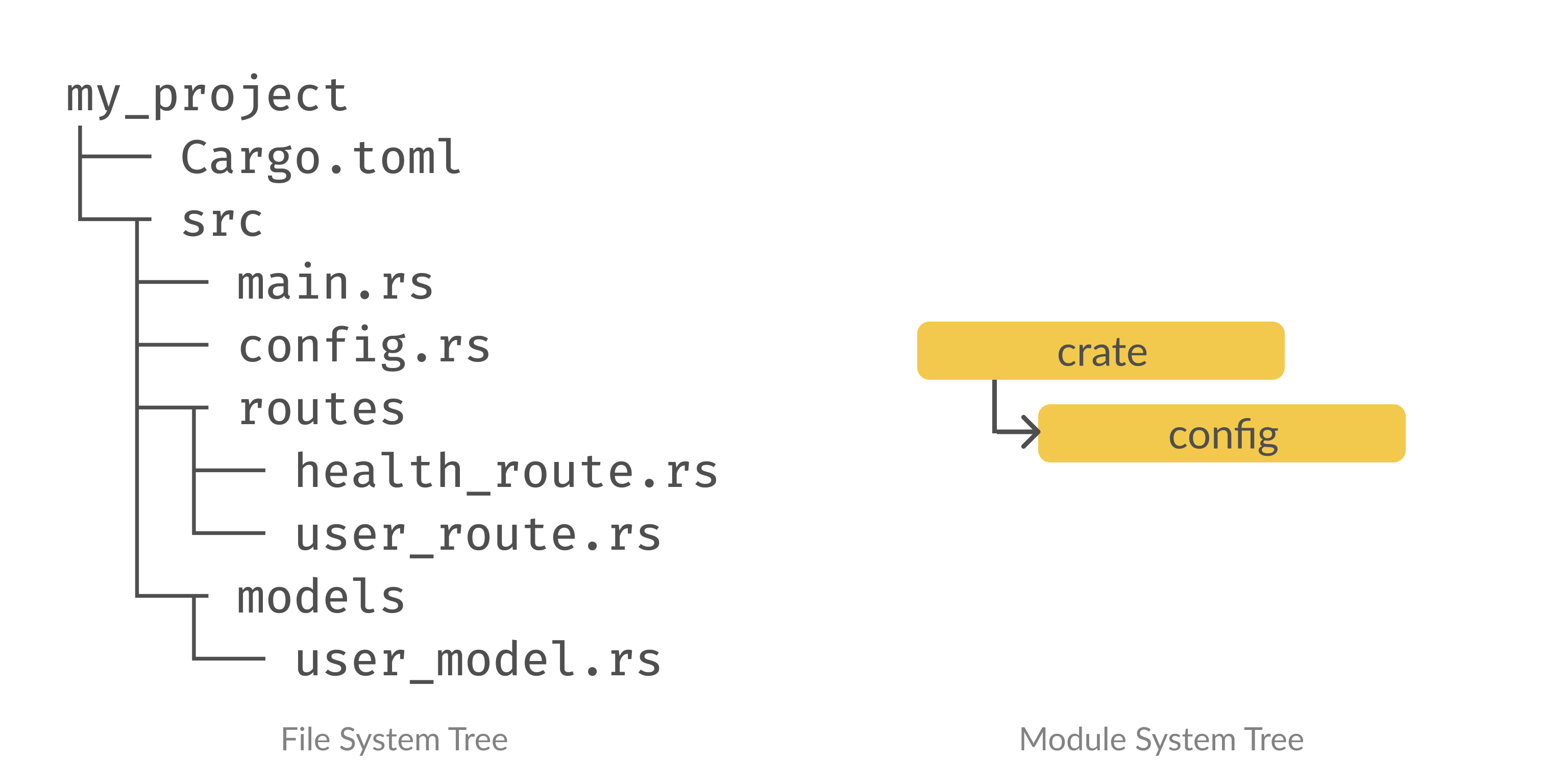


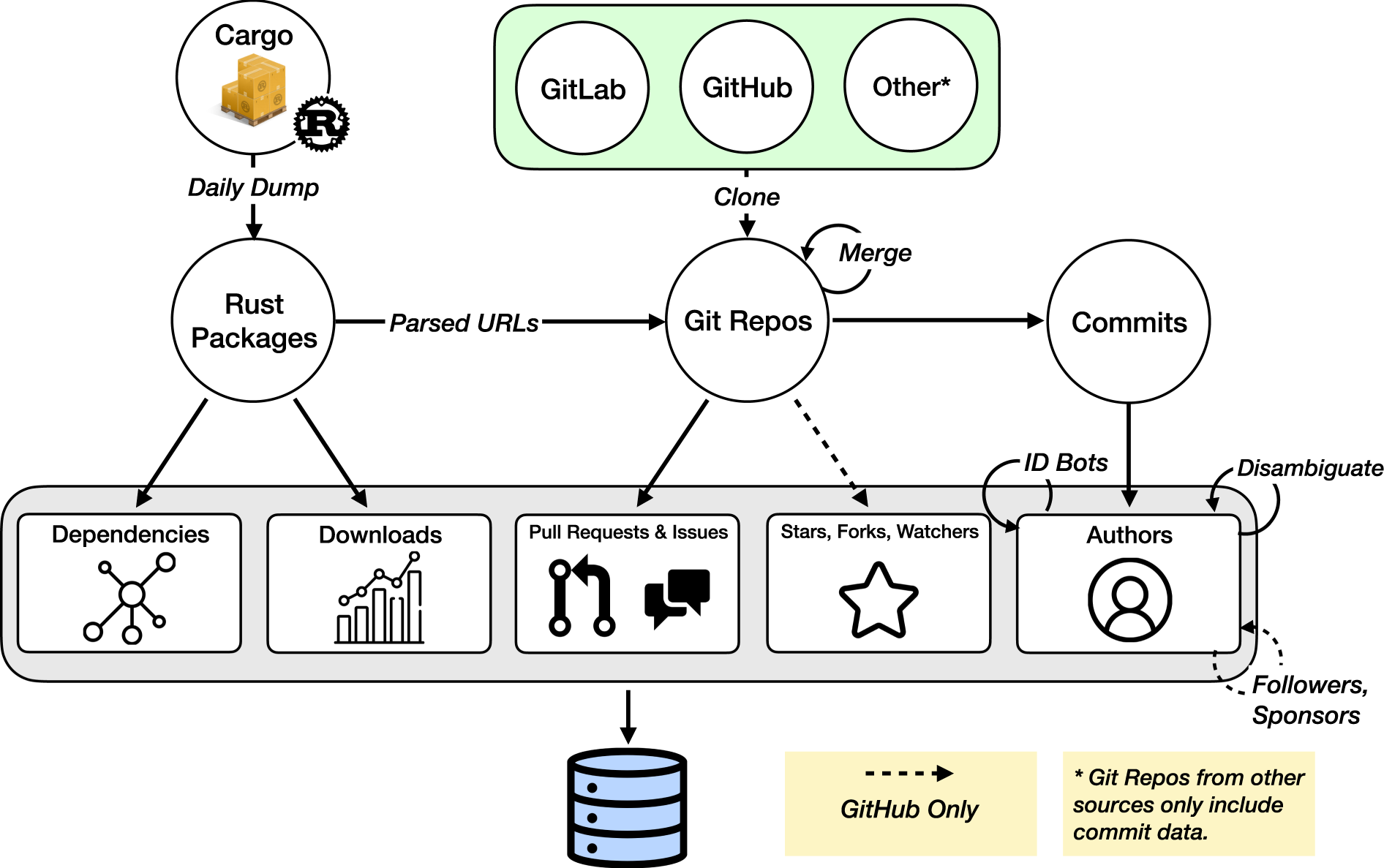
Cargo is Rust’s build system and package manager.
Commands:
cargo new project_name
cargo build
cargo run
cargo test
Cargo.toml Example:
[dependencies]
rand = "0.8"
⚙️ Error Handling
Rust uses Result and Option.
fn divide(a: i32, b: i32) -> Result<i32, String> {
    if b == 0 {
        Err("Cannot divide by zero".to_string())
    } else {
        Ok(a / b)
    }
}
🧰 Standard Library
Rust provides powerful standard modules:
std::iostd::fsstd::threadstd::collections
🌐 Applications of Rust
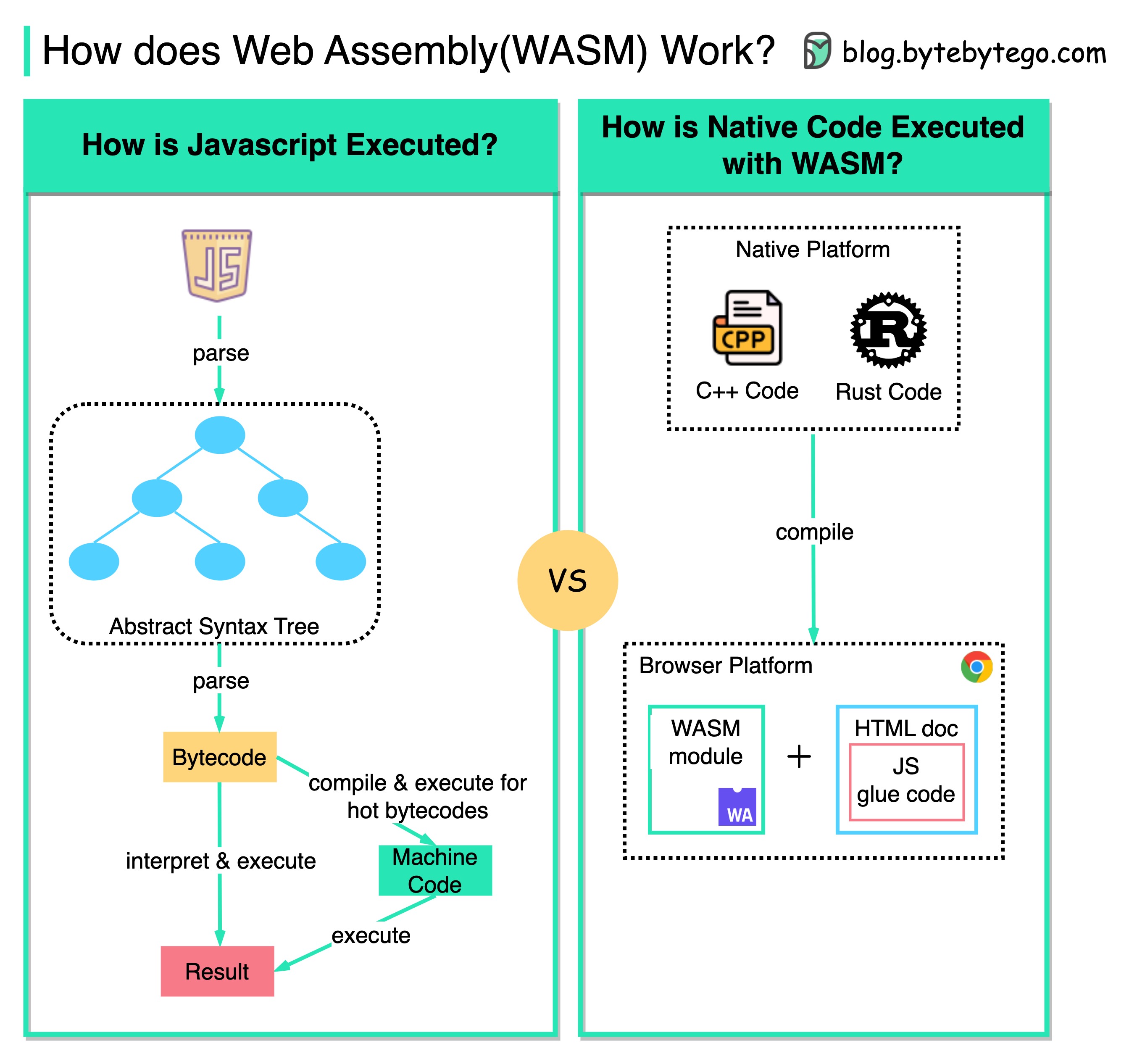


Rust is used in:
1. Systems Programming
- OS development
- Embedded systems
2. Web Development
- Backend services
- WebAssembly (WASM)
3. Game Development
- Game engines (Bevy)
4. Blockchain
- Secure smart contracts
5. Cloud Infrastructure
- High-performance servers
🔥 Advantages of Rust
- Memory safety without GC
- High performance (close to C++)
- Strong concurrency model
- Modern tooling (Cargo)
- Growing ecosystem
⚠️ Limitations of Rust
- Steep learning curve
- Complex syntax for beginners
- Longer compile times
- Smaller ecosystem than older languages
🧪 Testing in Rust
#[test]
fn test_add() {
    assert_eq!(2 + 2, 4);
}
Run tests:
cargo test
📊 Rust vs Other Languages
| Feature | Rust | C++ | Go | Python |
|---|---|---|---|---|
| Memory Safety | Excellent | Poor | Good | Good |
| Performance | Very High | Very High | High | Low |
| Concurrency | Excellent | Complex | Excellent | Limited |
| Learning Curve | High | Very High | Low | Low |
🛠️ Tools and Ecosystem
- Cargo (build system)
- Rust Analyzer (IDE support)
- Clippy (linter)
- Rustfmt (formatter)
📚 Learning Path for Rust
Beginner
- Syntax
- Variables
- Control flow
Intermediate
- Ownership
- Borrowing
- Structs and enums
Advanced
- Lifetimes
- Concurrency
- Unsafe Rust
🔮 Future of Rust
Rust is rapidly gaining adoption in:
- Operating systems
- Browser engines
- Cloud computing
- Embedded systems
Major companies using Rust:
- Mozilla
- Microsoft
- Amazon
🏁 Conclusion
Rust represents the future of systems programming by combining safety, performance, and modern language design. It eliminates entire classes of bugs while maintaining high efficiency, making it ideal for critical applications.
🏷️ Tags
If you want next: