🌐 Introduction to Arrays and Strings

Arrays and strings are among the most fundamental data structures in computer science and programming. They form the building blocks for more complex structures like lists, stacks, queues, trees, and databases.
- Array → Stores a collection of elements of the same data type
- String → Stores a sequence of characters (text)
In simple terms:
Arrays manage collections of data, while strings manage textual data
🧠 ARRAYS
📌 What is an Array?
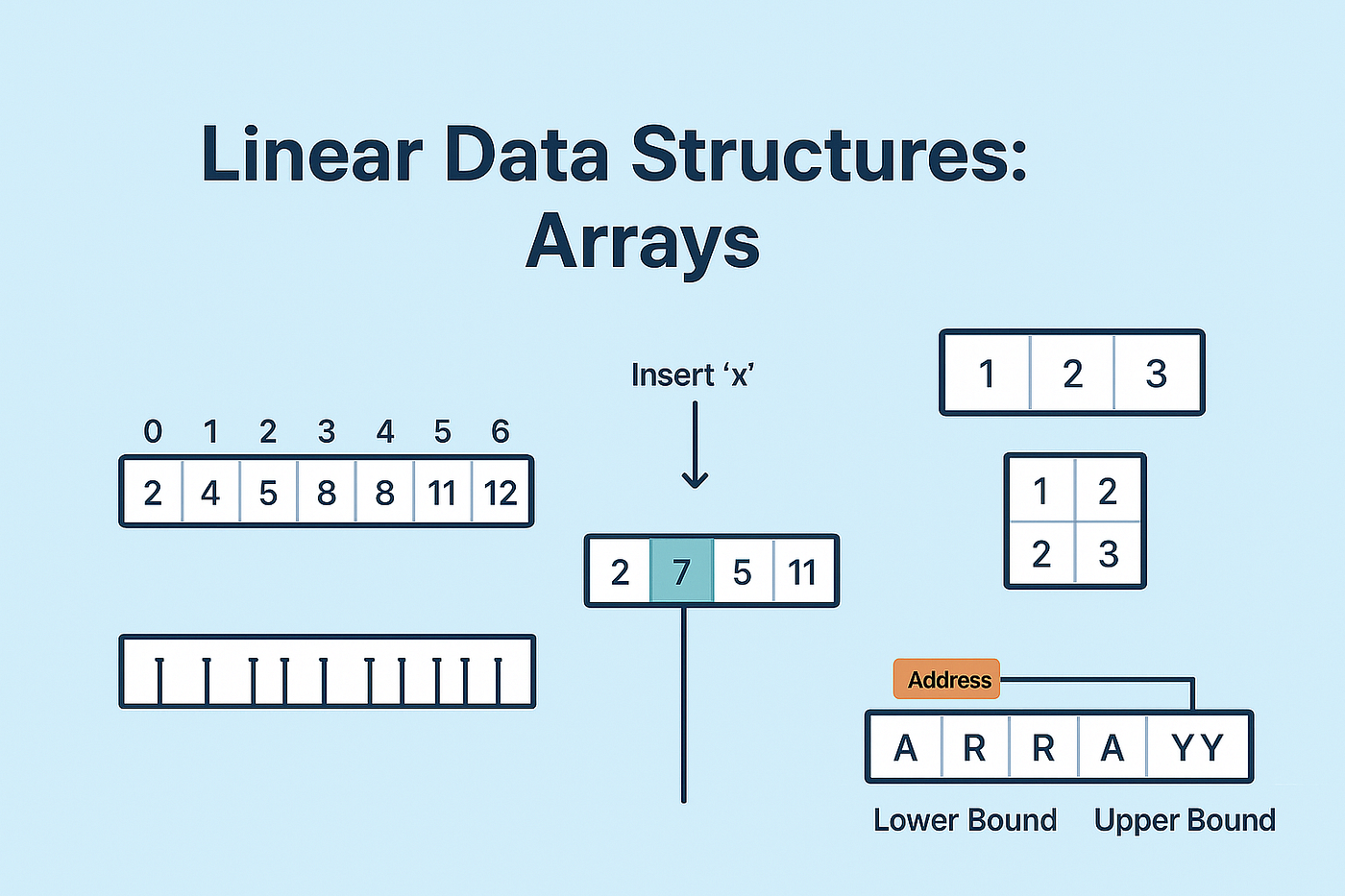
An array is a data structure that stores multiple elements of the same type in contiguous memory locations.
Example:
int arr[5] = {10, 20, 30, 40, 50};
⚙️ Characteristics of Arrays
- Fixed size (in most languages)
- Homogeneous elements (same type)
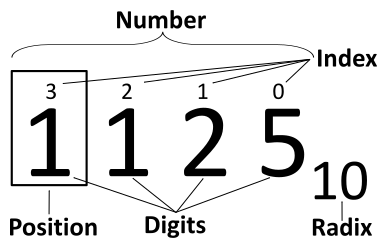
- Indexed access (0-based index)
- Stored in contiguous memory
🧩 Array Representation in Memory


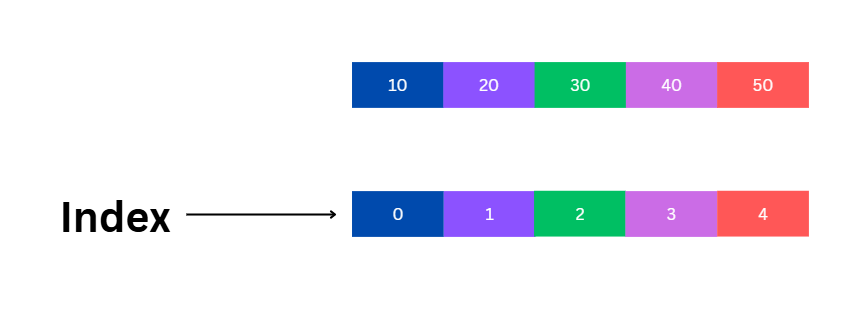
Each element is stored sequentially:
Index:   0   1   2   3   4
Value:  10  20  30  40  50
Address calculation:
Address = Base + (Index × Size of element)
🔢 Types of Arrays
🔹 1. One-Dimensional Array
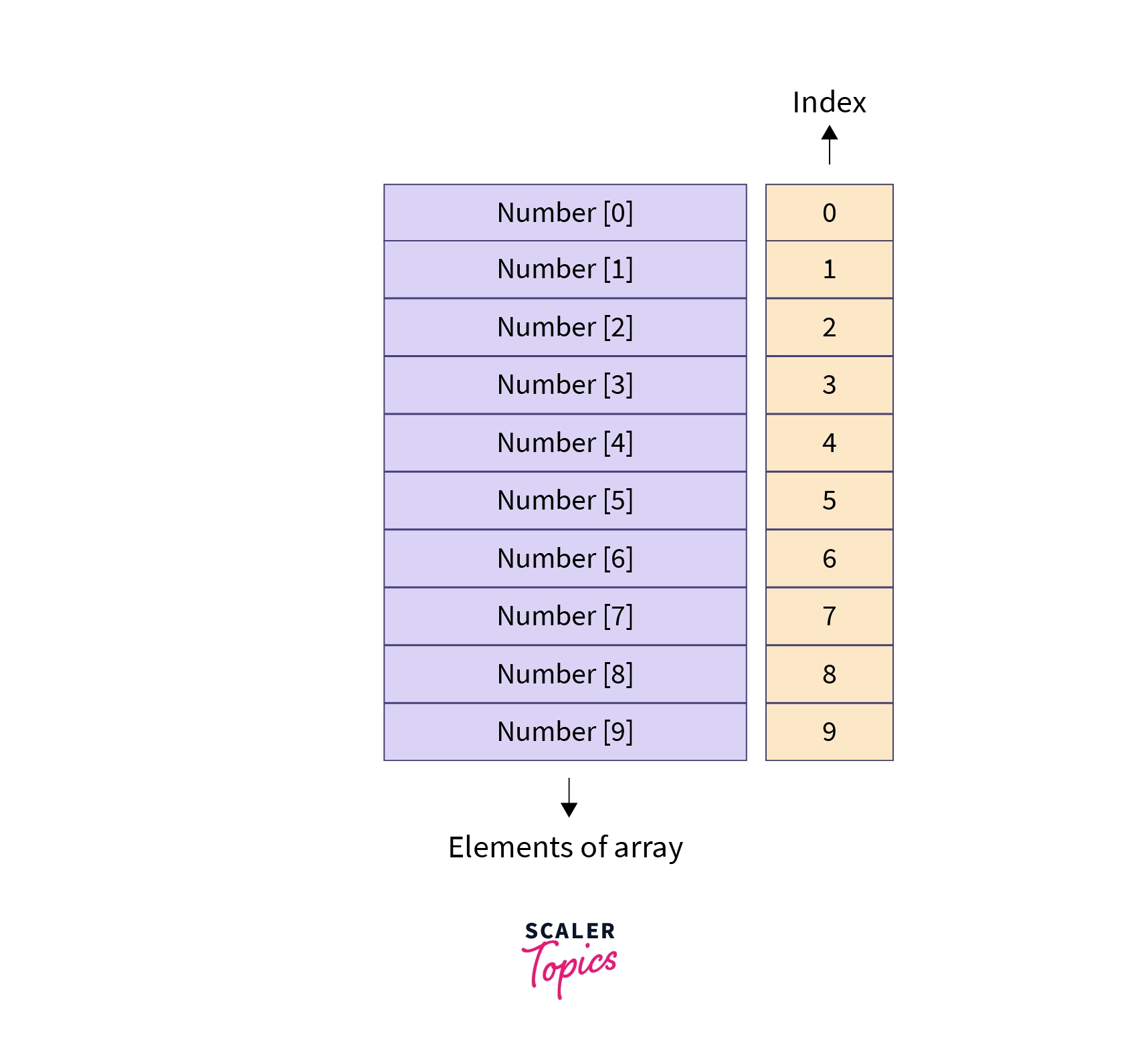

- Linear structure
- Single index
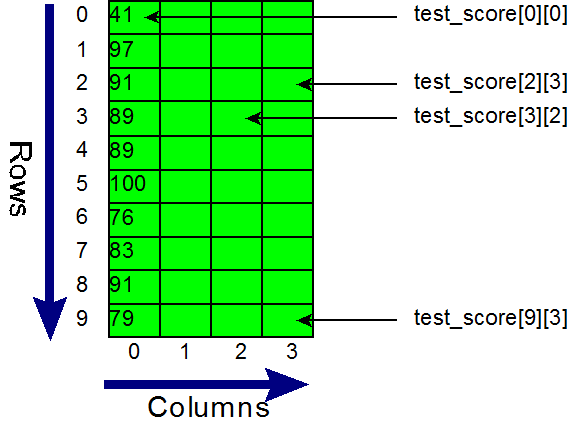
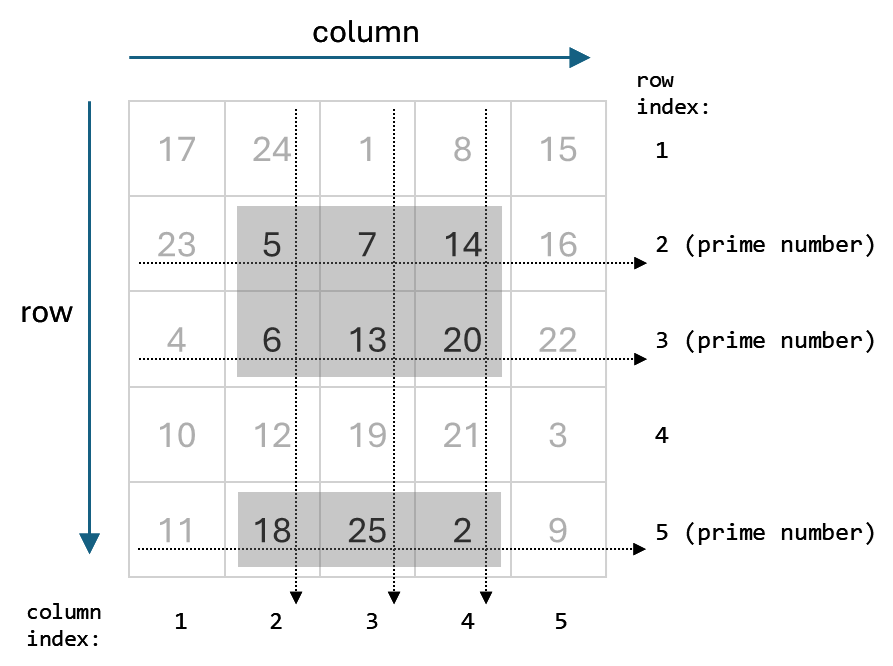
🔹 2. Two-Dimensional Array

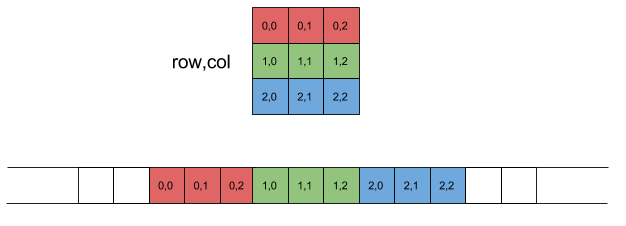
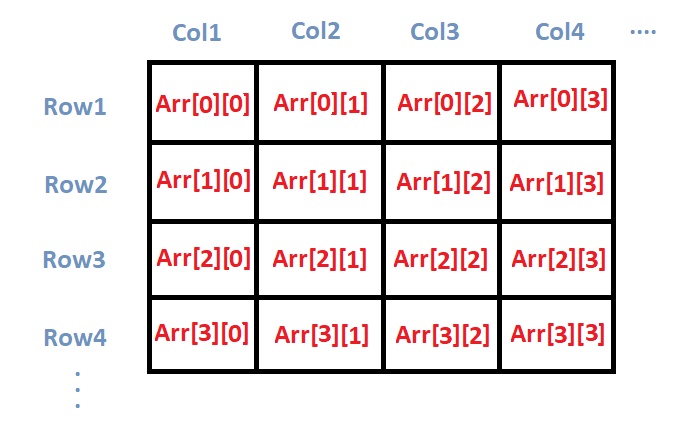
- Matrix format
- Rows and columns
Example:
int arr[2][3];
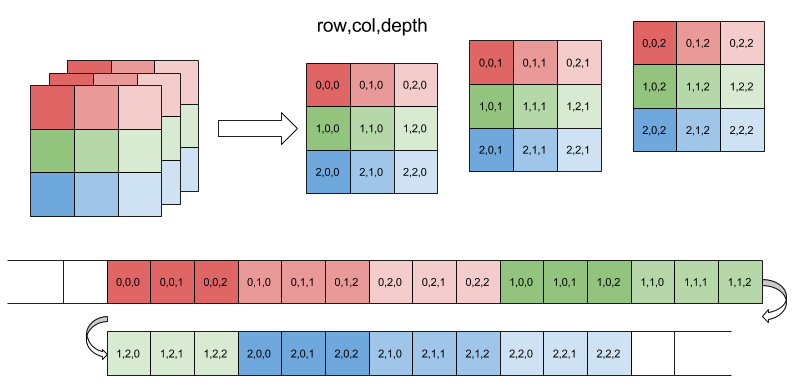
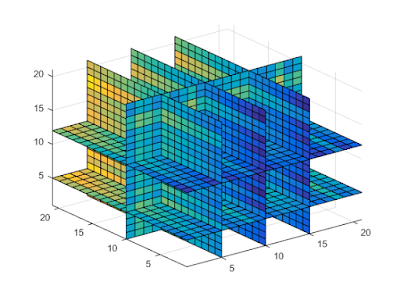
🔹 3. Multi-Dimensional Array
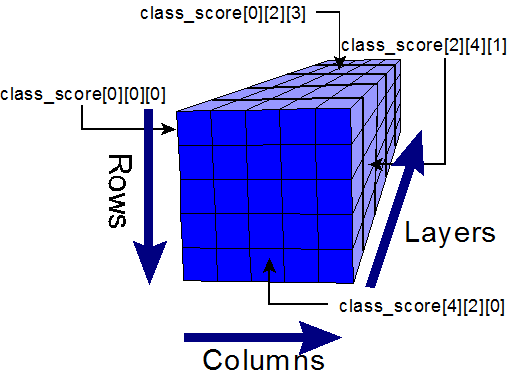

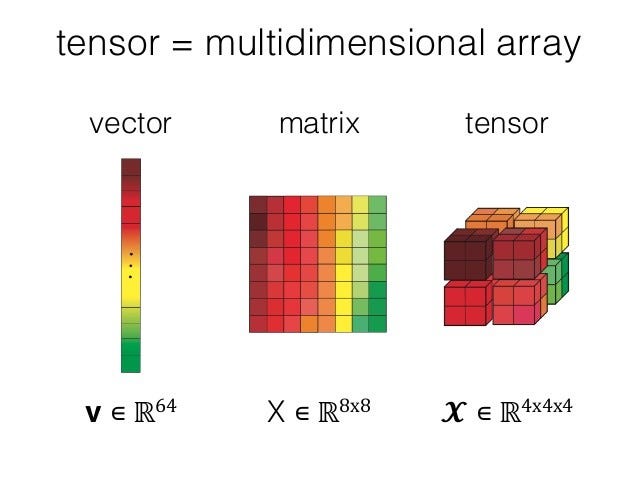
- Used in scientific computing
- Example: 3D arrays
⚙️ Array Operations
🔹 Traversal
- Access each element
🔹 Insertion
- Add element (costly if fixed size)
🔹 Deletion
- Remove element and shift
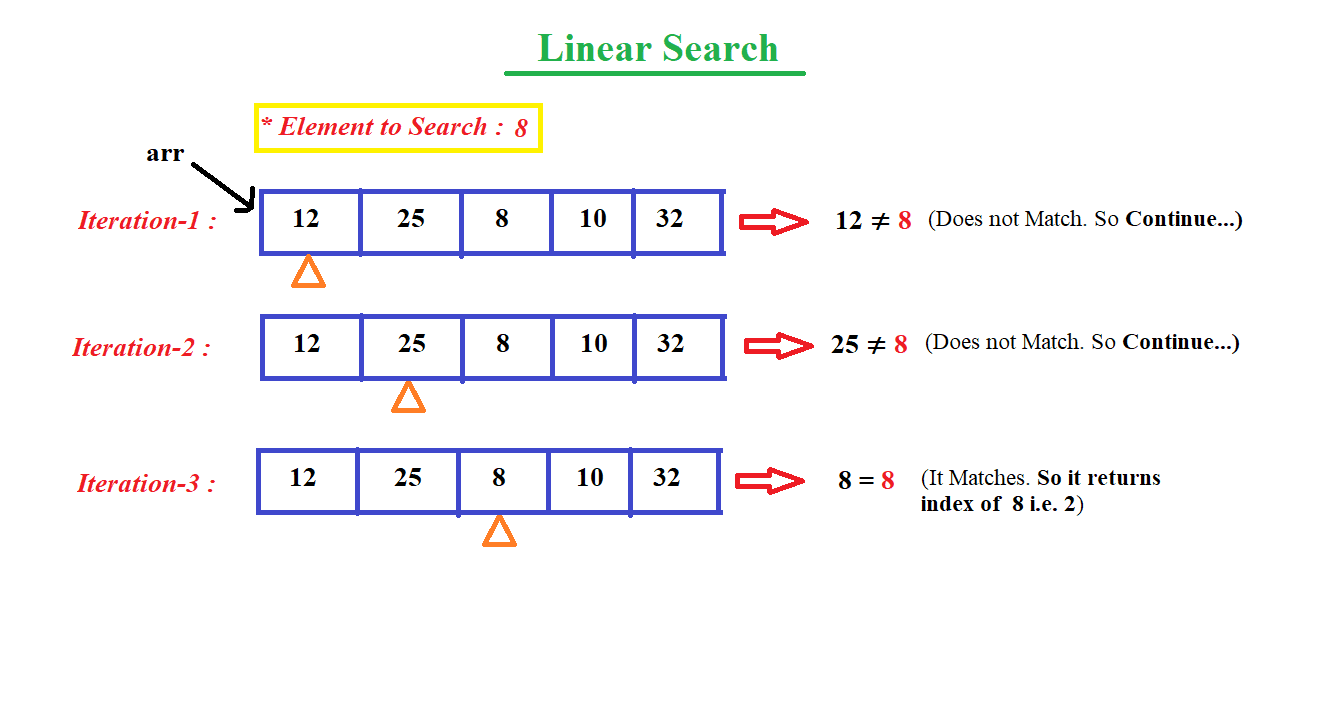
🔹 Searching
- Linear search
- Binary search
🔹 Sorting
- Bubble sort
- Merge sort
- Quick sort
🔍 Searching Techniques

⚡ Advantages of Arrays
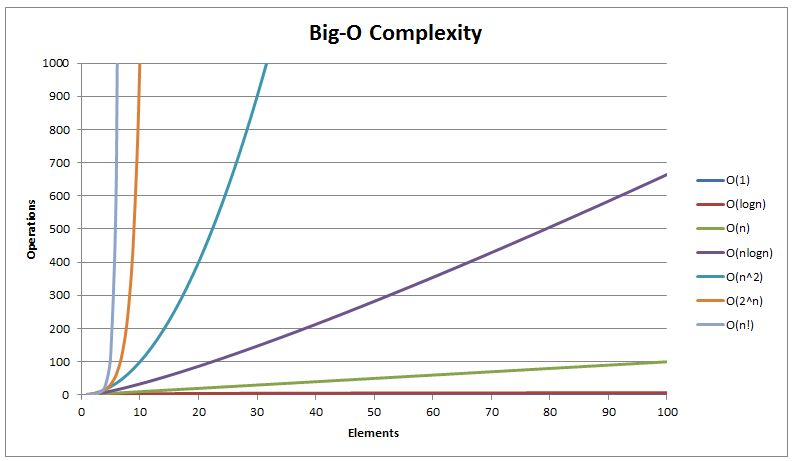
- Fast access (O(1))
- Simple implementation
- Efficient memory usage
⚠️ Limitations of Arrays
- Fixed size
- Insertion/deletion costly
- Wasted memory
🔤 STRINGS
📌 What is a String?
A string is a sequence of characters stored in memory.
Example:
char str[] = "Hello";
🧠 String Representation
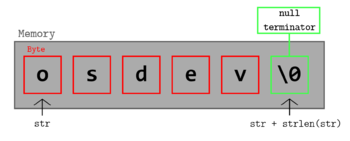
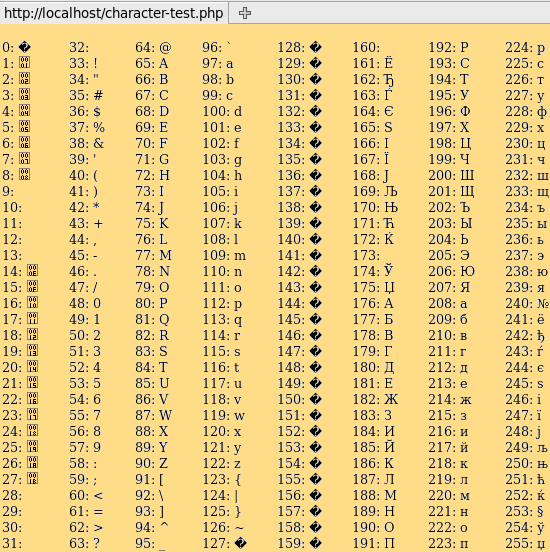

Stored as:
H e l l o \0
(\0 = null terminator)
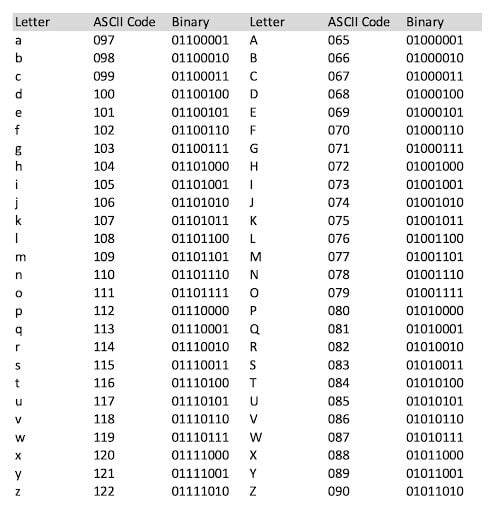
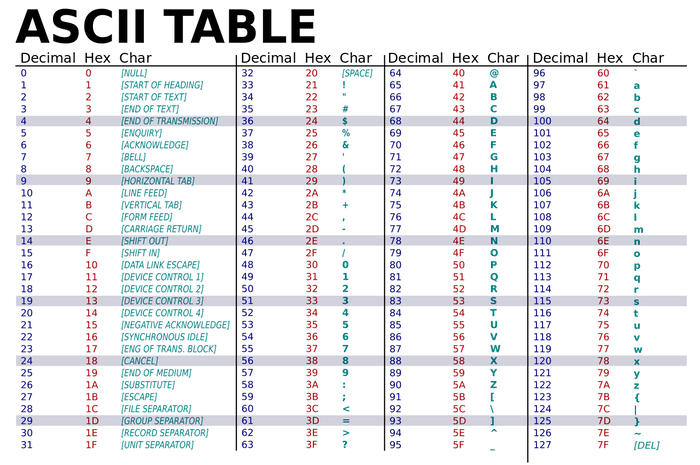
🔤 Character Encoding
🔹 ASCII

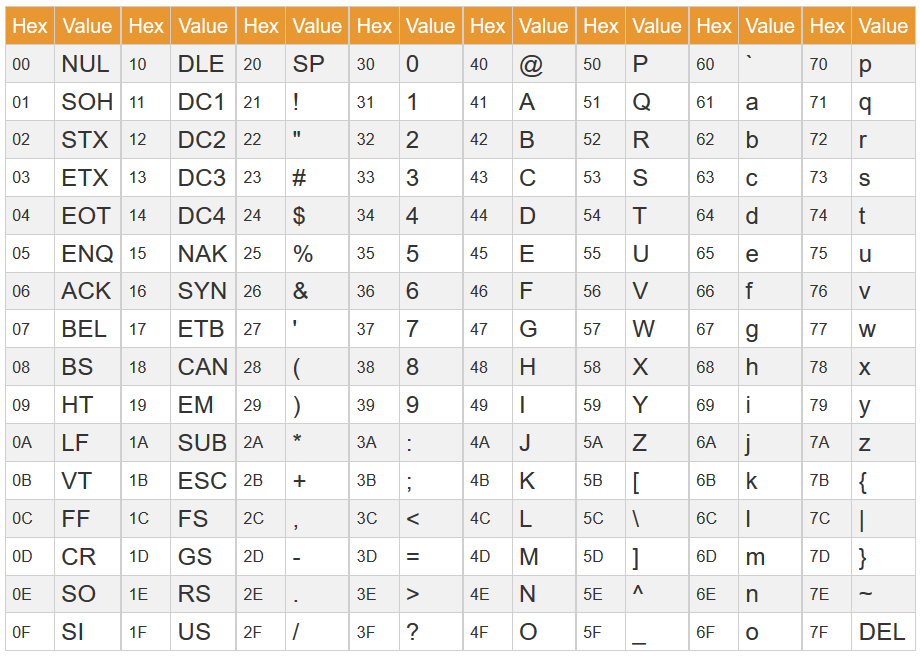

- 7/8-bit encoding
- Limited characters
🔹 Unicode

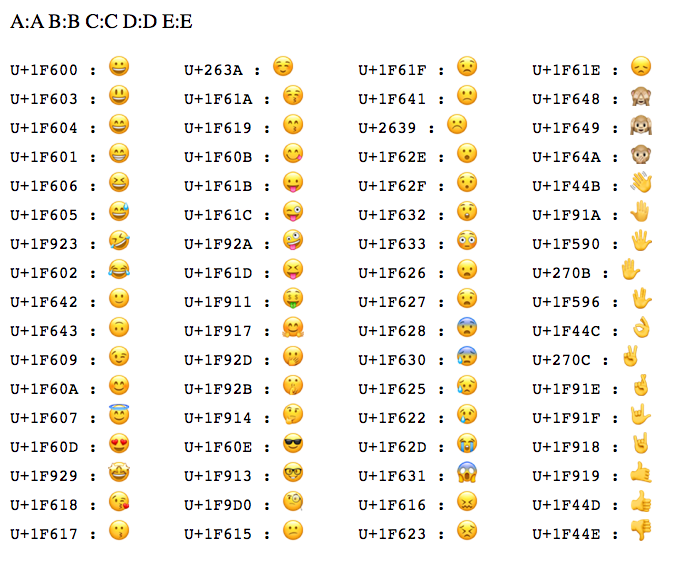


- Supports global languages
- UTF-8, UTF-16
⚙️ String Operations
🔹 Basic Operations
- Length
- Concatenation
- Comparison
- Substring
🔹 Advanced Operations
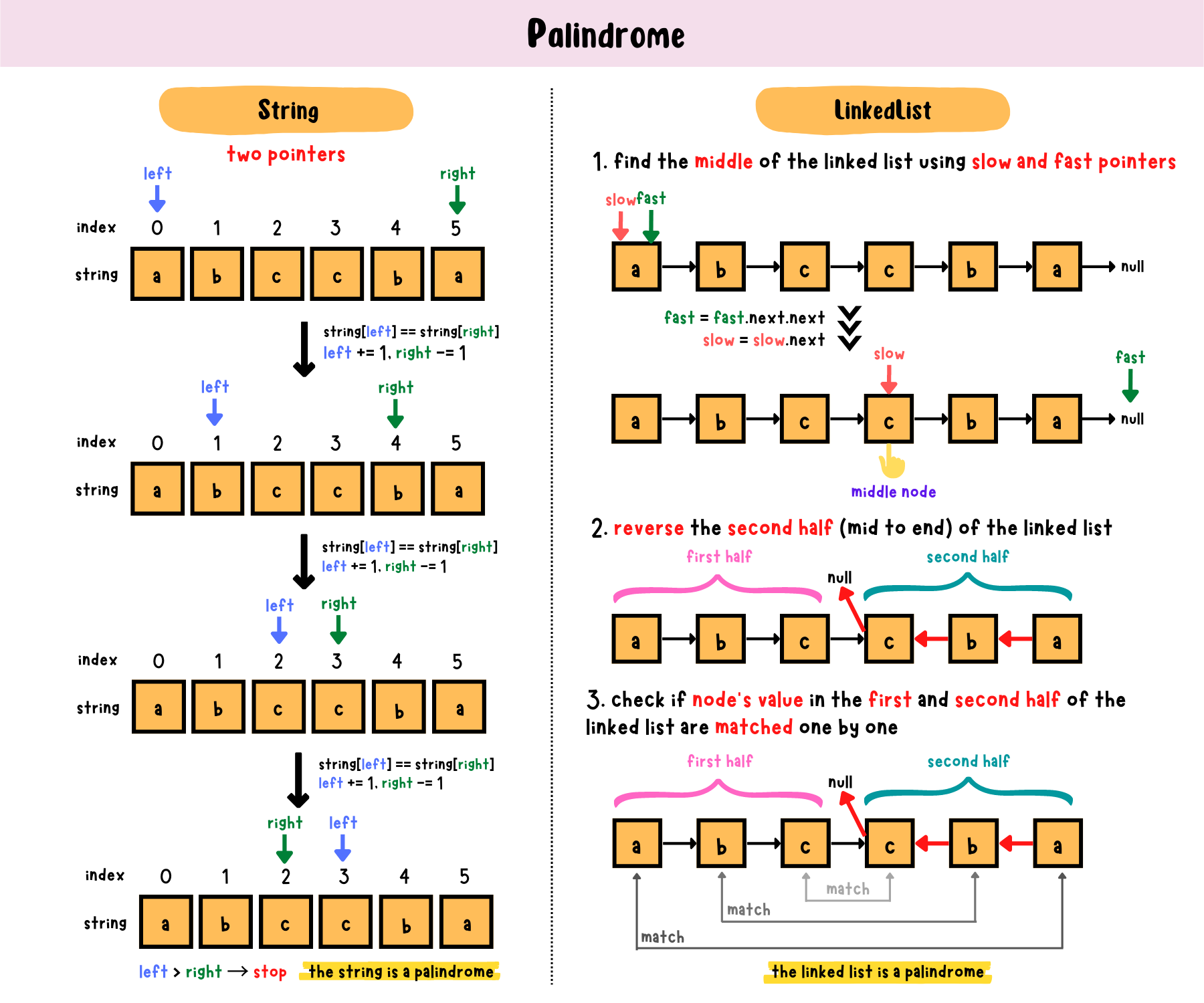
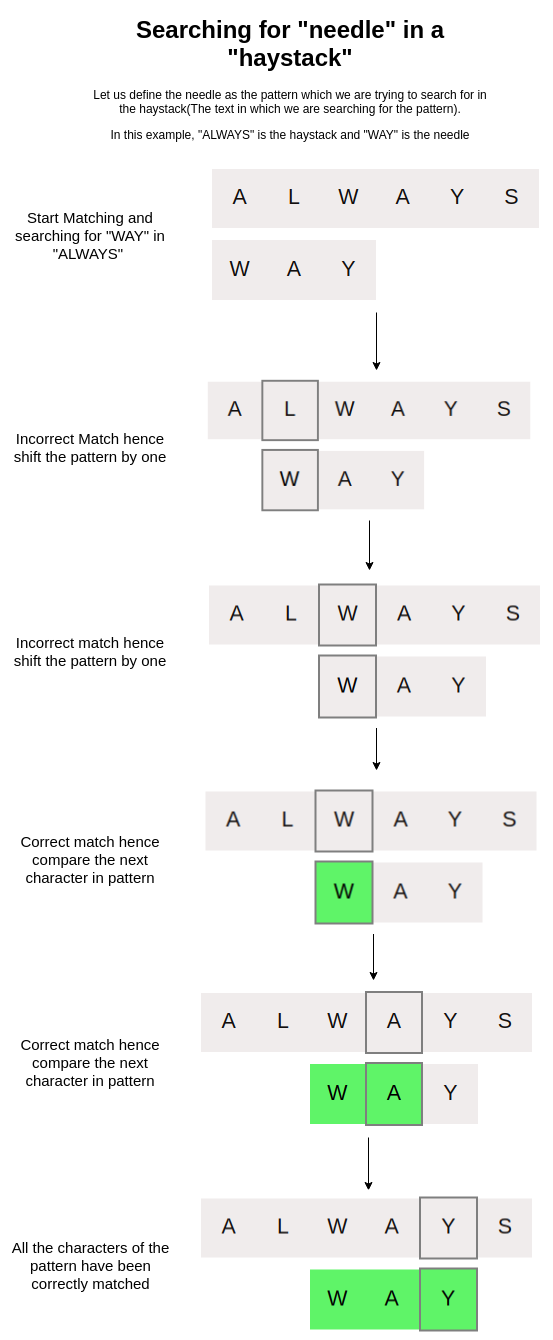
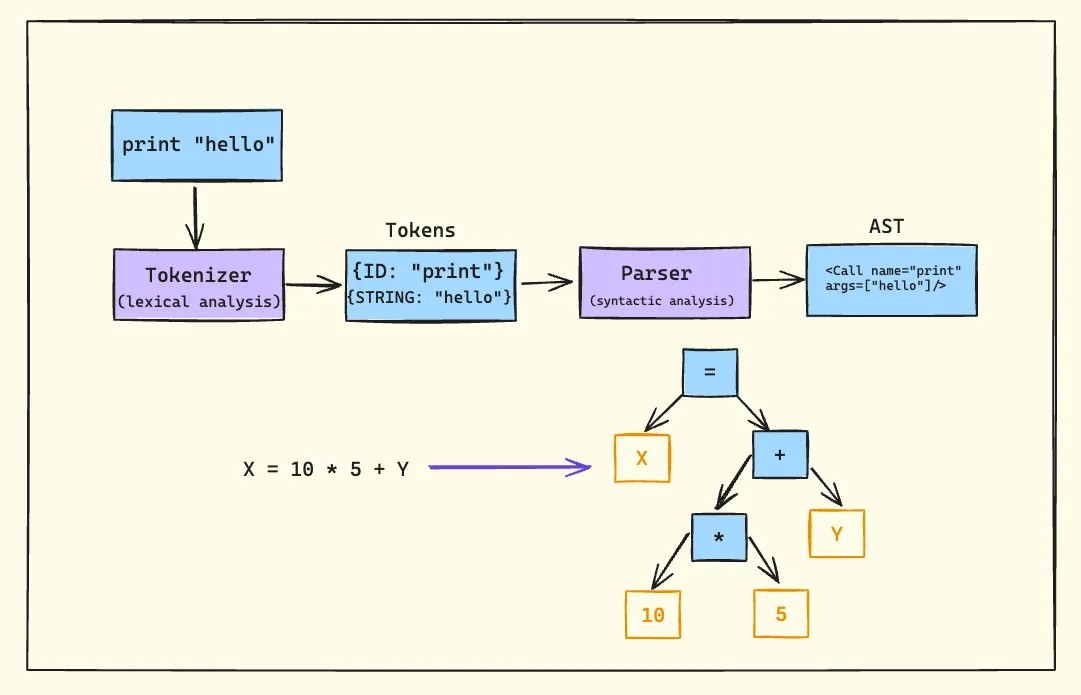

- Pattern matching
- Parsing
- Tokenization
🔍 String Searching Algorithms
🔹 Naive Algorithm
🔹 KMP Algorithm
🔹 Rabin-Karp Algorithm
🔄 Arrays vs Strings
⚖️ Comparison Table
| Feature | Array | String |
|---|---|---|
| Data Type | Any | Characters |
| Size | Fixed | Variable |
| Usage | General data | Text |
🧠 Memory Management
📦 Static vs Dynamic Arrays
- Static → Fixed size
- Dynamic → Resizable
Example:
- Python lists
- Java ArrayList
🧠 Dynamic Strings
- Strings can be mutable or immutable
⚙️ Multidimensional Strings
🧩 Examples:
- Array of strings
- String matrices
🧠 Applications of Arrays and Strings
💻 Programming
- Data storage
- Algorithms
🌐 Web Development
- Text processing
- Input handling
🤖 AI and Data Science
- Data representation
- NLP (Natural Language Processing)
🎮 Gaming
- Graphics arrays
- Text rendering
⚡ Advantages
Arrays:
- Fast access
- Structured storage
Strings:
- Easy text manipulation
- Human-readable
⚠️ Limitations
Arrays:
- Fixed size
- Less flexible
Strings:
- Memory overhead
- Slower operations
🚀 Advanced Topics
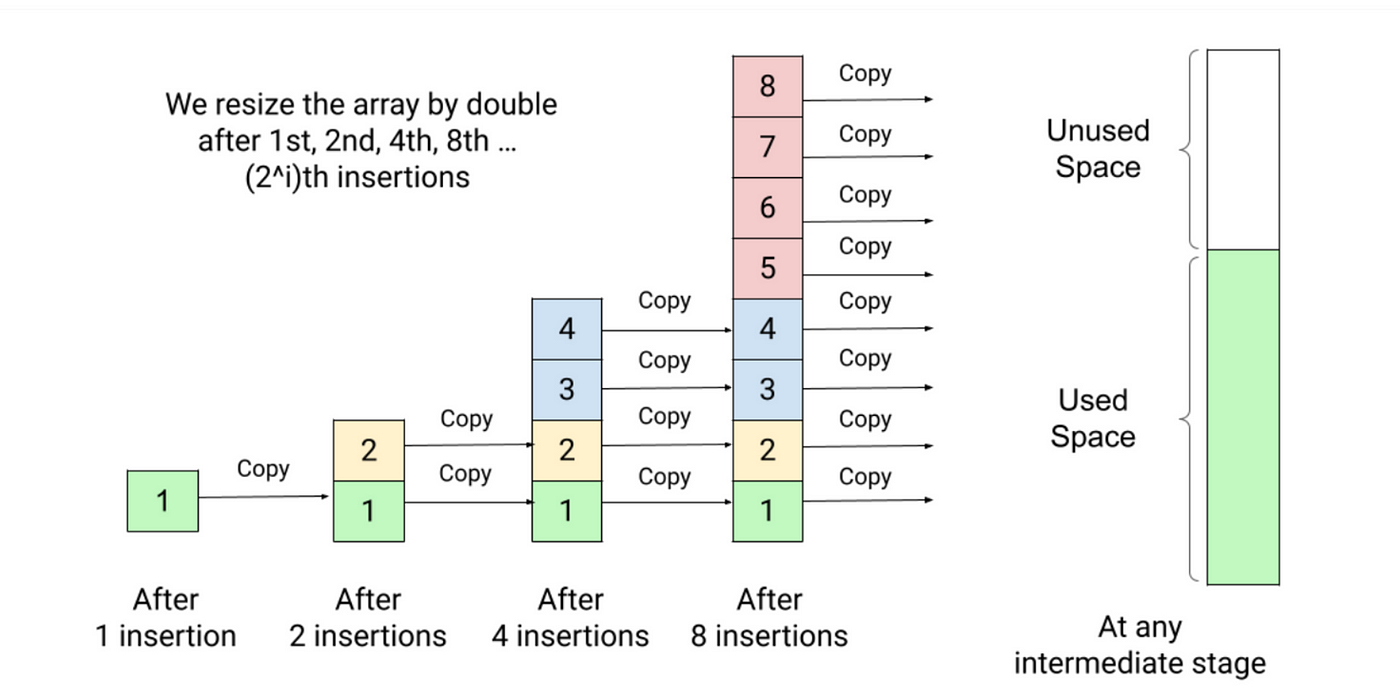


- Dynamic arrays
- String hashing
- Suffix arrays
- Advanced data structures
🧾 Conclusion
Arrays and strings are core data structures in computing. They:
- Store and organize data
- Enable efficient algorithms
- Form the basis of advanced programming
Understanding them is essential for:
- Coding interviews
- Software development
- Algorithm design